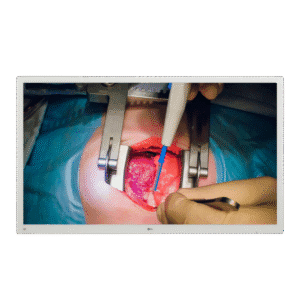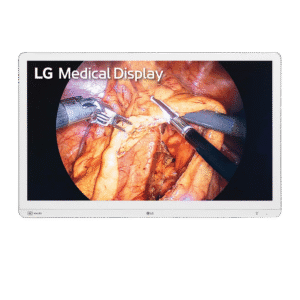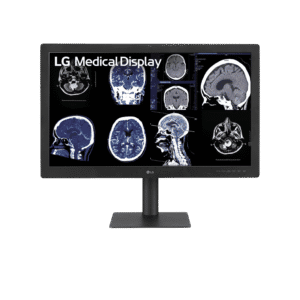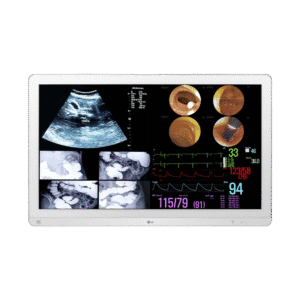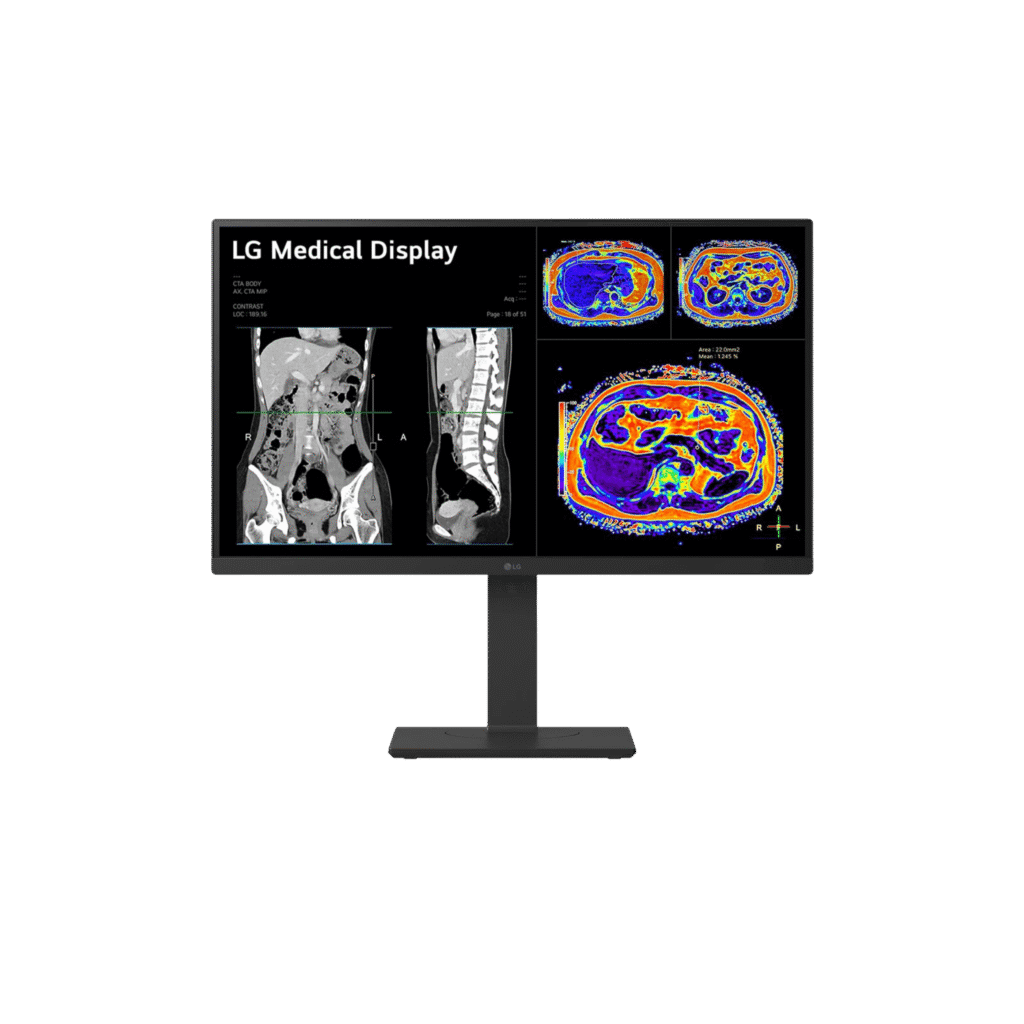
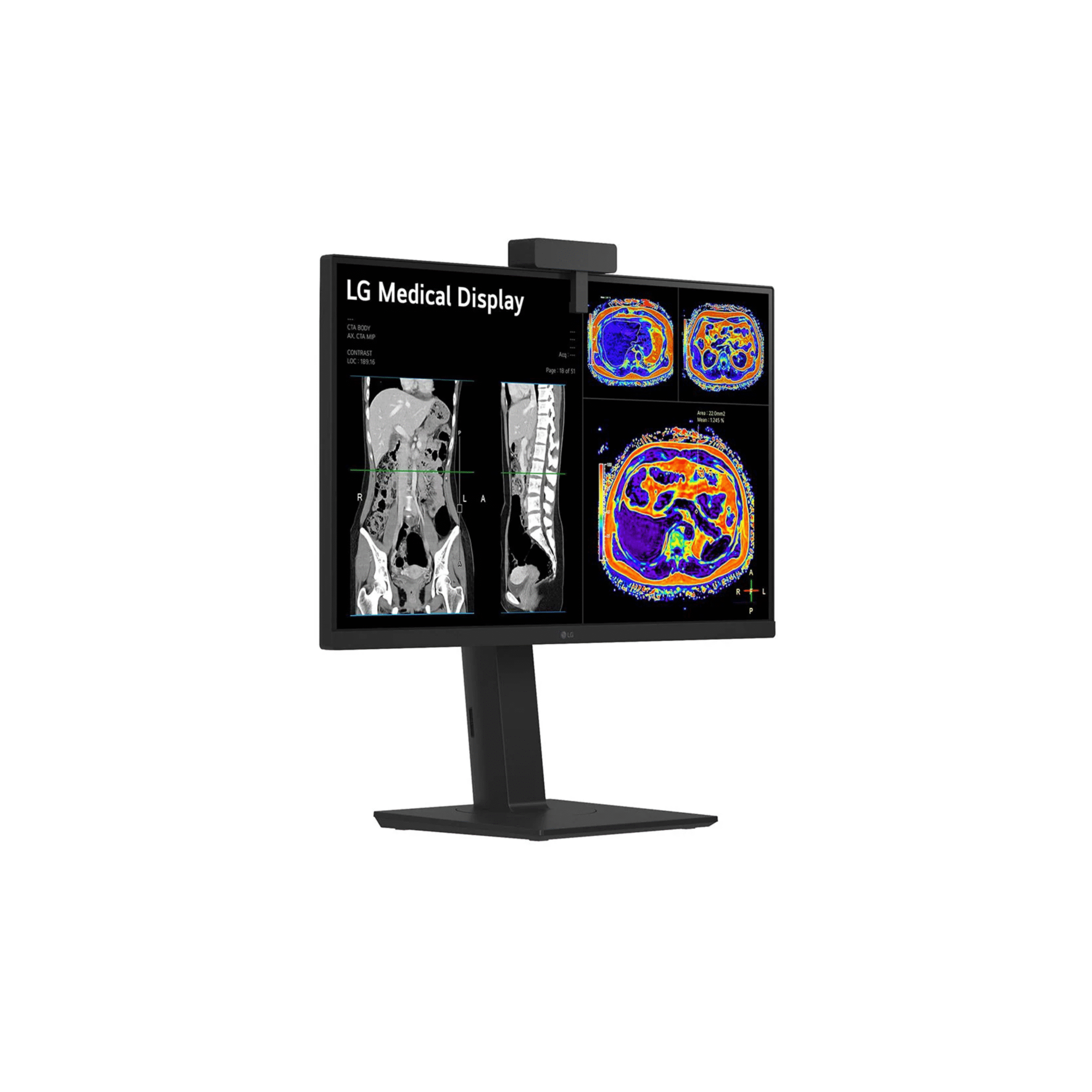
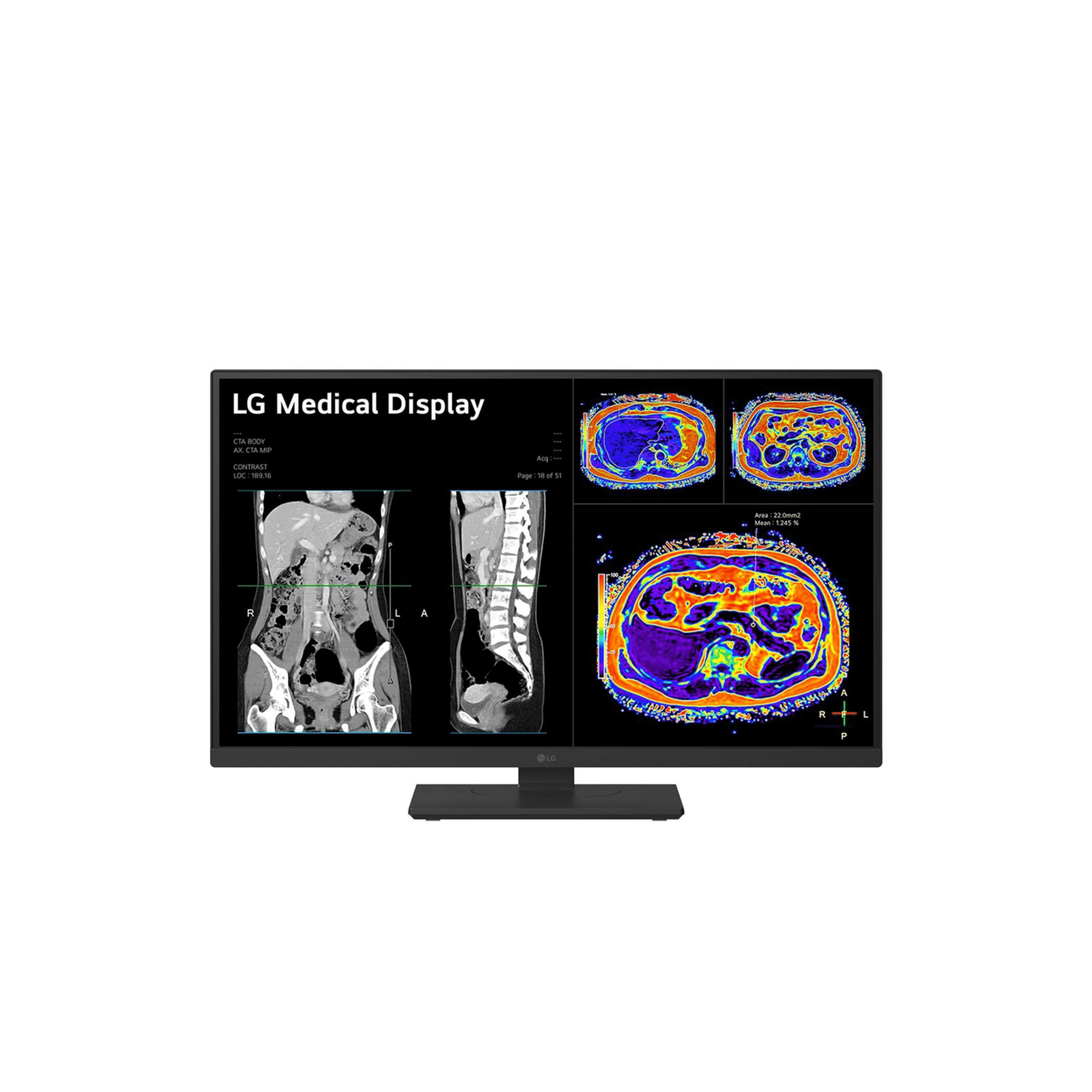
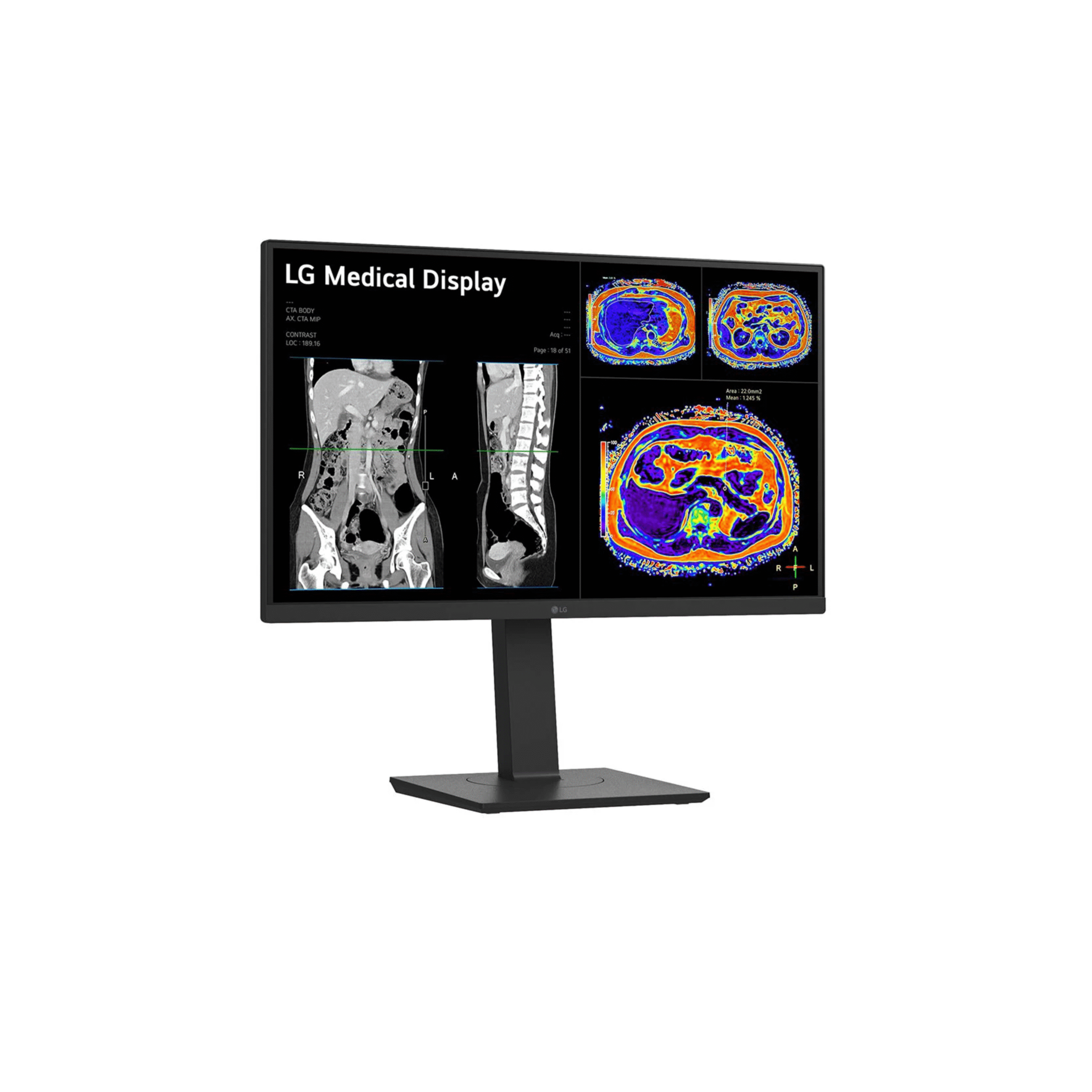
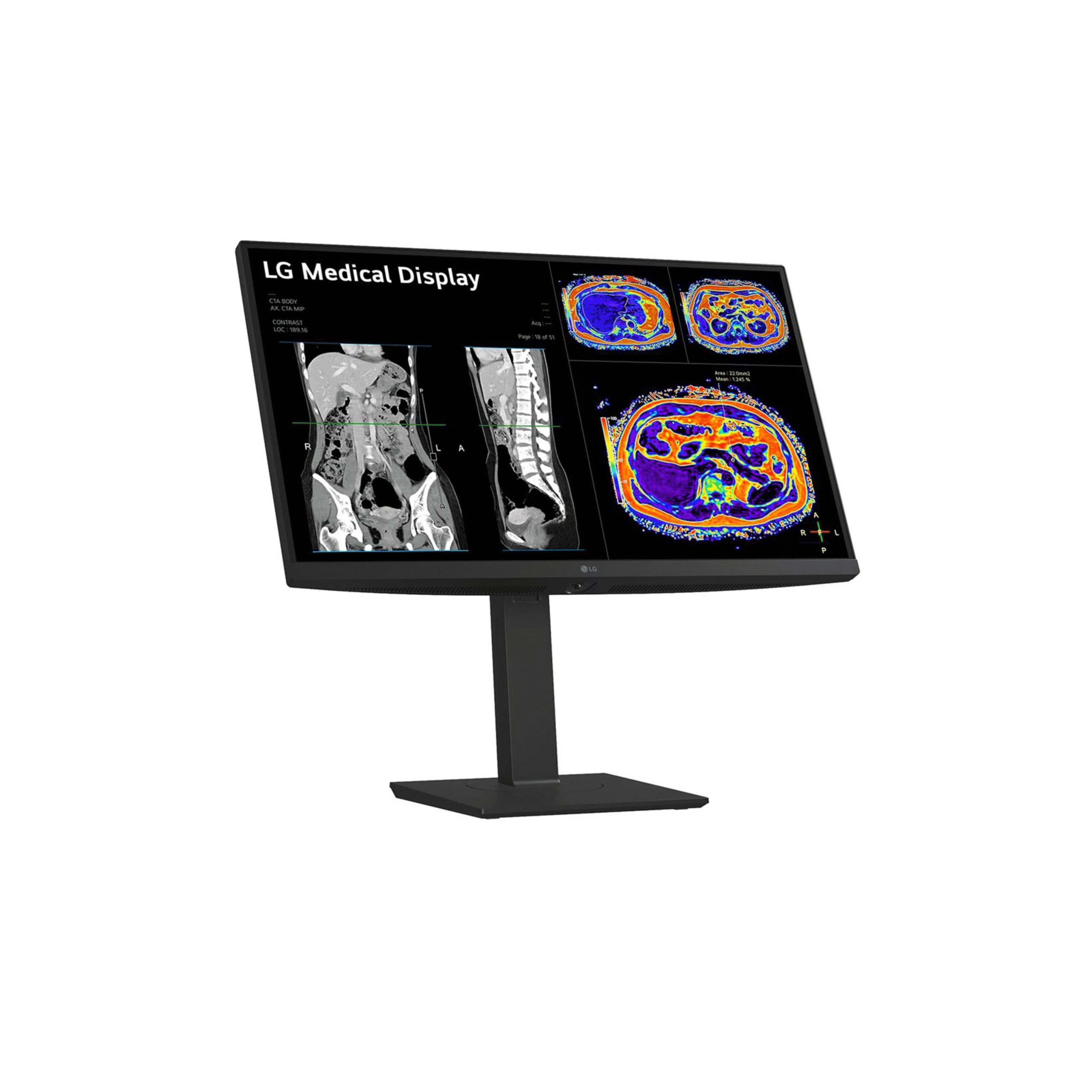
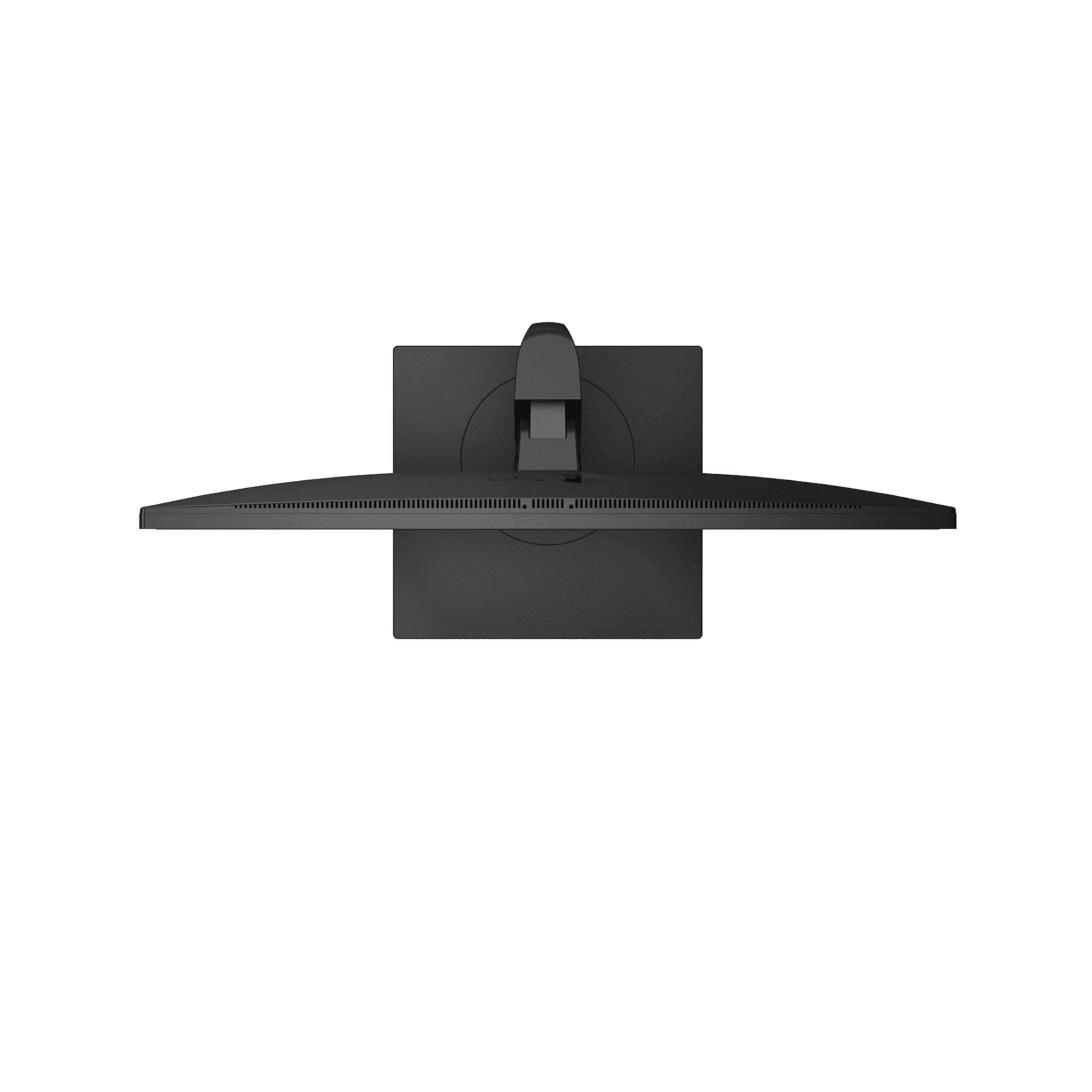
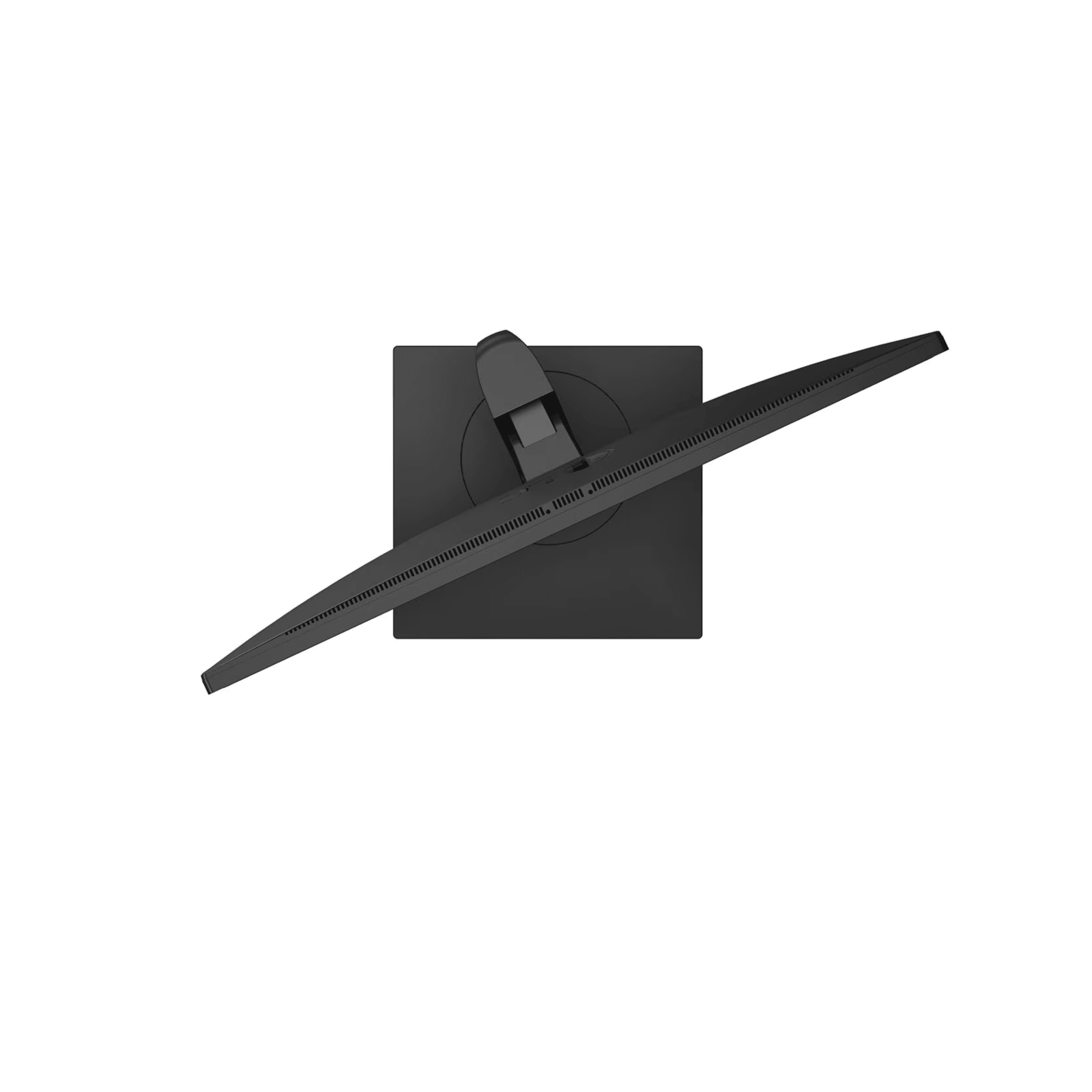
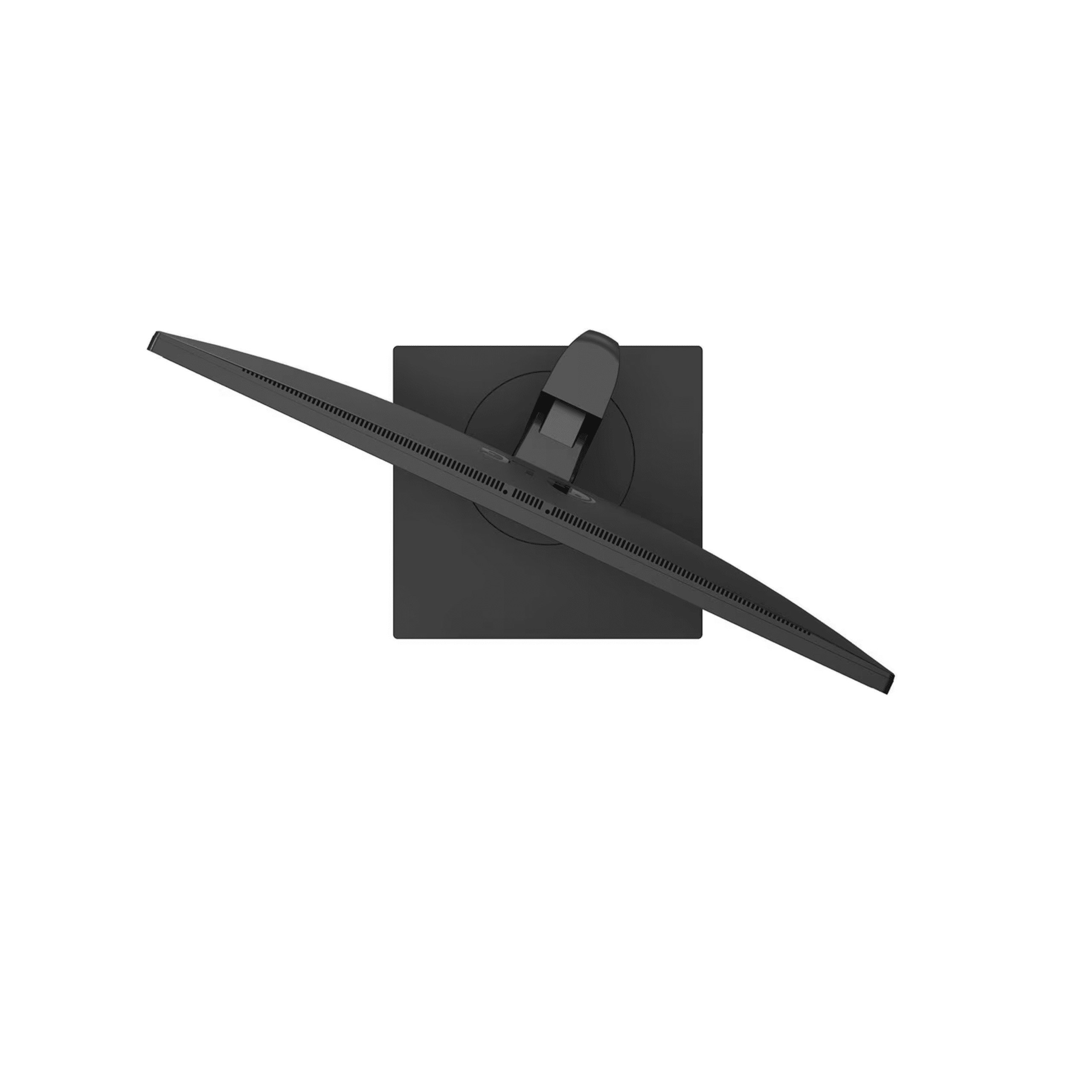
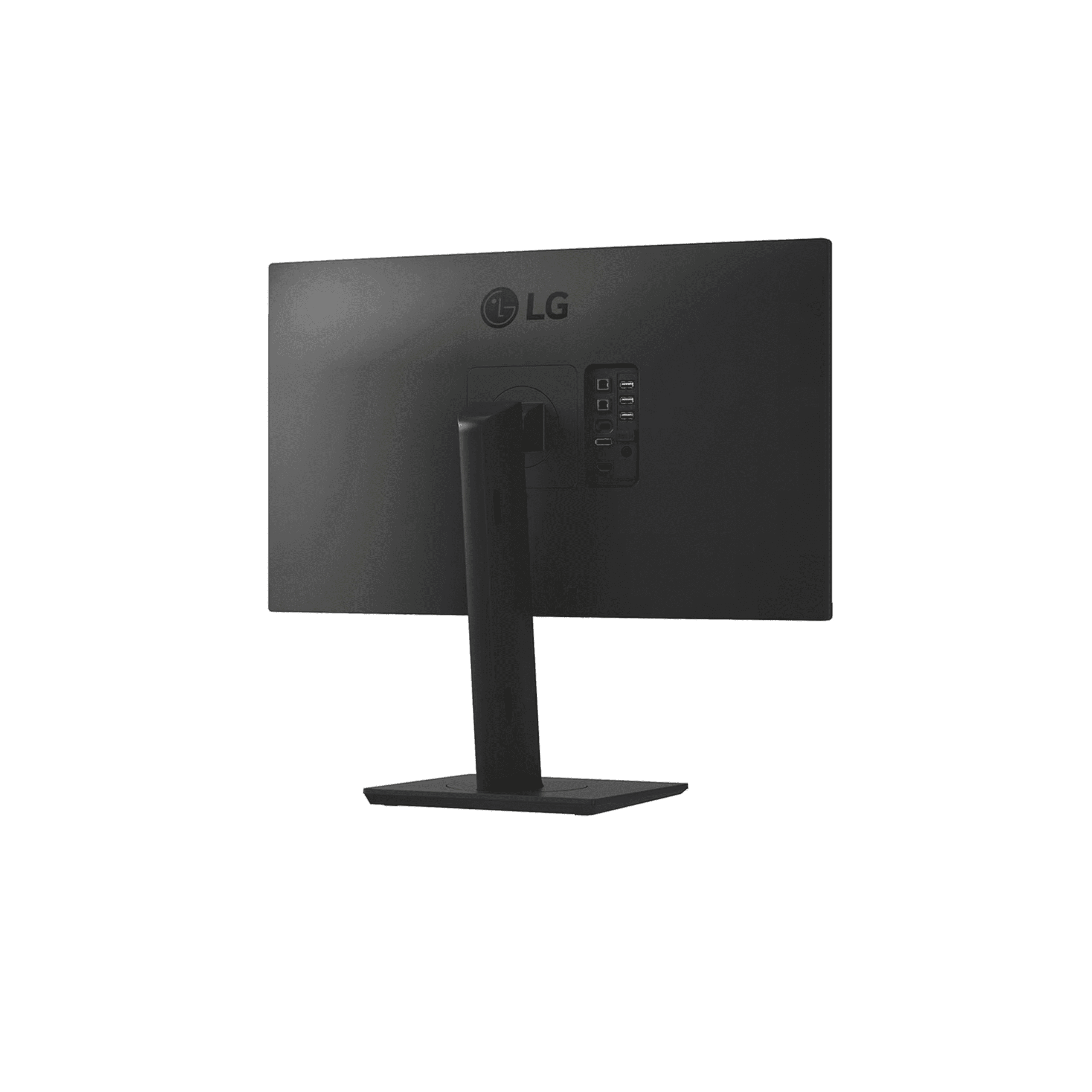
LG 27HS713C: 27" 8MP Clinical Review Monitor with KVM and Detachable Sensor
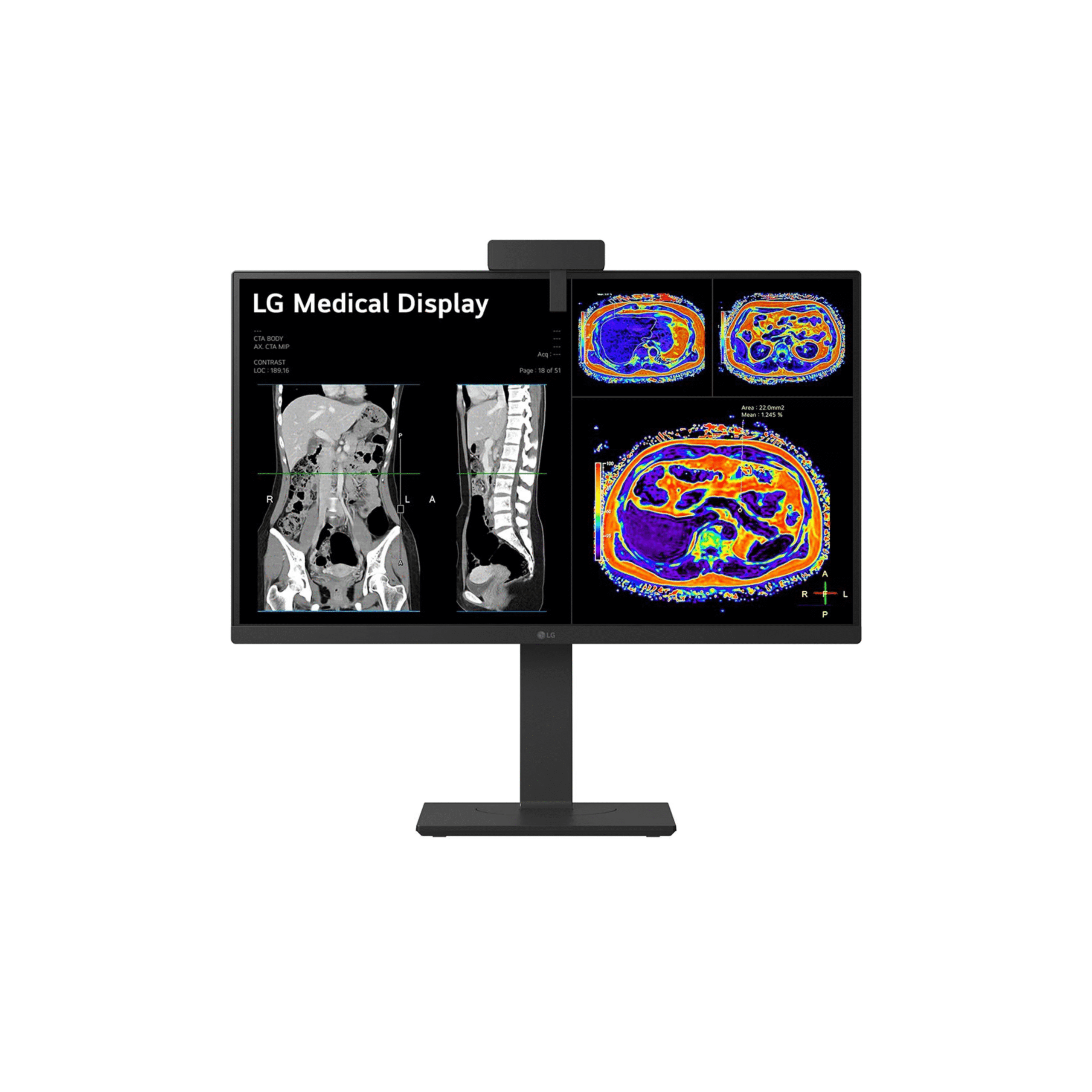
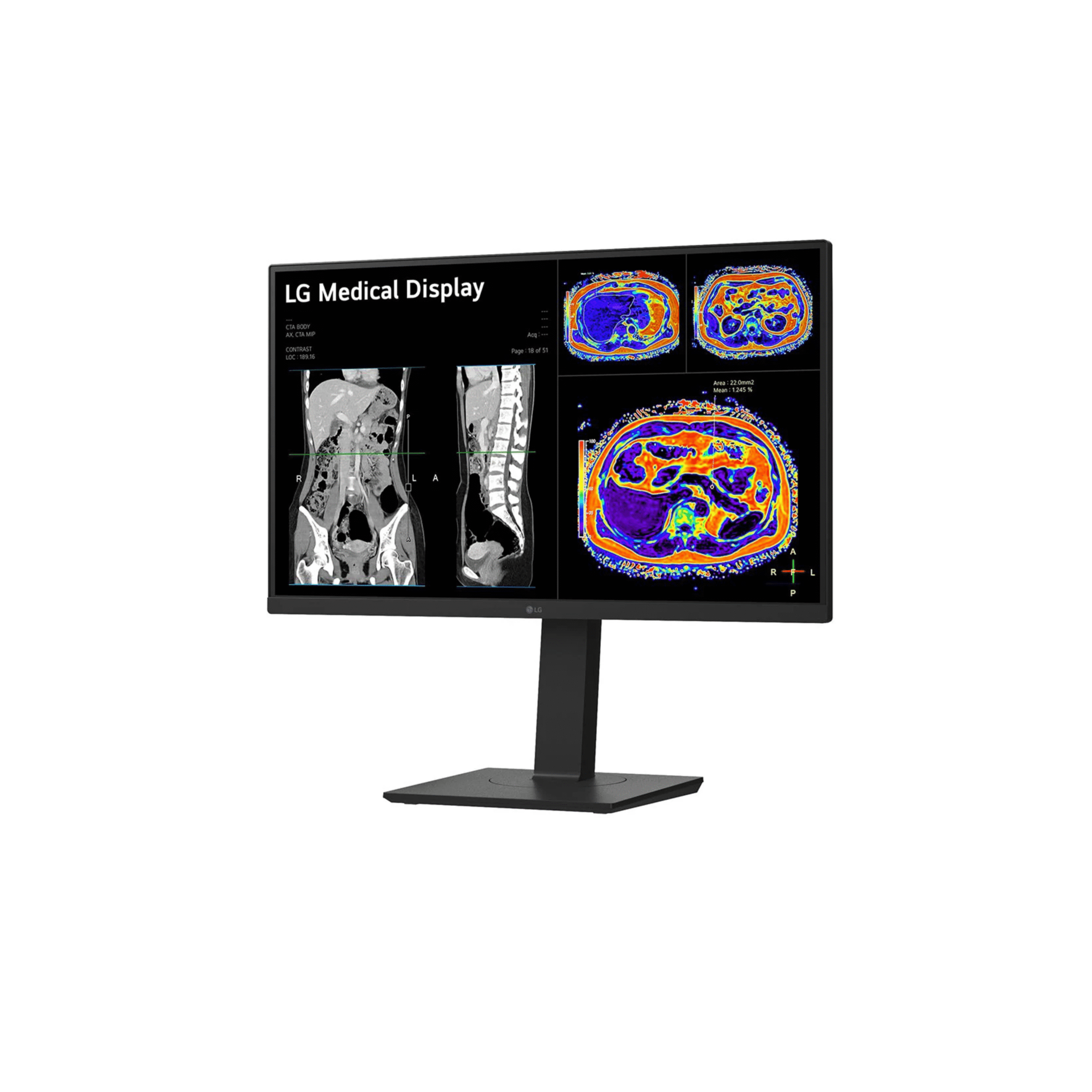
Authorized LG medical display supplier. The LG 27HS713C is a 27 inch 8 megapixel, 3840 by 2160, IPS clinical review monitor built around three workflow-defining capabilities. A detachable calibration sensor auto-lowers for on-demand DICOM Part 14 calibration with no external equipment, a built-in KVM switch and Dual Controller manage two clinical workstations from a single monitor and input device, and a USB-C input with DisplayPort Alt Mode provides single-cable 4K connectivity from modern laptops and workstations. It is designed for secondary clinical review, multimodality imaging workstations, and multidisciplinary team environments, and it is intended for review of medical images and patient data, not for primary diagnostic use.
The core specifications are a 27 inch IPS panel at 3840 by 2160, 450 cd/m² brightness with a DICOM stabilized 250 cd/m², a 1200 to 1 contrast ratio, and DICOM Part 14 hardware calibration that is stored in the monitor and does not depend on the workstation graphics card. A USB-C input with DisplayPort Alt Mode joins DisplayPort and HDMI inputs, and a USB 2.0 hub provides two upstream ports for the KVM and three downstream ports, one of which is dedicated to the calibration sensor. Focus View, Super Resolution Plus, Reader Mode, Flicker Safe, and an Auto Pivot stand round out the feature set, and the monitor is compatible with LG Calibration Studio Medical for centralized DICOM quality assurance. Weight with stand is 6.62 kilograms.
Need pricing? Get a quote with lead times and volume discounts within one business day.
Detachable Calibration Sensor, KVM Control, and USB-C Workflow
Three capabilities define the 27HS713C in the clinical review monitor category. The detachable calibration sensor removes the need for an external photometer in routine DICOM quality assurance, the built-in KVM switch and Dual Controller consolidate two-workstation setups into a single monitor and input device, and USB-C with DisplayPort Alt Mode cuts the cable count for modern connections to one. Full technical detail is in the expandable sections below.
Panel: 27 inch IPS, 3840 by 2160 8 megapixel, 16:9
Brightness: 450 cd/m² typical, DICOM stabilized at 250 cd/m²
Contrast Ratio: 1200:1
Viewing Angle: 178° horizontal and 178° vertical
Response Time: 5 ms gray to gray at faster
Surface Treatment: anti-glare
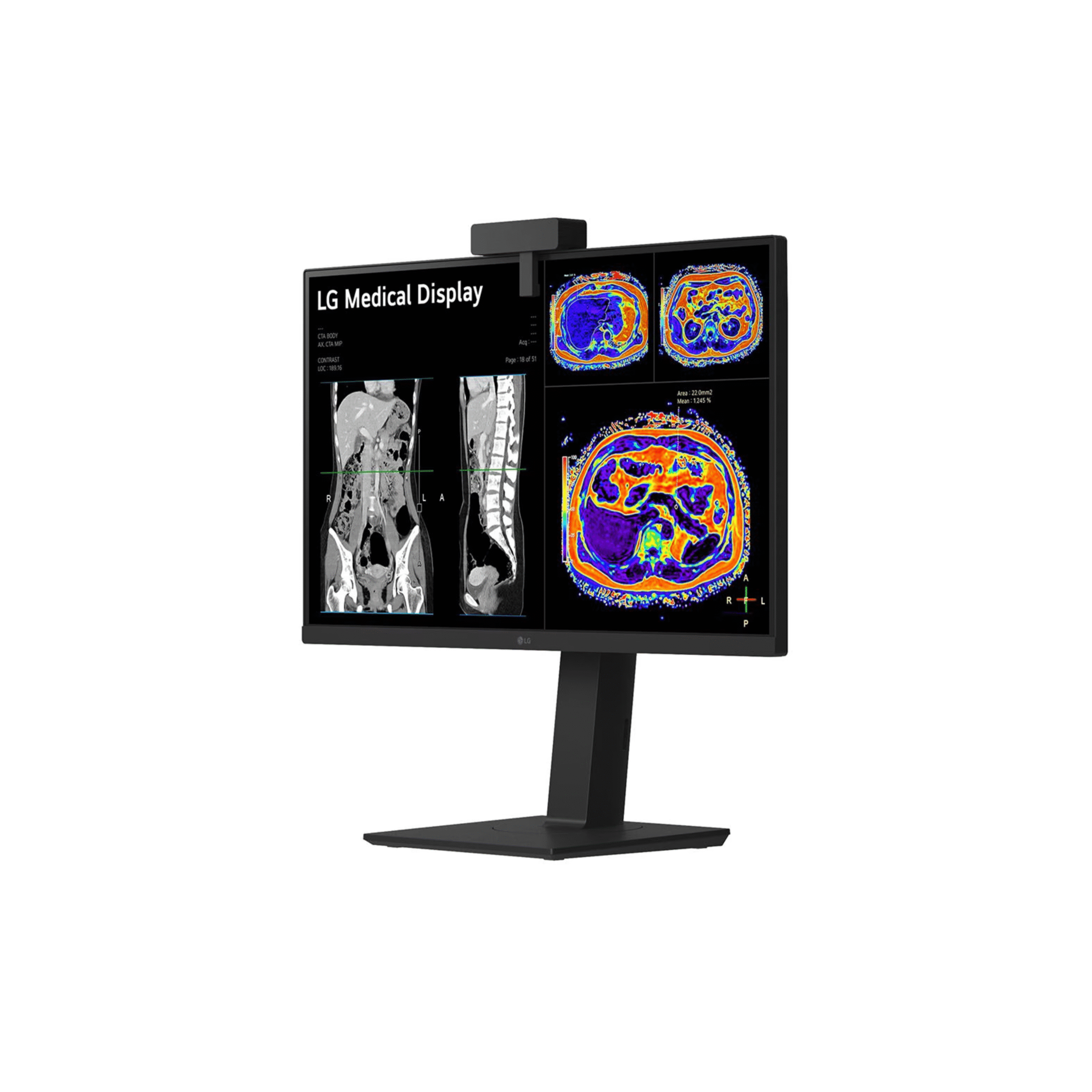
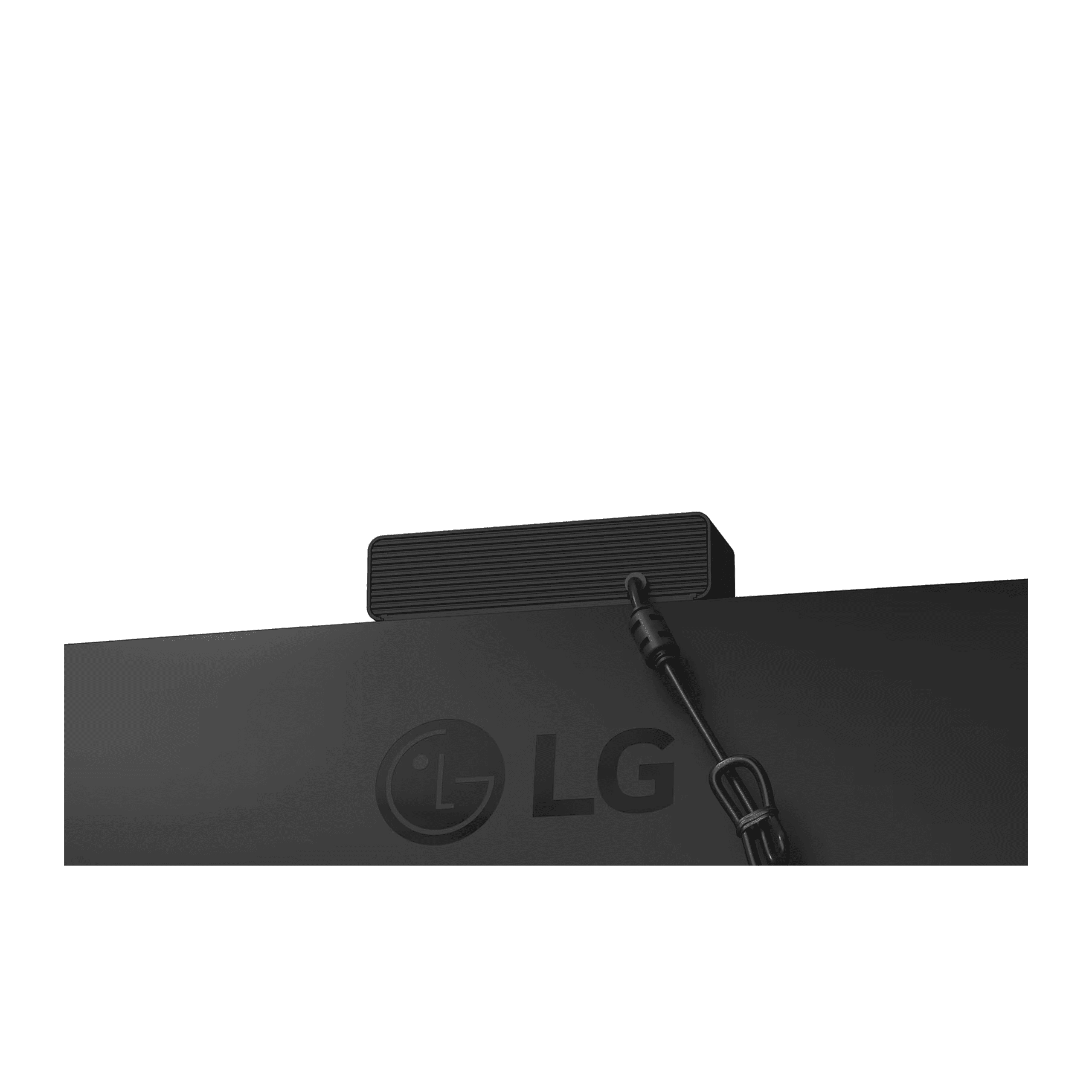
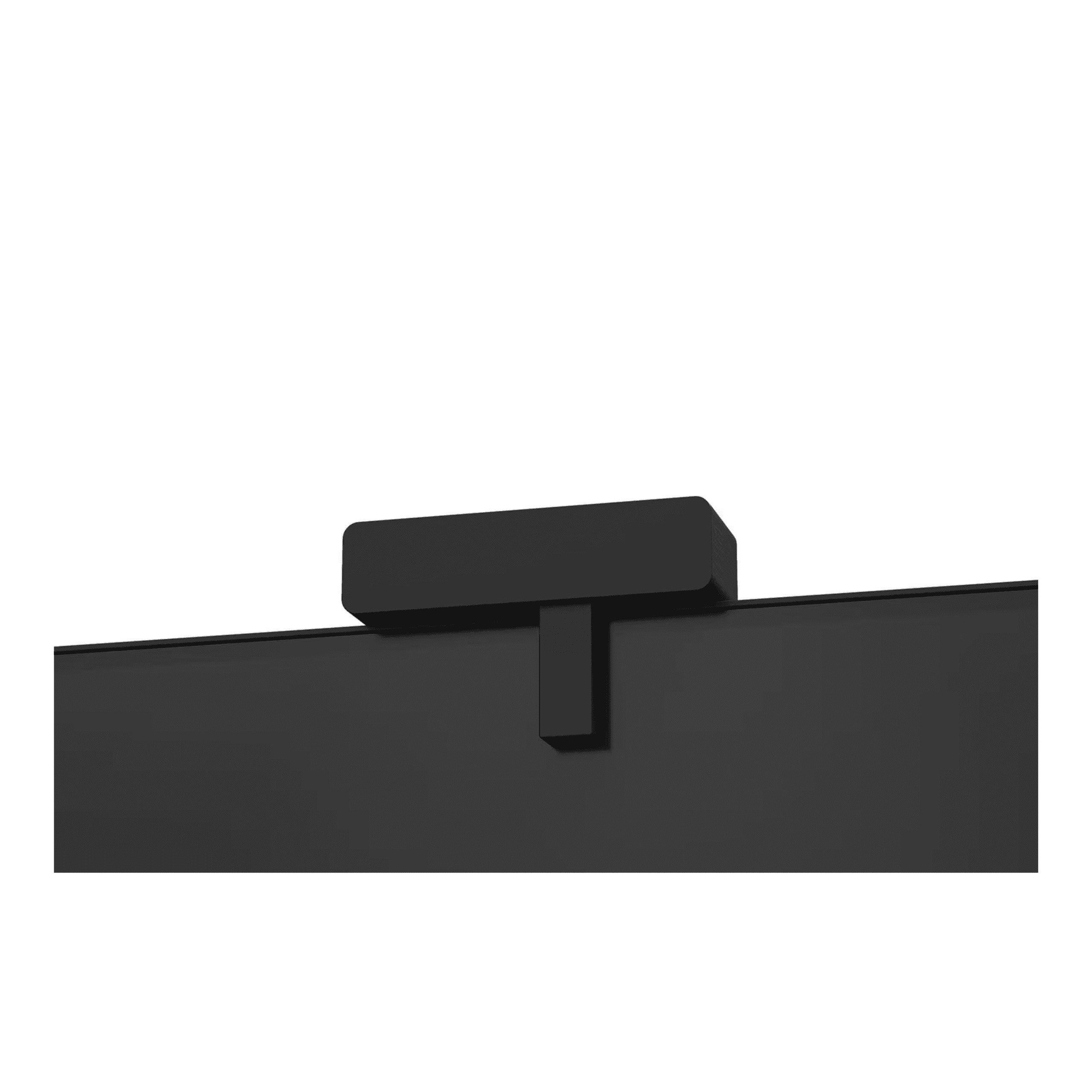
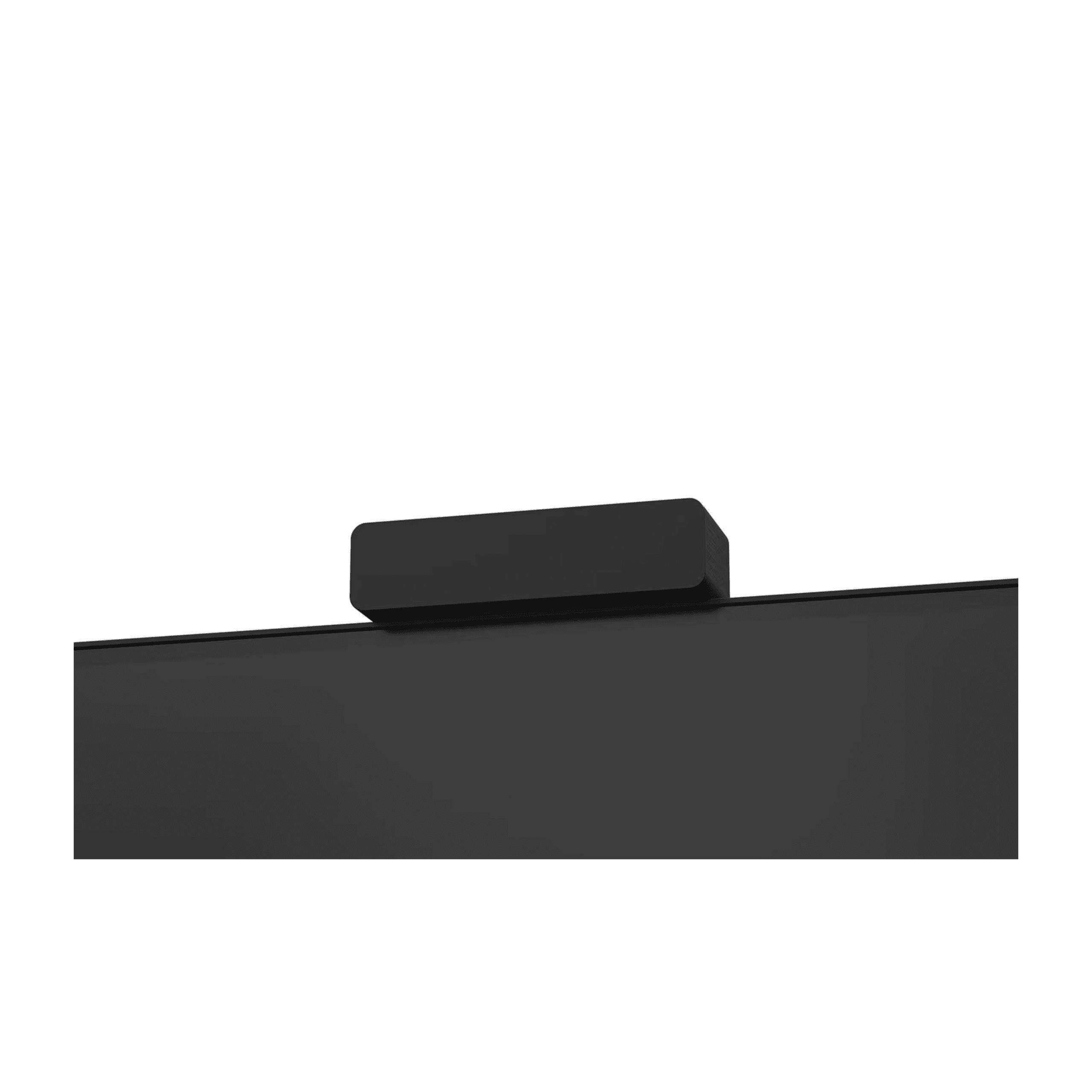
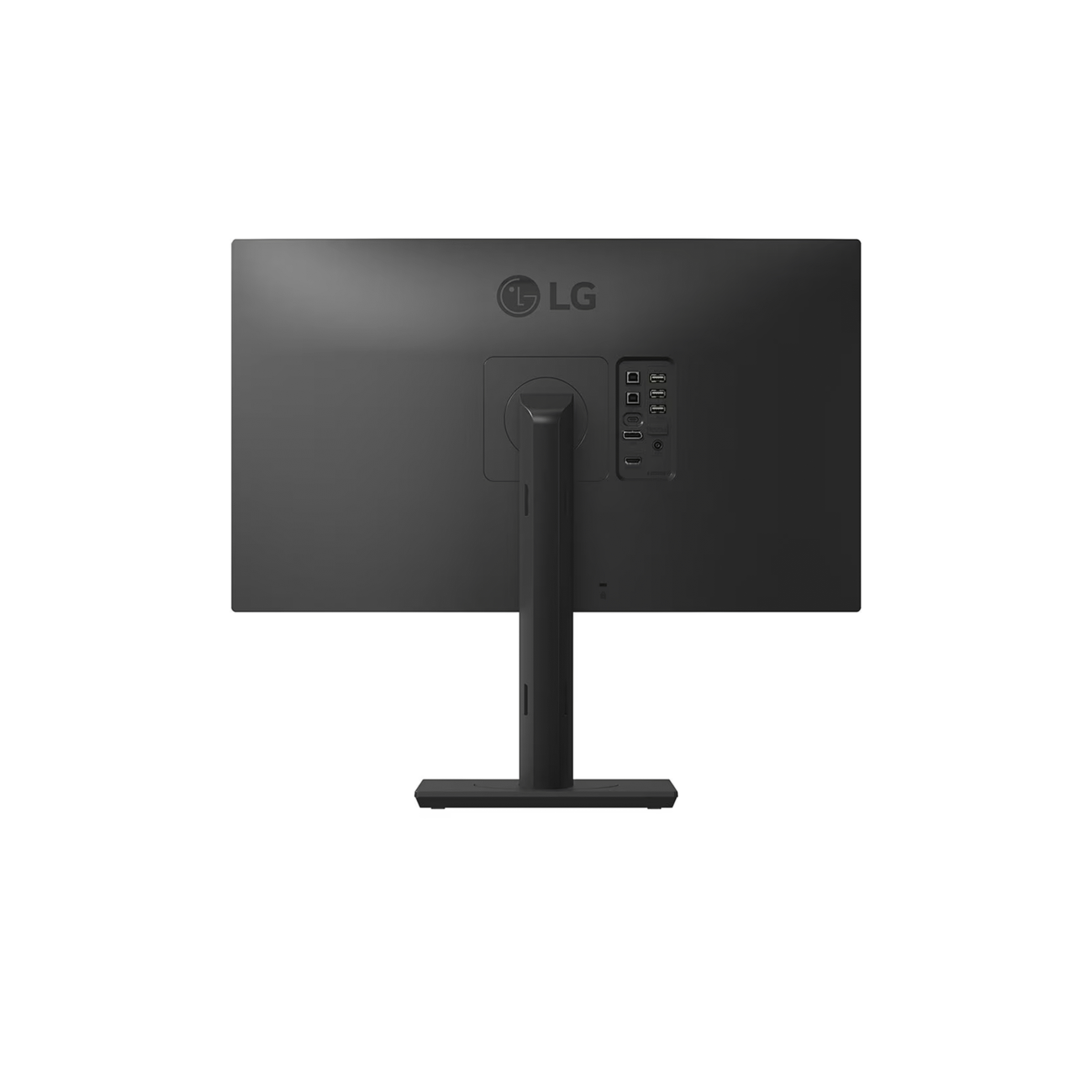
Detachable Calibration Sensor: attaches magnetically to the bottom bezel and auto-lowers to measure luminance and grayscale on screen, with no external photometer required
Hardware Calibration: DICOM Part 14 calibration stored in the monitor, independent of the workstation graphics card and operating system
Focus View: dims the area around a region of interest without changing the window and level settings
Picture Modes: Custom, Mono, Text, DICOM, DICOM Custom, Calibration 1, and Calibration 2
Built-in KVM Switch: a hardware KVM shares the keyboard, mouse, and monitor between two connected PCs through two upstream USB ports, switching the input and the USB connection together
Dual Controller: a software extended desktop lets you move the cursor between two active PCs and drag files or copy patient data between PACS and EMR workstations without switching the video input
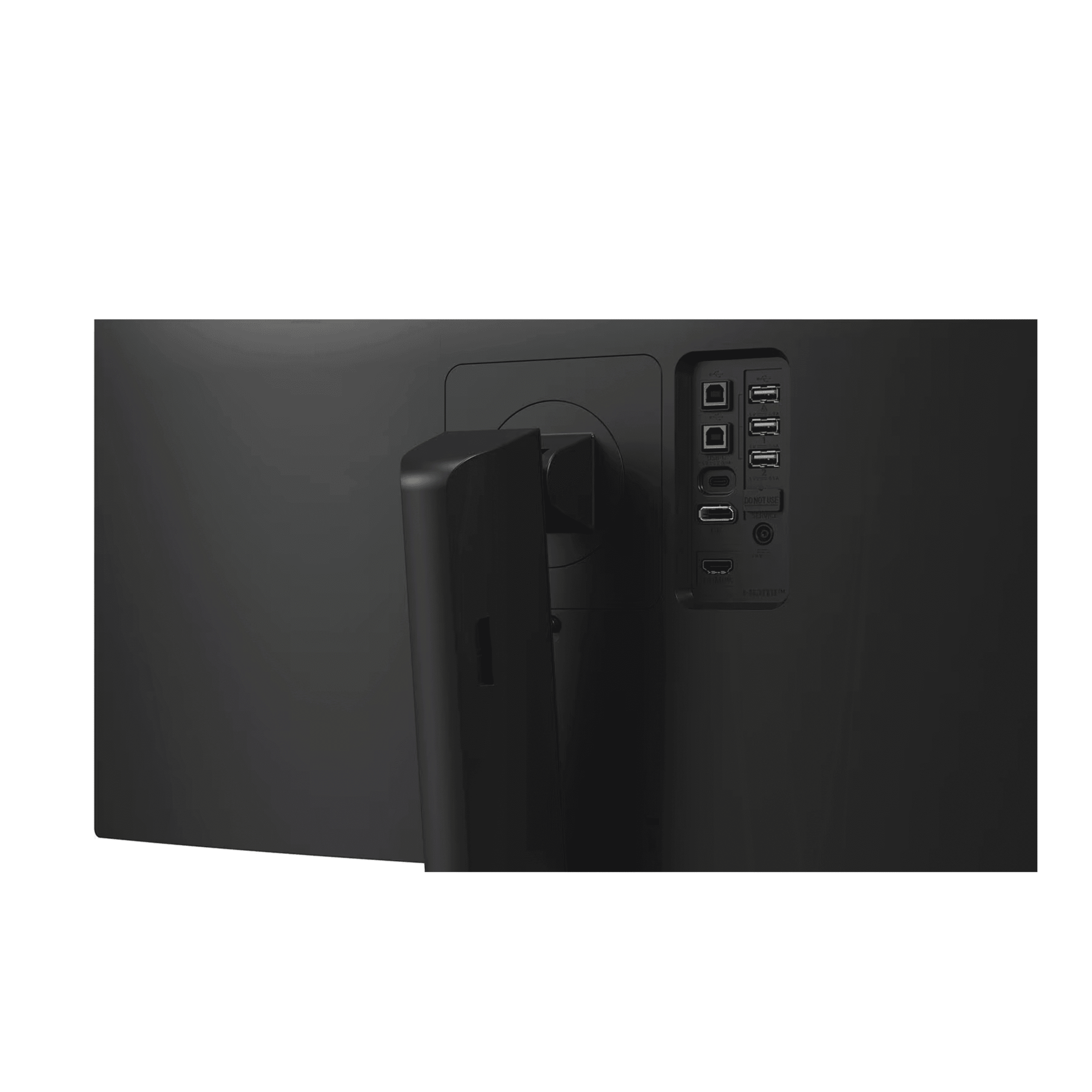
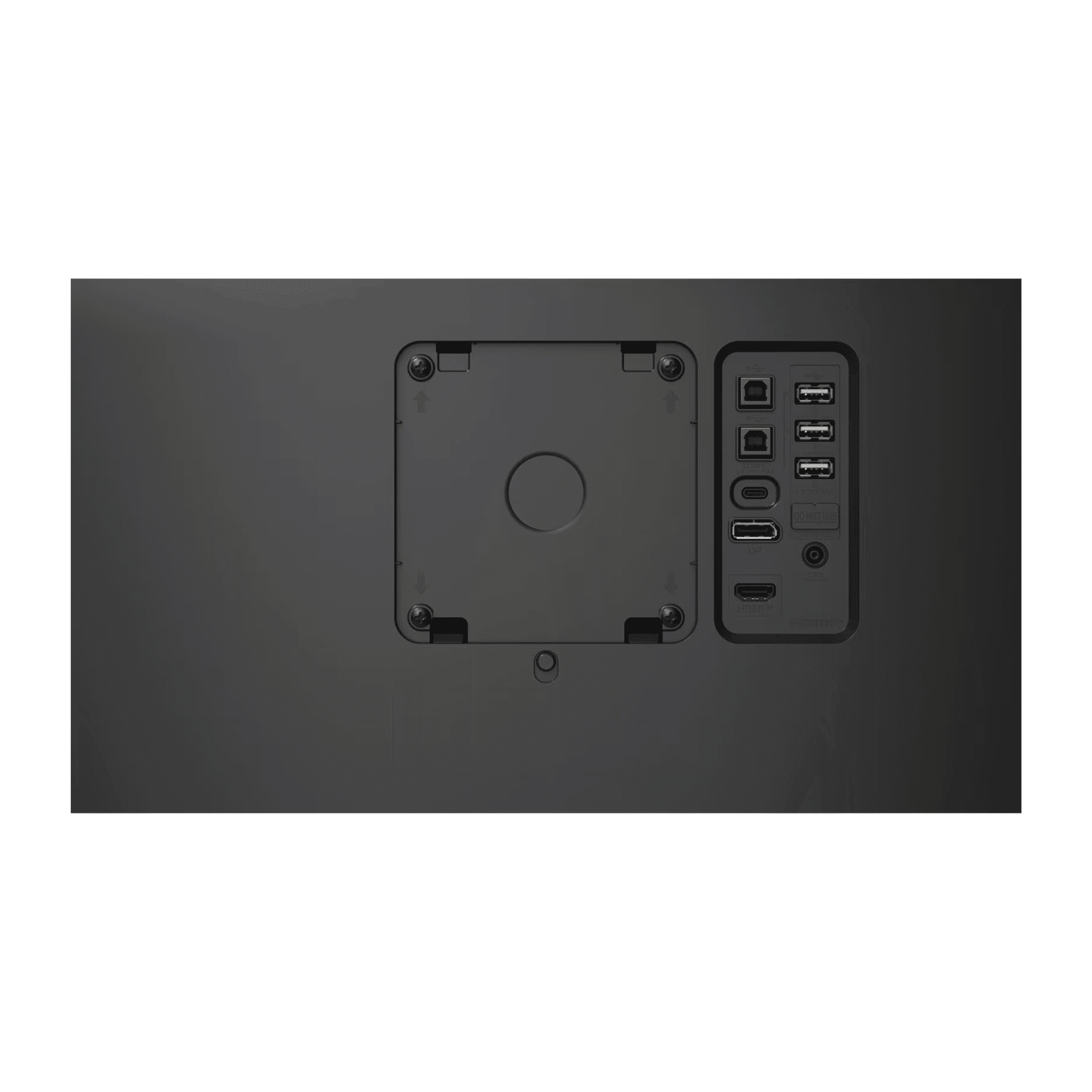
Inputs: DisplayPort, HDMI, and USB-C
USB-C: DisplayPort Alt Mode for single-cable 4K, 8 megapixel video
USB 2.0 Hub: two upstream ports for the KVM and three downstream ports, one dedicated to the calibration sensor
Ergonomics: height 150 millimeters, tilt negative 5 to positive 25 degrees, swivel plus or minus 45 degrees, bi-directional pivot, and Auto Pivot, with VESA 100 by 100 millimeters and a 3 year limited warranty
How the 27HS713C compares against a standard 4K clinical monitor:
The 27HS713C targets clinical review environments where PACS, EMR, reporting software, and reference tools are used at the same time. The KVM and Dual Controller remove the second monitor from the clinical desk while keeping access to two workstations, and the detachable calibration sensor removes the DICOM quality assurance dependency on an external calibration device. These features directly reduce the hardware cost and the workflow friction of multi-system clinical review setups in radiology reading rooms, oncology workstations, and cardiology review suites.
Full Technical Specifications
Complete reference data for clinical IT procurement, biomedical engineering review, and facilities planning. This is the specification set used to evaluate a clinical review monitor and plan a DICOM quality assurance program. Expand each category for full detail.
| Resolution | 8 megapixel, 3,840 × 2,160 |
| Panel Type | IPS |
| Screen Size | 27 inch, 16:9 |
| Brightness, typical | 450 cd/m², DICOM stabilized at 250 cd/m² |
| Contrast Ratio | 1200:1 |
| Viewing Angle | 178° horizontal and 178° vertical |
| Response Time | 5 ms gray to gray at faster |
| Surface Treatment | Anti-glare |
| DICOM | Part 14 compliant, hardware calibration |
| Calibration | Detachable sensor, hardware calibration, brightness stabilization |
| Weight, with stand | 6.62 kg, which is 14.6 lbs, with calibrator |
| Weight, without stand | 3.8 kg, which is 8.4 lbs, with calibrator |
| Height Adjustment | 150 mm |
| Tilt | Negative 5 to positive 25 degrees |
| Swivel | Plus or minus 45 degrees |
| Pivot | Bi-directional, with Auto Pivot |
| VESA Wall Mount | 100 × 100 mm |
| Warranty | 3 year limited warranty |
| Input Terminals | DisplayPort × 1, HDMI × 1, USB-C × 1 |
| Output Terminals | Not applicable |
| USB-C | DisplayPort Alt Mode for single-cable 4K, 8 megapixel video |
| USB 2.0 Upstream | 2, for the KVM, one per connected PC |
| USB 2.0 Downstream | 3, one dedicated to the calibration sensor |
| KVM Switch | Built-in hardware KVM, controls two PCs |
| AC Input | 100 to 240 V AC, 50/60 Hz |
| Power Consumption, maximum | 65 W |
| Power Consumption, DC off | Less than 0.3 W |
| Picture Modes | Custom, Mono, Text, DICOM, DICOM Custom, Calibration 1, Calibration 2 |
| Focus View | Yes, highlights a region of interest and dims the surroundings |
| Super Resolution Plus | Yes |
| Reader Mode | Yes |
| Flicker Safe | Yes |
| Dual Controller | Yes, software extended desktop across two PCs |
| Calibration Software | LG Calibration Studio Medical, centralized DICOM QA |
Clinical Applications
Deployed across secondary clinical review, multimodality imaging workstations, and multidisciplinary team environments where DICOM calibrated 8 megapixel resolution, KVM dual-workstation control, and USB-C single-cable connectivity streamline daily clinical review.
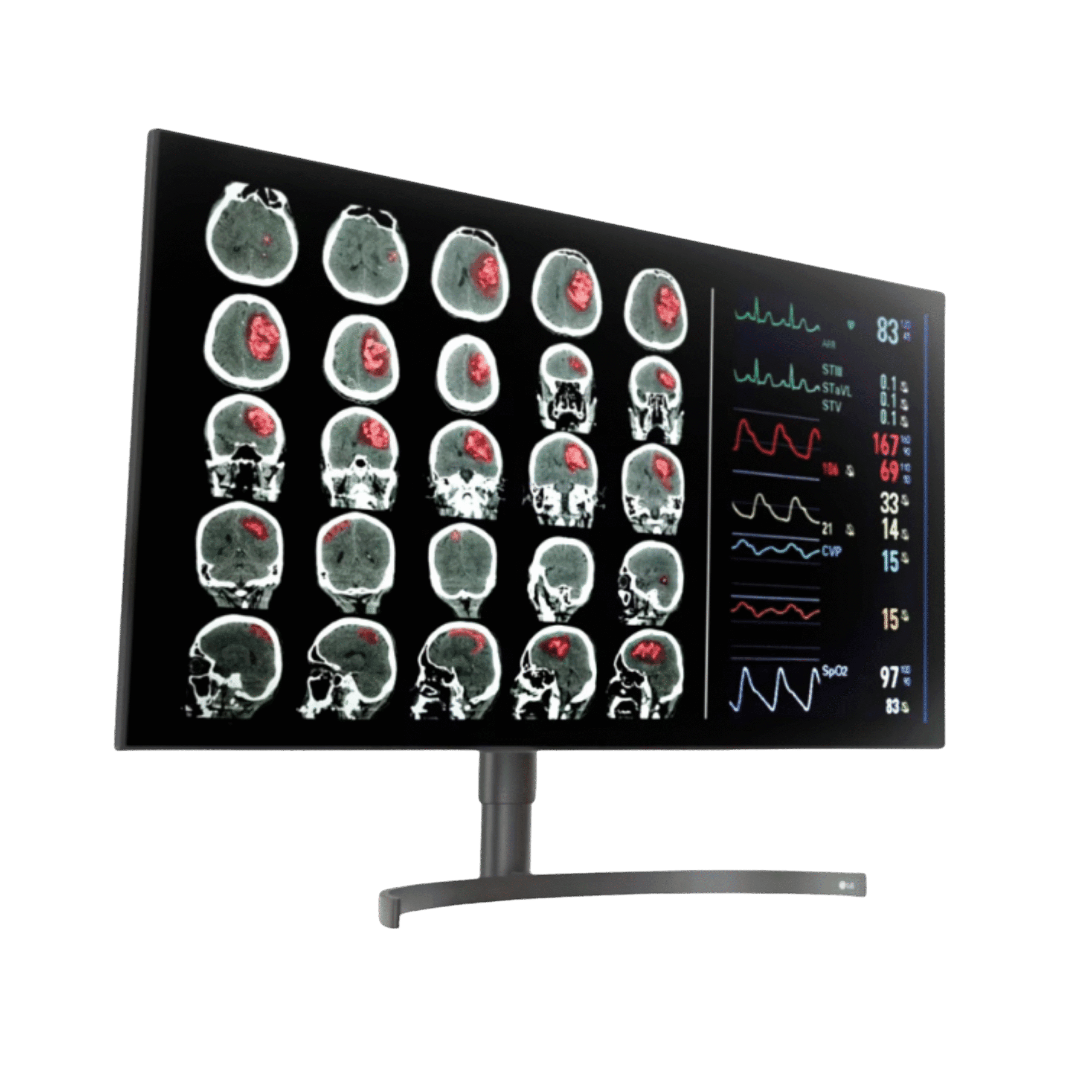
A DICOM Part 14 calibrated 8 megapixel IPS panel for secondary review of CT, MRI, PET, DR, CR, and digital pathology studies, with hardware calibration that holds DICOM accuracy through workstation software changes.
The built-in KVM switch and Dual Controller consolidate PACS and EMR workstations into a single monitor and input device, so you review imaging on one PC while accessing reporting or records on the second without changing cables.
Focus View dims the surrounding display to highlight specific lesions and findings for group review without altering window and level or zoom, and DICOM calibrated 8 megapixel resolution supports confident discussion in lit conference rooms.
For secondary review workstations where PACS image review, EMR access, and reporting software run at the same time, the KVM removes the second monitor, and Reader Mode and Flicker Safe reduce eye fatigue during long sessions.
A USB-C input with DisplayPort Alt Mode provides a single-cable 4K connection from modern clinical laptops, which reduces setup time for remote consultation and shared review room configurations.
DICOM calibrated review, portrait Auto Pivot for long records, and centralized LG Calibration Studio Medical quality assurance suit oncology and cardiology review workstations across a clinical network.
Clinical Workflow Integration and Setup
DICOM calibration management, dual-workstation KVM control, USB-C connectivity, Focus View display modes, and centralized quality assurance combine to support clinical review workflows. The expanded detail for radiology IT, biomedical engineering, and clinical informatics teams is in the expandable sections below.
Detachable Calibration Sensor: attaches magnetically to the bottom bezel and plugs into a dedicated USB 2.0 downstream port. On calibration start, the sensor arm lowers automatically to measure luminance and grayscale across the screen, with no external photometer required for routine DICOM Part 14 calibration.
Hardware Calibration: the calibration is stored in the monitor, independent of the connected workstation graphics card and operating system, so DICOM accuracy is maintained through software updates, driver changes, and operating system reinstalls.
Brightness Stabilization: on-board monitoring compensates for panel luminance drift over the display lifetime between scheduled calibration cycles.
LG Calibration Studio Medical: compatible for automated calibration scheduling, quality assurance testing, report generation, and centralized multi-unit management from a web dashboard.
Built-in KVM Switch: a hardware KVM connects to two PCs through two upstream USB ports and shares a single keyboard, mouse, and monitor between both. A key combination or a monitor button switches the active video input and the USB connection at the same time, so you have full control of whichever PC is displayed.
Dual Controller: a software feature that keeps both PCs active and extends the mouse and keyboard across them as one desktop. Move the cursor to the screen edge to control the second PC, and drag files or copy patient data between workstations without switching the video input.
Clinical Benefit: a clinician reviewing imaging on a PACS workstation can reference EMR records, reporting tools, or databases on a second workstation from one monitor and input device, with no cable swapping.
USB-C with DisplayPort Alt Mode: one USB-C cable carries the 4K, 8 megapixel video signal from compatible laptops and workstations, which removes the separate video and data cables used by older connections.
Input Options: DisplayPort, HDMI, and USB-C cover modern workstation and laptop connections for clinical review and telehealth.
USB 2.0 Hub: two upstream ports support the KVM, and three downstream ports connect a keyboard, mouse, and peripherals, with one downstream port dedicated to the detachable calibration sensor, which removes the need for a separate hub at the workstation.
Focus View: dims the area surrounding a selected region of interest to guide attention during clinical review and multidisciplinary team meetings without altering window and level or zoom.
Picture Modes: Custom, Mono, Text, DICOM, DICOM Custom, Calibration 1, and Calibration 2. DICOM and DICOM Custom apply the calibrated Part 14 grayscale, and Calibration 1 and Calibration 2 store two saved hardware calibration profiles.
Reader Mode and Flicker Safe: reduce eye fatigue during extended report writing and document review.
Stand and Auto Pivot: height 150 millimeters, tilt negative 5 to positive 25 degrees, swivel plus or minus 45 degrees, and bi-directional pivot, with Auto Pivot that adjusts the image automatically on rotation, plus VESA 100 by 100 millimeters.
DICOM Compliance and Quality Standards
The LG 27HS713C is calibrated to the DICOM Part 14 Grayscale Standard Display Function with hardware calibration and brightness stabilization, and LG Calibration Studio Medical provides centralized DICOM quality assurance for multi-unit clinical review deployments. It is intended for clinical and secondary review, not for primary diagnostic use. Medical Outfitters Inc. is independently ISO 13485:2016 certified as a medical imaging equipment supplier. Full documentation is in the expandable sections below.
DICOM Part 14: the LG 27HS713C is calibrated to the DICOM Part 14 Grayscale Standard Display Function for clinical review of CT, MRI, PET, radiographic, and digital pathology studies.
Hardware Calibration: the calibration is stored in the monitor rather than the graphics card, which maintains DICOM accuracy through workstation operating system changes, driver updates, and software replacements.
Brightness Stabilization: an on-board sensor monitors and compensates for panel brightness drift, which reduces the required recalibration frequency.
Use Classification: intended for clinical review and secondary review of medical images and patient data, and not intended for primary diagnostic interpretation, which requires dedicated primary diagnostic displays.
LG Calibration Studio Medical: a web-based DICOM quality assurance and calibration management platform compatible with the 27HS713C.
Capabilities: automated calibration scheduling, DICOM quality assurance test execution and reporting, alert notifications for out-of-compliance units, and calibration status dashboards across multiple monitors.
Deployment: available as a cloud-hosted or on-premise server to meet hospital IT security and compliance requirements.
Value: enables facility-wide clinical review monitor quality assurance programs for radiology, oncology, cardiology, and biomedical engineering teams, which reduces the manual on-site calibration burden.
Electrical Safety and EMC: meets the applicable safety and electromagnetic compatibility requirements for a medical display in a clinical environment.
Power Consumption: 65 watts maximum, and less than 0.3 watts in DC off, which is energy efficient for multi-monitor clinical workstation setups.
Environmental: RoHS compliant for the restriction of hazardous substances.
Medical Outfitters ISO 13485:2016: Medical Outfitters Inc. is independently certified to ISO 13485:2016 as a medical imaging equipment supplier, which provides documented quality management for procurement, integration, and support.
Reading Room Configuration Review
Share your PACS workstation specifications, monitor arm model, and USB-C or DisplayPort layout. Our clinical imaging specialists confirm the 27HS713C USB-C configuration, the LG Calibration Studio Medical setup, and the dual-workstation arrangement before your order ships.
Hospital Procurement & RFP Support
Volume pricing, technical documentation, and logistics for hospital systems, imaging center networks, and group purchasing teams. Full biomedical documentation is available for equipment review committees.
Frequently Asked Questions
Quick answers to the most common purchase and technical questions about the LG 27HS713C clinical review monitor. Tap any question to expand.
The calibration sensor attaches magnetically to the bottom bezel of the 27HS713C and connects to a dedicated USB 2.0 downstream port. When calibration starts through LG Calibration Studio Medical or the monitor menu, the sensor arm lowers automatically to measure luminance and grayscale response on the screen, with no external photometer required. The calibration is stored in the monitor hardware, so DICOM accuracy is maintained independent of the connected workstation configuration.
Yes. The USB-C input supports DisplayPort Alternate Mode, so a compatible laptop or workstation can send 4K, 8 megapixel video over a single USB-C cable. This reduces cable count at the clinical review workstation. DisplayPort and HDMI inputs are also provided for other workstation and medical imaging equipment connections.
The hardware KVM switch shares one keyboard, mouse, and monitor between two connected PCs, and switching changes the active video input and the USB connection at the same time, so you control whichever PC is displayed. Dual Controller is a software feature that keeps both PCs active and lets you move the cursor to the screen edge to control the second PC as an extended desktop, dragging files and copying patient data between PACS and EMR workstations without changing the video input.
No. The 27HS713C is a clinical review monitor intended for review of medical images and patient data, and it is not intended for primary diagnostic use. For primary diagnostic reading, LG offers dedicated displays such as the 32HL512D 8 megapixel diagnostic monitor and the 31HN713D 12 megapixel mammography monitor. The 27HS713C is well suited to secondary review workstations, multidisciplinary team meetings, EMR integrated workstations, and telehealth review.
The 27HS713C includes Custom, Mono, Text, DICOM, DICOM Custom, Calibration 1, and Calibration 2. DICOM and DICOM Custom apply the hardware-calibrated DICOM Part 14 grayscale response, and Calibration 1 and Calibration 2 store two independently saved hardware calibration profiles. Mono mode optimizes the display for grayscale medical image review.
Focus View dims the display area surrounding a selected region of interest, which draws visual attention to a specific area of the medical image without altering the window and level settings, the zoom level, or the DICOM calibration. It is most useful during multidisciplinary team and tumor board meetings, structured reporting, and clinical training where attention guidance helps.
Yes. The stand supports bi-directional pivot for portrait and landscape orientation, with Auto Pivot that detects physical rotation and adjusts the image automatically with no manual menu change. Portrait orientation suits reviewing radiology reports, EMR records, and long patient documents at full height. The VESA 100 by 100 millimeter mount also supports portrait orientation on compatible arms when the stand is removed.
Through Medical Outfitters Inc., an ISO 13485:2016 certified supplier based in Miami, FL. We supply new, refurbished, and used units with integration support and nationwide delivery, and we support clinical review monitors, primary diagnostic displays, and medical imaging solutions. Call (305) 885-4045 or request a quote online.
Compatible Equipment
The 27HS713C is a clinical review display. For primary diagnostic reading and mammography, LG offers dedicated displays from Medical Outfitters.
LG 32HL512D Diagnostic Monitor
31.5" 8MP Nano IPS · 450 cd/m² · DCI-P3 98% · primary diagnostic display
View Product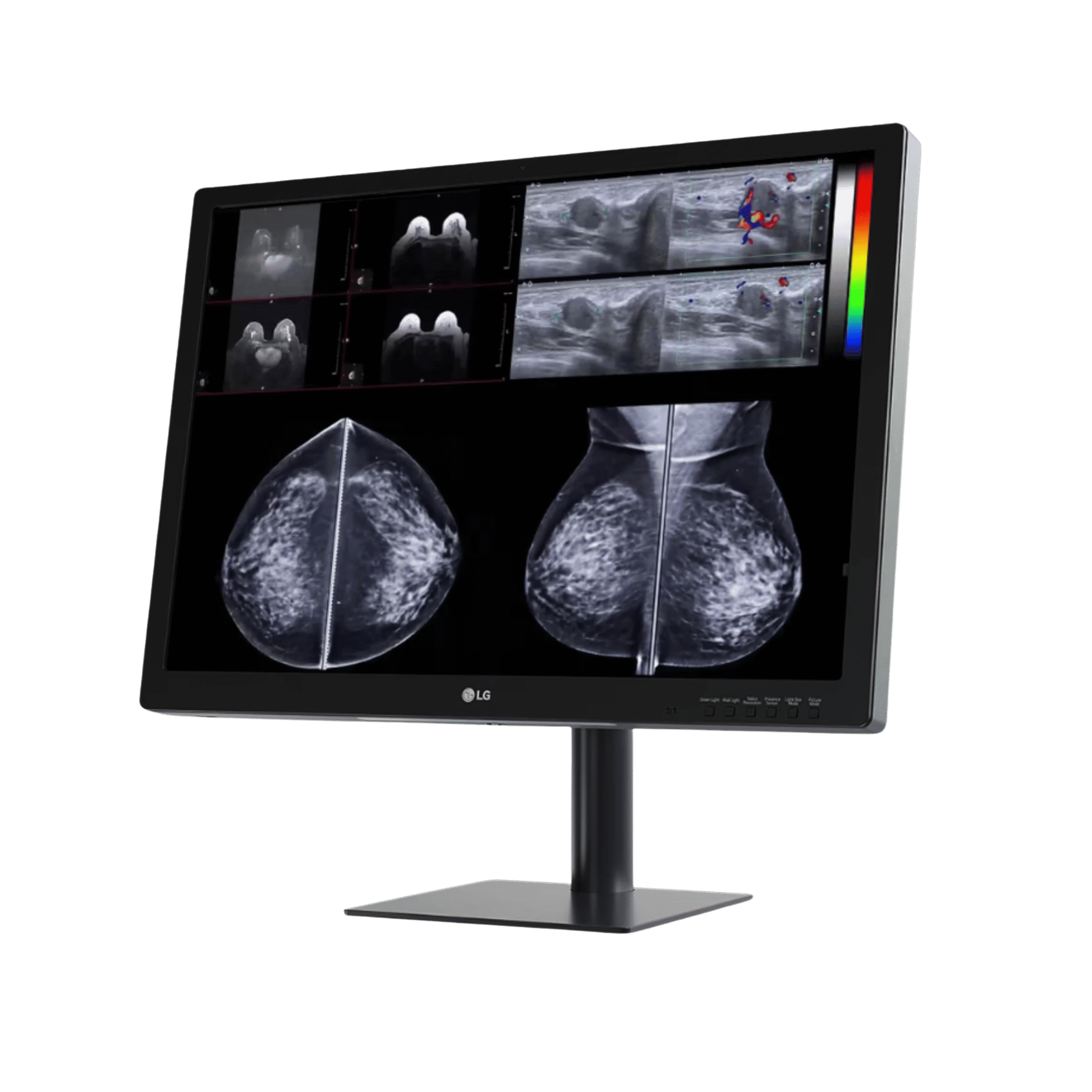
LG 31HN713D Mammography Monitor
31" 12MP IPS · 4200×2800 · 1,080 cd/m² · front sensor · mammography display
View Product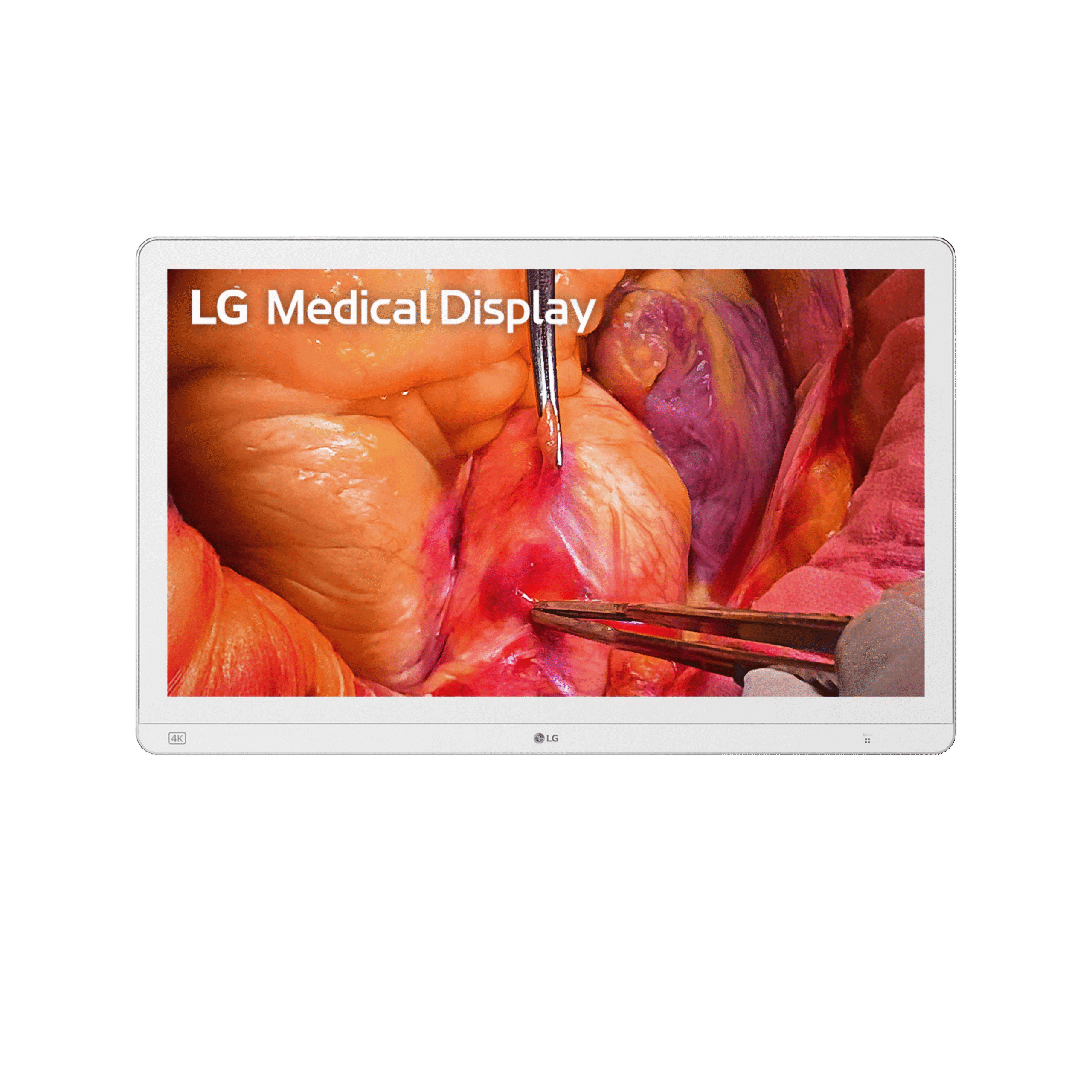
LG 27HS714S Surgical Monitor
27" 4K Mini-LED · 2,000 cd/m² peak · IP45 and IK06 · 12G-SDI · surgical OR display
View ProductRequest a Quote Today
Get in touch with Medical Outfitters today to request your personalized quote and outfit your facility with confidence.