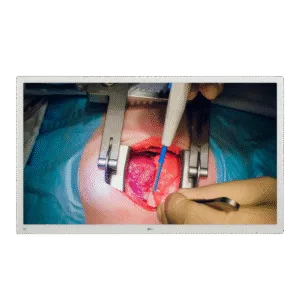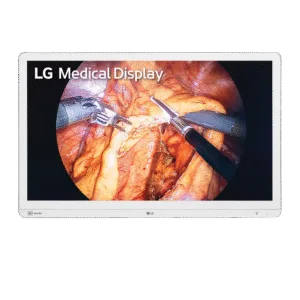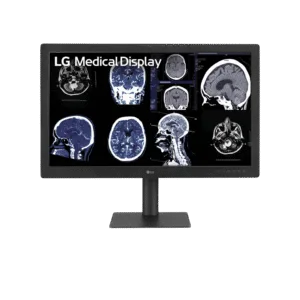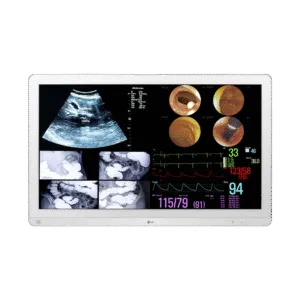
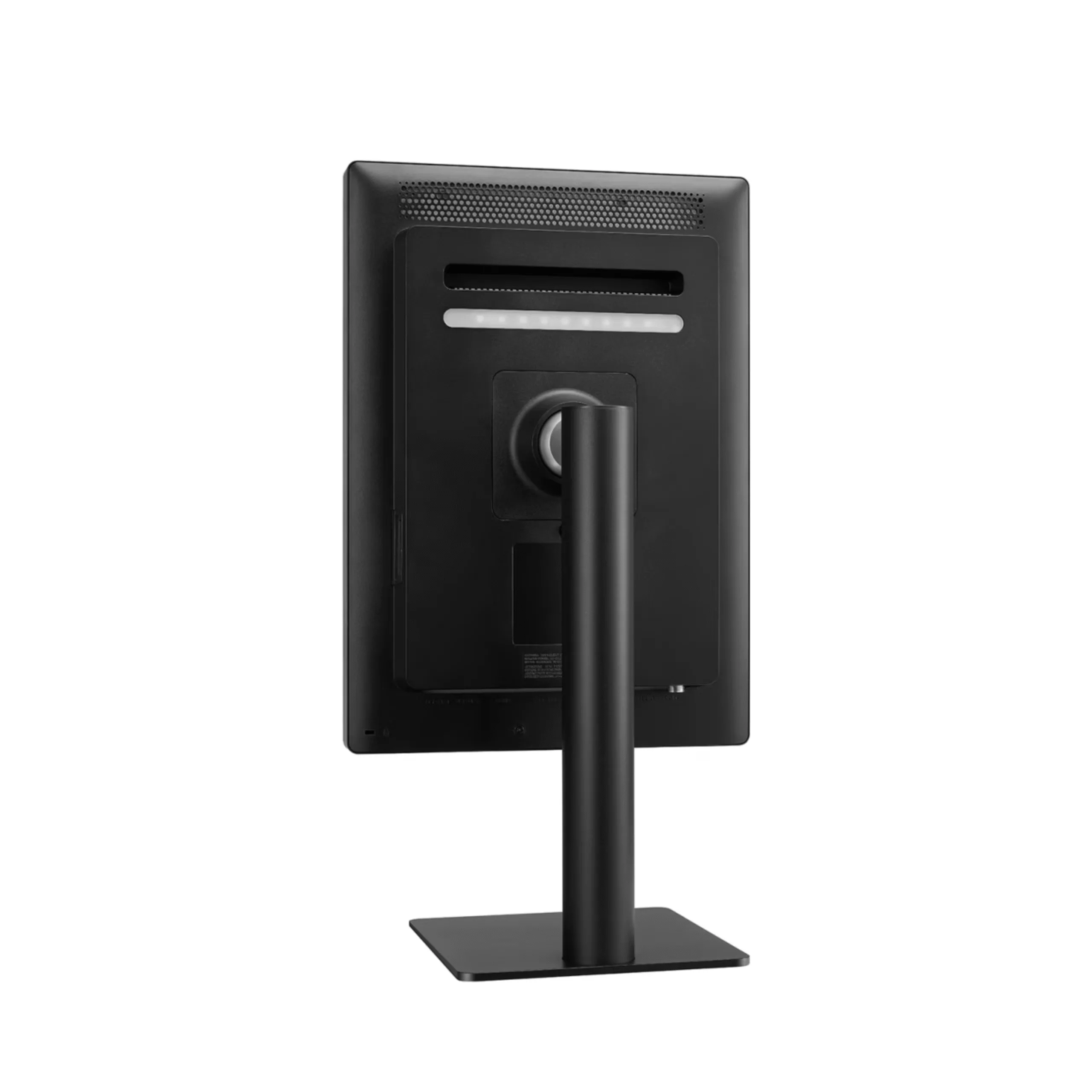
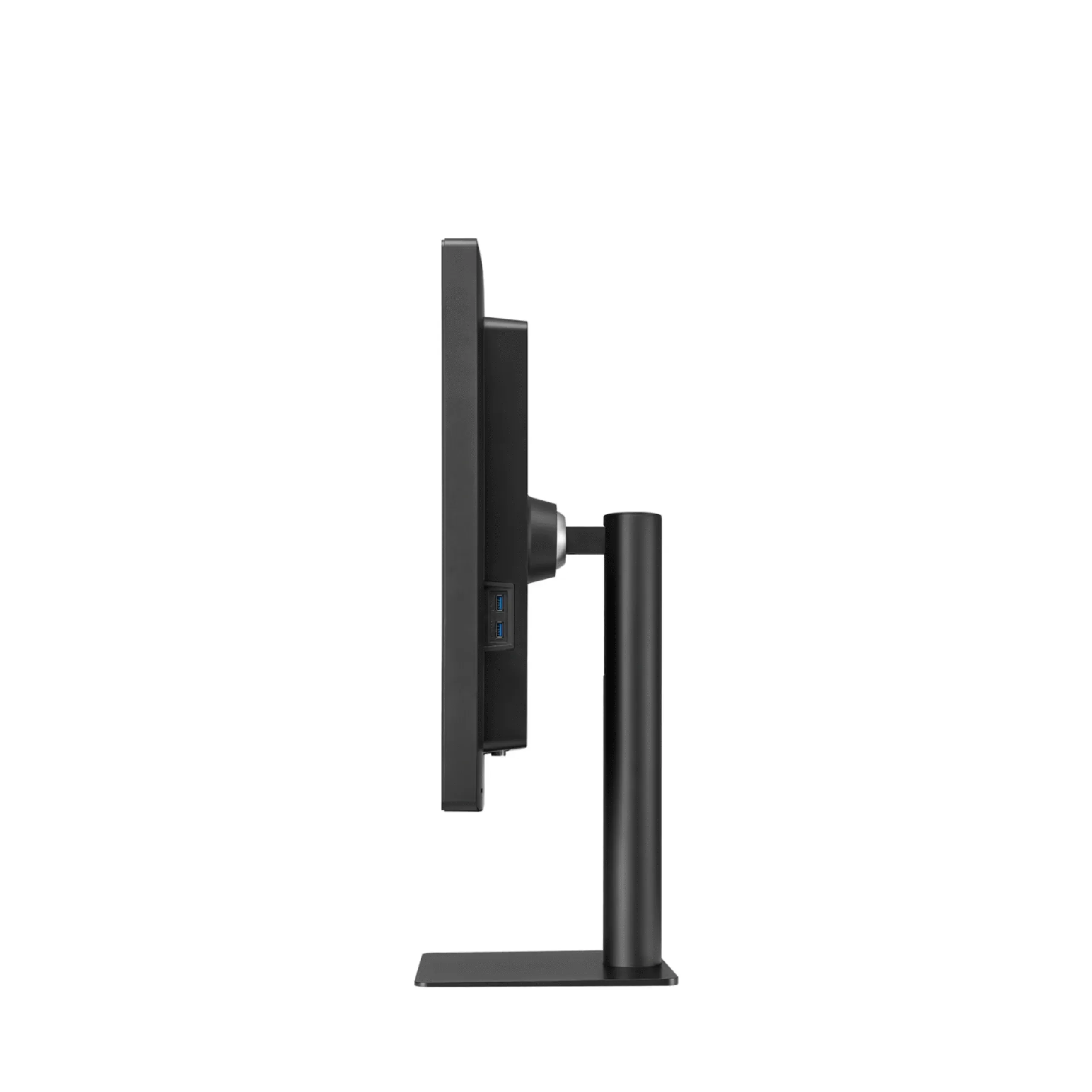
LG 21HQ513D: 21.3" 3MP IPS Diagnostic Monitor with Pathology Mode
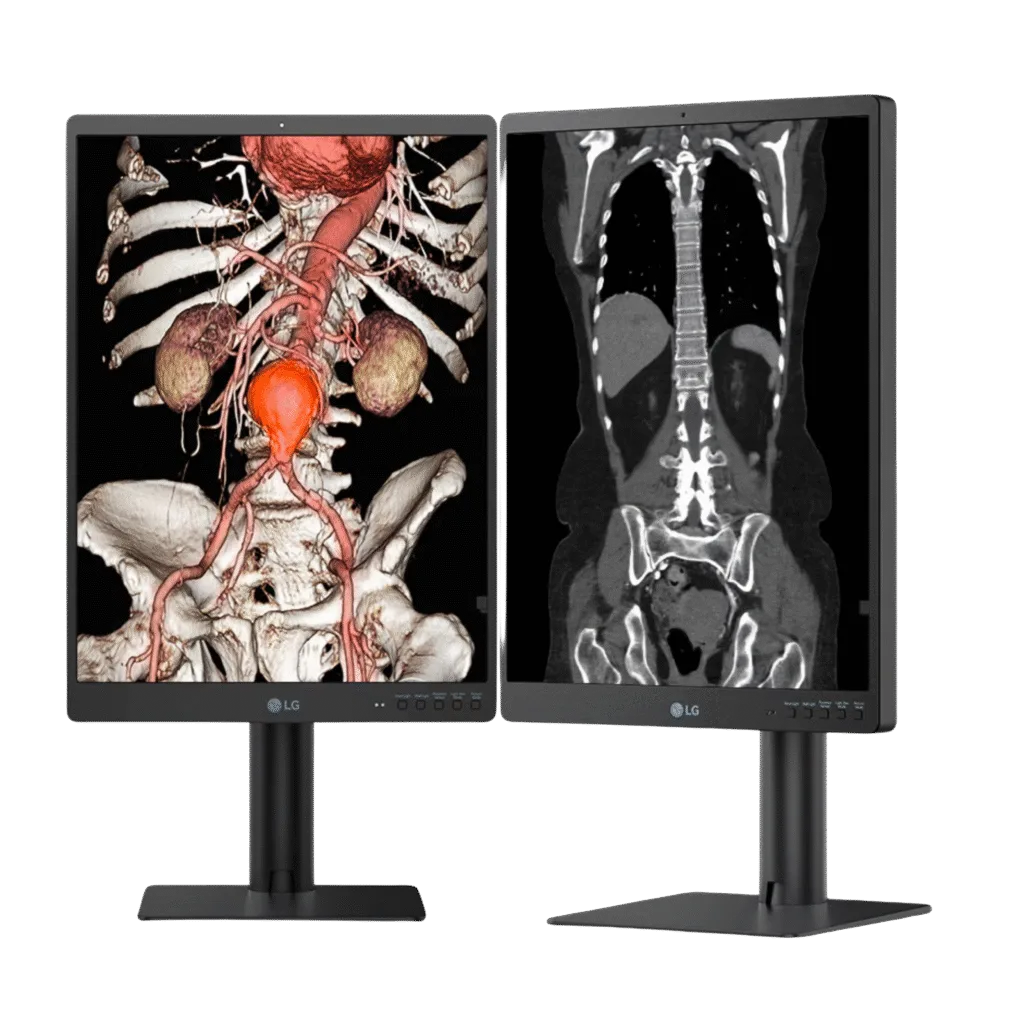
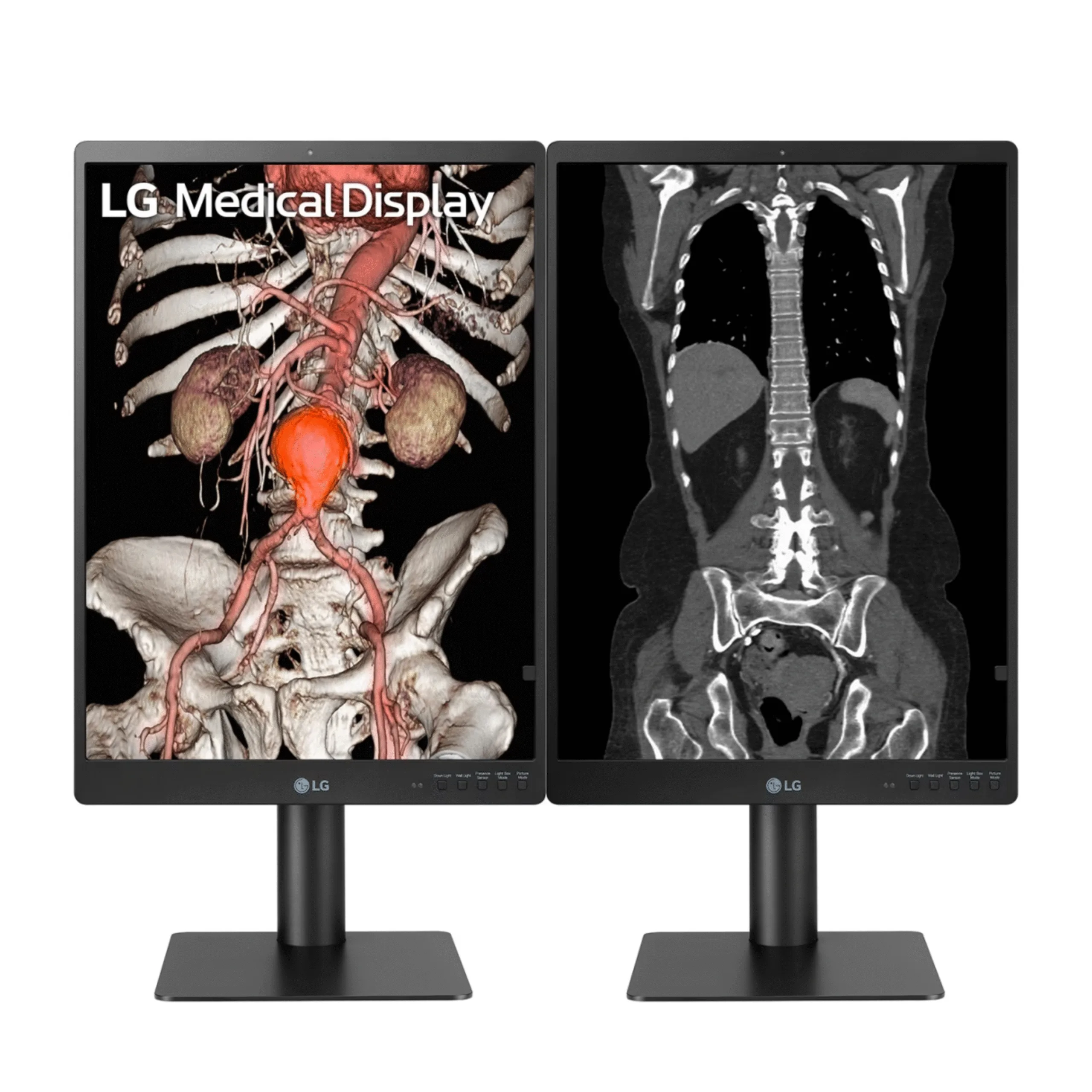
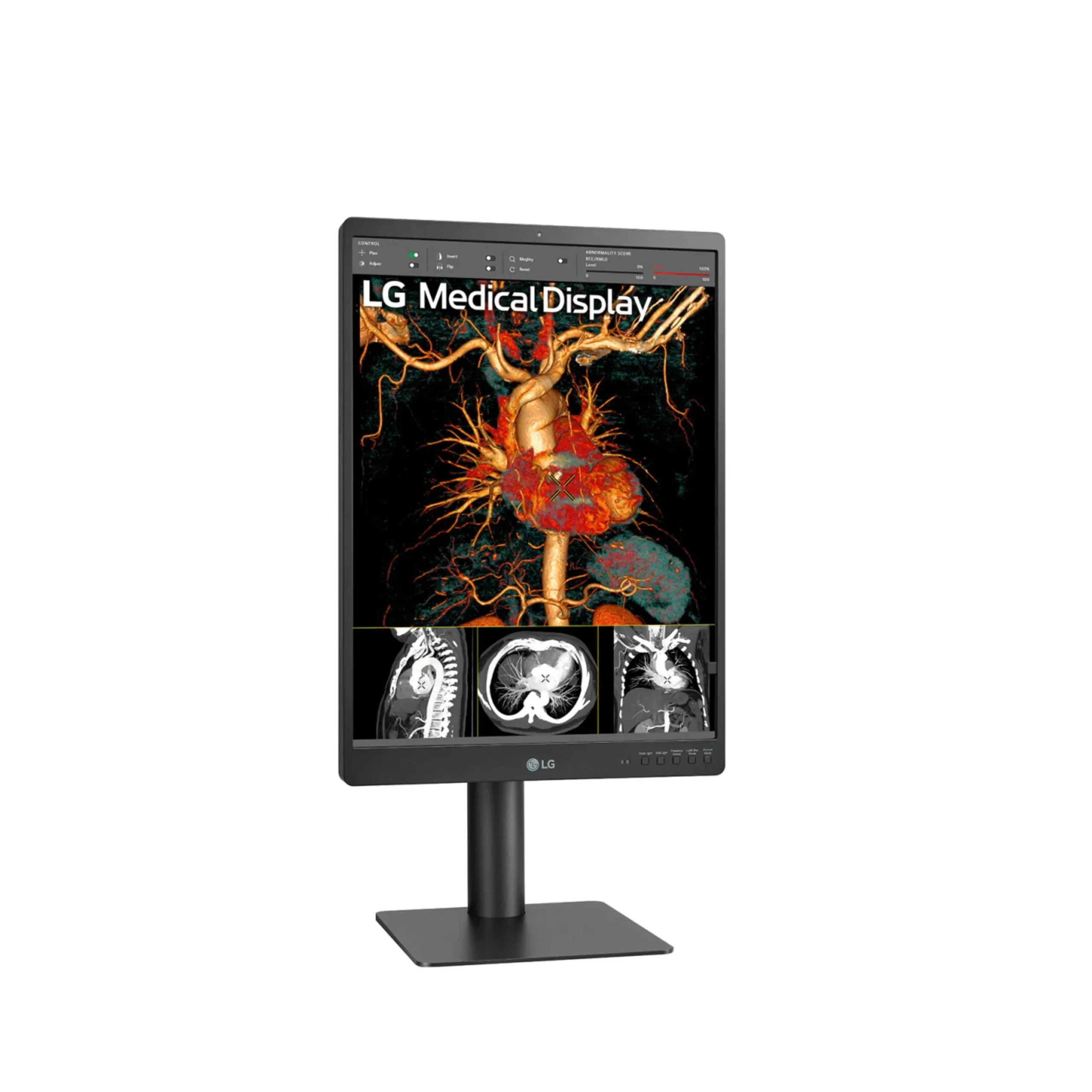
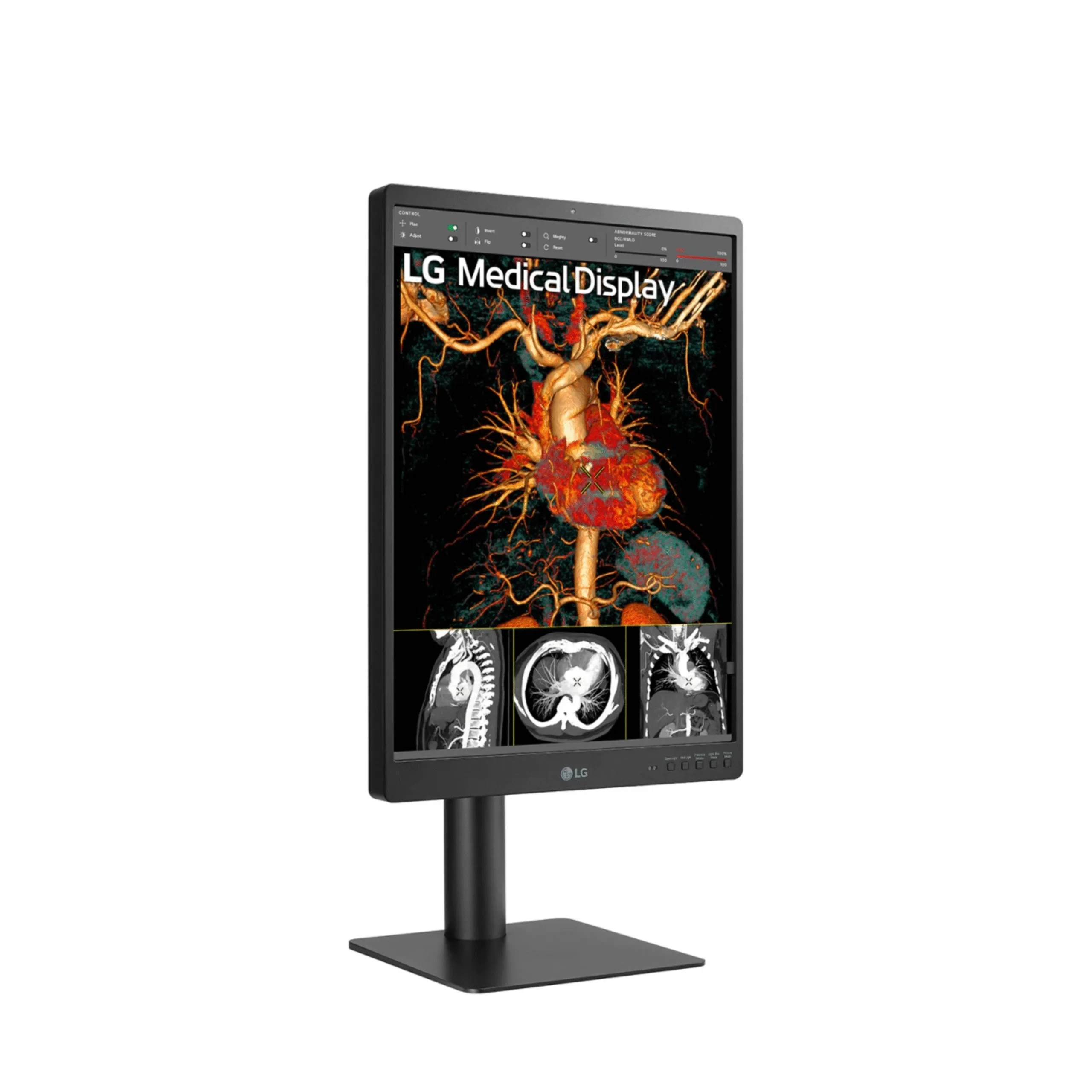
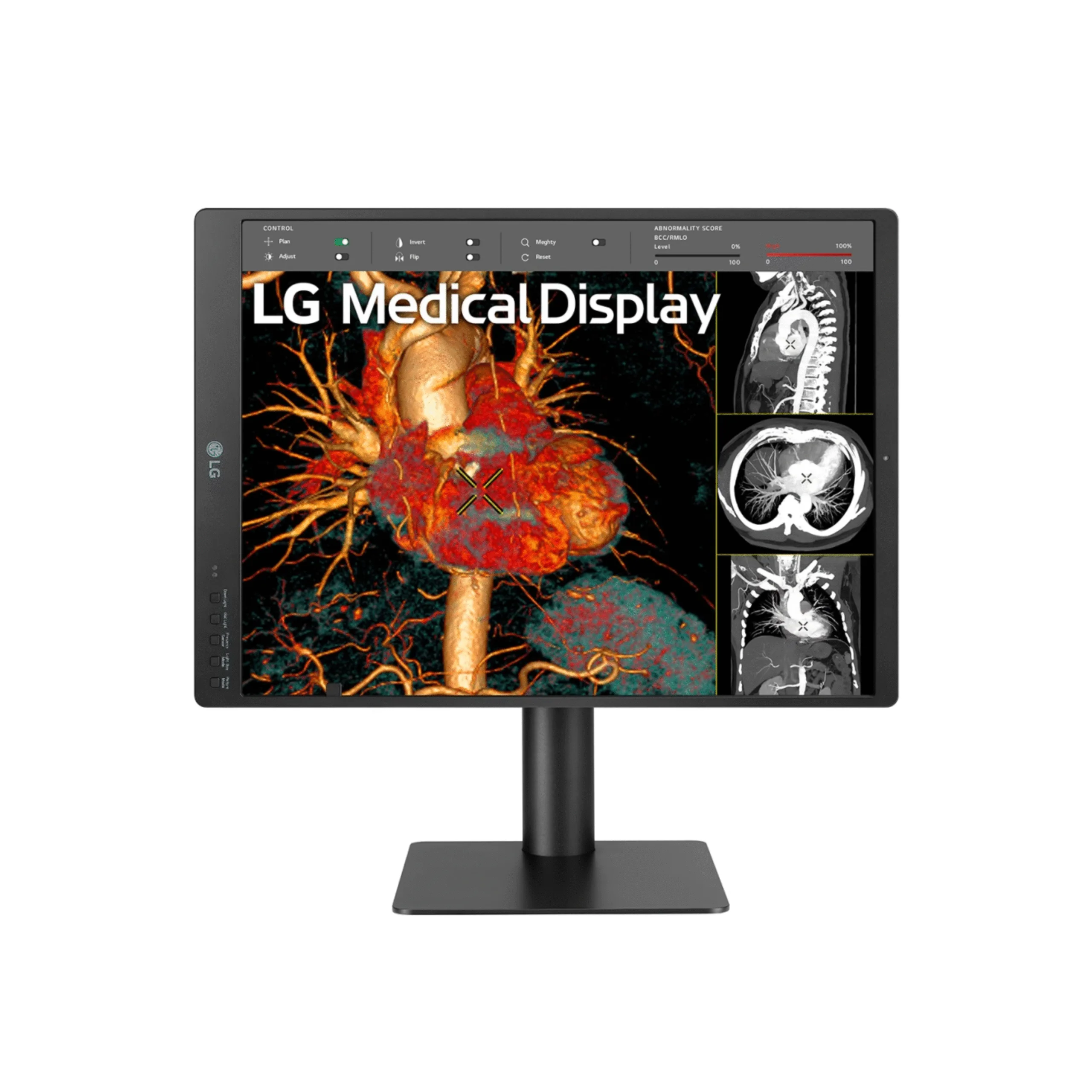
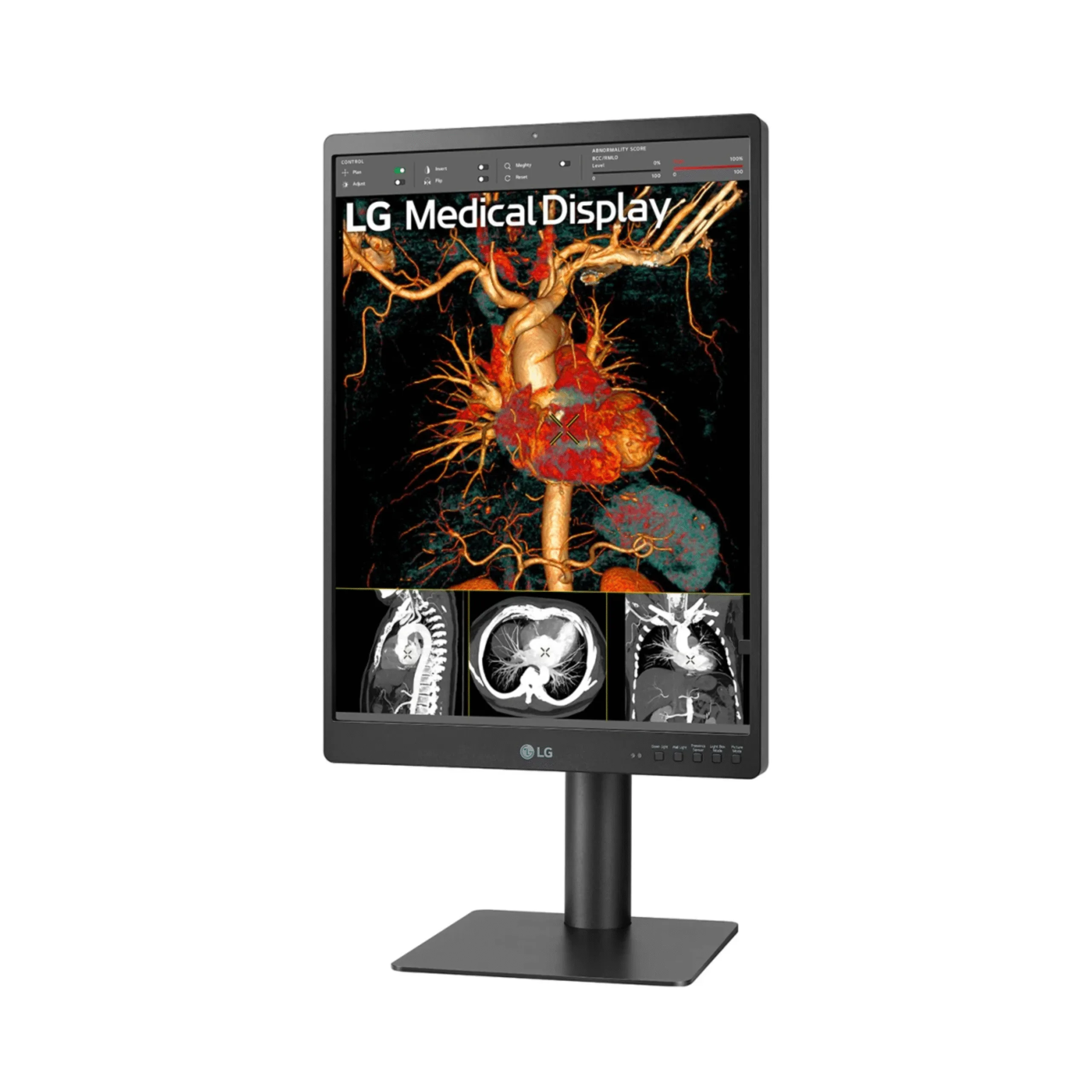
Authorized LG medical imaging display supplier. The LG 21HQ513D is a 21.3-inch 3MP IPS diagnostic monitor for radiology reading rooms and clinical departments where one display handles several imaging modalities, from chest X-ray to CT and angiography review to digital pathology slides. Its standout feature among 3MP monitors is a dedicated Pathology Mode that renders stained slides with accurate color similar to viewing under a microscope, so a reader can move between DICOM-calibrated radiology and whole-slide pathology review on the same display with a single hot key.
Core specifications: 21.3-inch IPS panel at 1536 by 2048 (3MP) with 1,100 cd/m² typical brightness, an 1,800 to 1 contrast ratio, NTSC 72 percent color, and an anti-glare 3H surface. A built-in front calibration sensor, backlight sensor, and auto luminance sensor, with PerfectLum hardware calibration, maintain DICOM Part 14 accuracy without an external photometer. Multi-resolution 3MP and 2MP modes, Pathology Mode, Focus View, Light Box Mode, Down and Wall lighting, five hot keys, a Presence Sensor, Dual Controller, and a DisplayPort daisy chain output at 3MP and 60Hz round out the feature set. FDA 510(k) Class II cleared for diagnostic imaging interpretation.
Watch: LG 21.3" 3MP IPS Diagnostic Monitor – LG 21HQ513D – Product Video
Need pricing? Contact Medical Outfitters for a same-day quote with current lead times and volume pricing.
Pathology Mode, 3MP DICOM Display, and Front Sensor Calibration
Three capabilities set the 21HQ513D apart for diagnostic reading rooms. A 3MP IPS panel with 1,100 cd/m² brightness and DICOM Part 14 calibration supports primary radiology reading in ambient-light environments. A dedicated Pathology Mode renders digital pathology slides with microscope-like color on the same display. A built-in front sensor with PerfectLum maintains calibration without an external photometer. Full technical detail is in the expandable sections below.
Panel: 21.3-inch IPS, 1536 by 2048 (3MP), 3:4
Brightness, typical: 1,100 cd/m², more than three times a standard desktop monitor
Contrast Ratio: 1,800:1
Color Gamut: NTSC 72 percent
Response Time: 5 ms gray to gray
Viewing Angle: 178° horizontal and 178° vertical
Surface Treatment: Anti-Glare, 3H
DICOM: DICOM Part 14 compliant
Internal Sensors: front calibration sensor for hardware calibration, a backlight sensor that stabilizes luminance between cycles, and an auto luminance sensor for ambient light
PerfectLum: hardware DICOM Part 14 calibration and QA software, working with the front sensor and without an external photometer
Super Resolution+: enhances perceived sharpness of lower-resolution source content
Pathology Mode: renders stained digital pathology slides with accurate color similar to viewing under a microscope, for whole-slide image review on the same display used for radiology
Multi-Resolution Mode: displays 3MP and 2MP inputs at optimized quality for different modalities
Focus View Mode: magnifies and brightens a selected region of interest while darkening the rest of the image, using the mouse and keyboard
Light Box Mode: a uniform bright field for film and document review
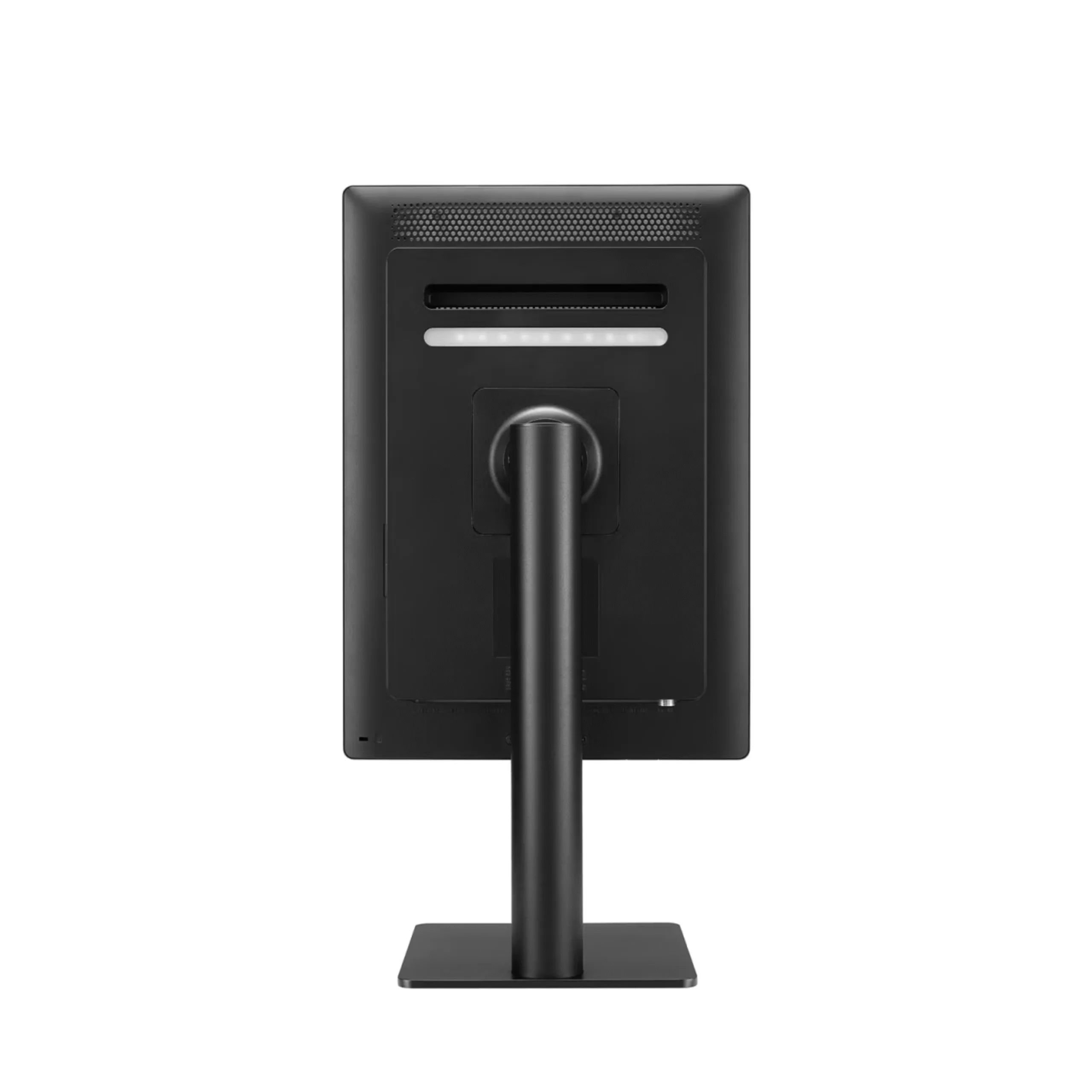
Down and Wall Lighting: downward and rear illumination to reduce contrast with the room and read documents in darkened reading rooms
5 Hot Keys: one-button access to Down Light, Wall Light, Presence Sensor, Light Box Mode, and Picture Mode
Presence Sensor: turns the display off when no motion is detected, which saves energy and helps protect on-screen images
Dual Controller, Text Mode, and Flicker Safe: software KVM control and eye comfort for extended reading
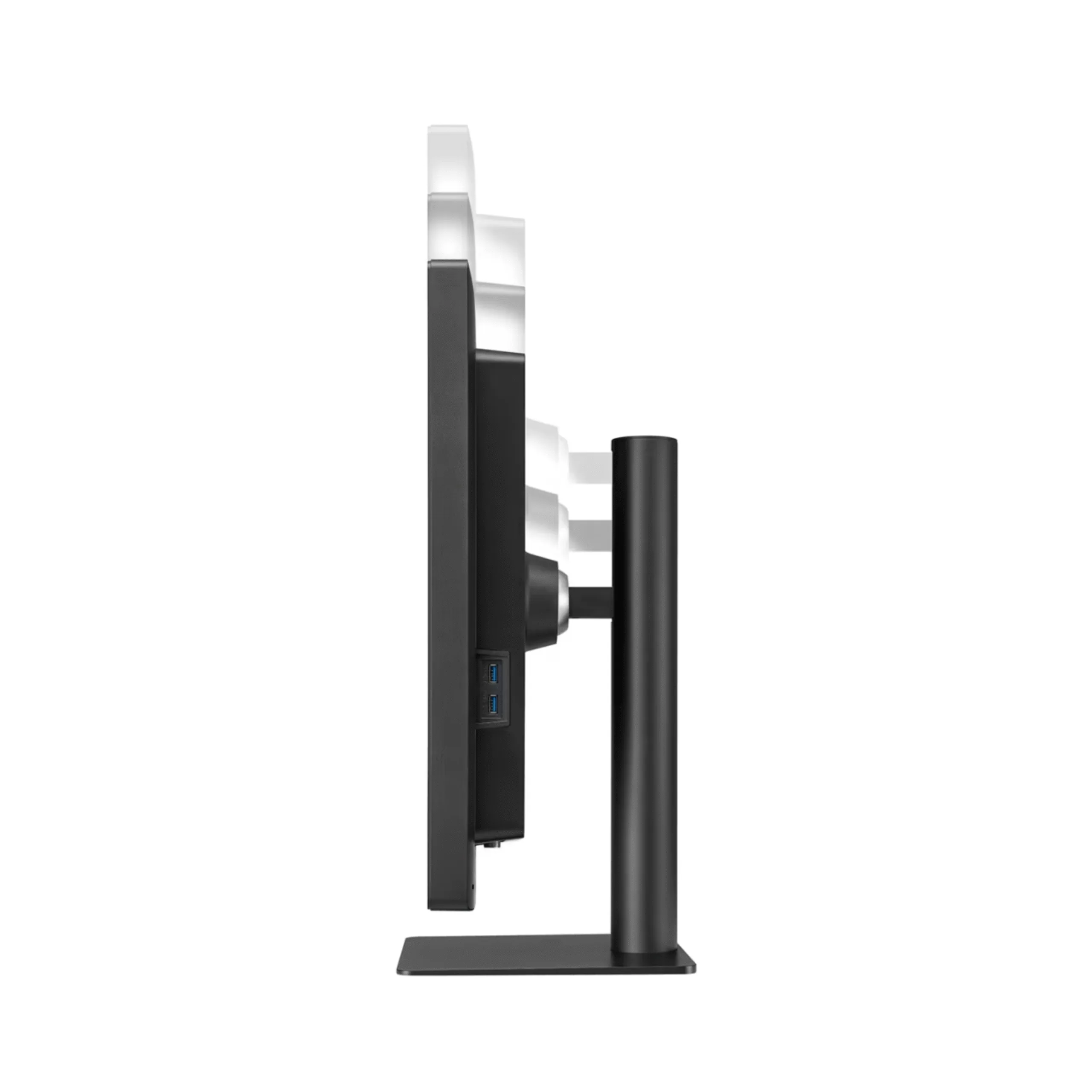
Ergonomic One-Click Stand: lightweight body with tilt -5 to +20 degrees, 90 degree pivot, 110 mm height adjustment, and a narrow side bezel for multi-display setups
How the 21HQ513D compares against a standard office monitor:
The 21HQ513D is built so a single display can serve a mixed-modality reading station. Its DICOM Part 14 calibration and 1,100 cd/m² brightness support primary radiology reading, while Pathology Mode renders whole-slide images with microscope-like color when the reader switches to digital pathology. The built-in front sensor and PerfectLum run hardware calibration on a schedule without an external photometer, and multi-resolution 3MP and 2MP modes let one monitor handle general radiography and cross-sectional review, which reduces the number of displays a mixed-use reading room needs.
Full Technical Specifications
Complete reference data for IT procurement, biomed review, and reading room planning. Expand each category for the full specification set required by radiology department heads, IT administrators, and facilities teams evaluating the 21HQ513D for PACS workstations and diagnostic reading rooms.
| Resolution | 1,536 × 2,048 (3MP) |
| Panel Type | IPS |
| Screen Size | 21.3-inch, 3:4 |
| Brightness, typical | 1,100 cd/m² |
| Contrast Ratio | 1,800:1 |
| Color Gamut | NTSC 72 percent |
| Response Time | 5 ms gray to gray |
| Viewing Angle | 178° horizontal and 178° vertical |
| Surface Treatment | Anti-Glare, 3H |
| DICOM | DICOM Part 14, internal front sensor and PerfectLum hardware calibration |
| Weight, with stand | 7.0 kg, 15.4 lb |
| Weight, without stand | 5.0 kg, 11.0 lb |
| Dimensions with Stand, W by H by D | 343.1 × 640 × 234.6 mm, at minimum height |
| Dimensions without Stand, W by H by D | 343.1 × 484.3 × 72.4 mm |
| VESA Mount | 100 × 100 mm |
| Height Adjustment | 110 mm |
| Tilt | -5 to +20 degrees |
| Pivot | 90 degrees |
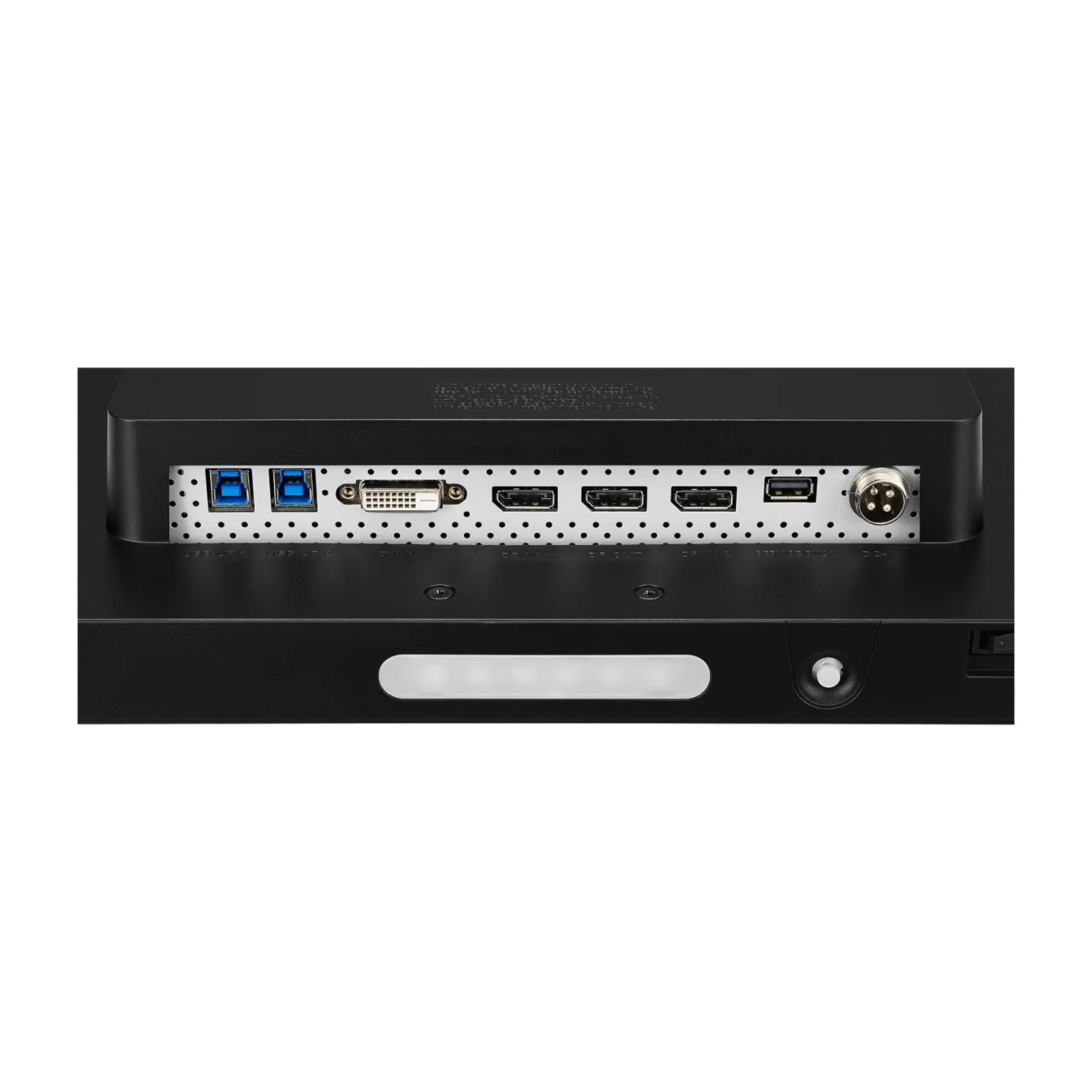
| Video Inputs | DisplayPort × 2, DVI-D × 1 |
| Video Output | DisplayPort × 1, daisy chain at 3MP and 60Hz |
| USB | 2 Upstream and 2 Downstream |
| Power Requirements | 100 to 240 Vac, 50/60 Hz |
| Power Consumption, maximum | 120 W |
| Power Consumption, DC off | Less than 0.3 W |
| Multi-Resolution | 3MP and 2MP modes |
| Calibration | Internal front sensor, backlight sensor, PerfectLum hardware DICOM QA |
| Viewing Modes | Focus View Mode, Pathology Mode, Light Box Mode |
| Lighting | Down Light and Wall Light |
| Hot Keys | 5 hot keys |
| Auto Features | Presence Sensor, Auto Luminance Sensor |
| User Convenience | Dual Controller, Text Mode, Flicker Safe, Super Resolution+ |
| Certifications | FDA 510(k) Class II, IEC 60601-1, IEC 60601-1-2, EN 60601-1, EN 60601-1-2, cUL, FCC Class A, RoHS, REACH, WEEE |
Clinical Applications
Purpose-built for clinical environments where one high-brightness DICOM-calibrated display handles multiple imaging modalities and disciplines, with a Pathology Mode that bridges radiology and digital pathology in a single unit.
3MP resolution matches the native output of CR and DR general radiography systems, and 1,100 cd/m² brightness with DICOM Part 14 calibration supports primary reading of chest, abdominal, and extremity X-rays in mixed-light clinical environments.
Multi-resolution 3MP and 2MP modes let one display handle general radiography, CT multiplanar reformats, MRI, and ultrasound from a single PACS connection, which suits groups consolidating modality reading onto fewer workstations.
Pathology Mode renders whole-slide images with microscope-like color for review of slides from common digital pathology platforms, so a department integrating digital pathology alongside radiology can use one display for both with a hot key switch.
The compact 21.3-inch form factor suits home and remote reading where desk space is limited, while retaining 3MP resolution, DICOM Part 14 calibration, and front sensor QA. FDA 510(k) Class II cleared for diagnostic imaging interpretation.
Urgent care centers and outpatient imaging facilities reading their own CR and DR X-rays gain a compact DICOM-compliant display that fits a standard desk and calibrates itself between QA checks with the built-in front sensor.
A direct replacement for aging 3MP reading monitors, with DisplayPort input compatible with current PACS workstation graphics outputs and built-in calibration that removes the ongoing cost of external photometer hardware.
Calibration, PACS Integration, and Pathology Workflow
Front sensor calibration with PerfectLum, Pathology Mode, multi-resolution PACS compatibility, DisplayPort daisy chain, and reading room comfort features combine to support diagnostic reading rooms and mixed-modality workstations. Expand each section for detail required by radiologists, IT administrators, and biomed teams evaluating the 21HQ513D.
Built-In Front Calibration Sensor: the front sensor measures panel output and corrects the hardware lookup table to maintain the DICOM Part 14 grayscale display function, without an external photometer. A backlight sensor stabilizes luminance between calibration cycles.
PerfectLum: the bundled medical display calibration and QA software runs scheduled hardware calibration and exports calibration and conformance reports for departmental quality assurance documentation, which supports ACR-accredited practice and hospital department QA records.
No external photometer: this reduces sensor maintenance and QA scheduling across a multi-monitor fleet.
Pathology Mode: a dedicated picture mode that renders stained digital pathology slides with accurate color similar to viewing directly under a microscope. Standard DICOM grayscale calibration prioritizes grayscale for X-ray and CT, while Pathology Mode reproduces the warm-toned color that pathologists rely on for tissue assessment.
Hot key switching: the reader presses a hot key to enter Pathology Mode for whole-slide image review and returns to the DICOM calibrated state for radiology cases, with no software installation or PACS reconfiguration required.
Multi-Resolution Mode: the 21HQ513D displays 3MP and 2MP inputs at optimized quality. 3MP suits chest radiography and general radiography, and 2MP suits CT, MRI, and ultrasound, so one display serves a mixed-modality reading station without a separate monitor for each modality.
Inputs: two DisplayPort inputs and one DVI-D input cover current and legacy workstation connections, and two USB upstream and two downstream ports provide hub connectivity.
DisplayPort Out, daisy chain: using DisplayPort Multi-Stream Transport, the output passes the signal to a second 21HQ513D so two displays run at 3MP and 60Hz from a single workstation DisplayPort output. This is the standard configuration for reading rooms whose hanging protocol distributes current and prior studies across two monitors, without a second graphics output.
Narrow side bezel: minimizes the gap between two pivoted displays for a near-seamless dual-monitor reading surface.
Presence Sensor: turns the display off when no motion is detected, which saves energy and helps protect on-screen images when the reader steps away.
Auto Luminance Sensor: adjusts brightness automatically to ambient room light.
Dual Controller: a software KVM that lets one keyboard and mouse control two connected computers, and Text Mode and Flicker Safe support eye comfort.
Ergonomic One-Click Stand: a lightweight body with tool-less setup, tilt -5 to +20 degrees, 90 degree pivot, and 110 mm height adjustment, plus VESA 100 by 100 mm mounting.
Regulatory Compliance and Quality Standards
The LG 21HQ513D is FDA 510(k) Class II cleared for diagnostic imaging interpretation and is built to IEC 60601-1 and IEC 60601-1-2, with EN 60601-1 and EN 60601-1-2 conformity and cUL listing. DICOM Part 14 calibration is maintained by the built-in front sensor and PerfectLum software. Medical Outfitters Inc. is independently ISO 13485:2016 certified as a medical imaging equipment supplier.
DICOM Part 14: calibrated to the DICOM Part 14 grayscale display function for diagnostic review applications.
Internal Sensors: a front sensor enables hardware calibration without an external photometer, and a backlight sensor stabilizes luminance between cycles.
PerfectLum: the bundled medical calibration and QA software runs scheduled calibration and exports calibration and conformance reports for departmental quality assurance documentation.
FDA 510(k) Class II: cleared by the United States FDA as a Class II medical device for diagnostic imaging interpretation.
EN 60601 and CE marking: conforms to EN 60601-1 and EN 60601-1-2, the European harmonized standards for medical electrical equipment that form the basis for CE marking.
ISO 13485: manufactured under ISO 13485 quality standards, and Medical Outfitters is independently ISO 13485:2016 certified as a medical imaging equipment supplier.
IEC 60601-1: general safety requirements for medical electrical equipment.
IEC 60601-1-2: electromagnetic compatibility requirements.
IEC 60950-1 and IEC 55032 and 55024: additional safety and EMC conformity.
cUL: UL Listed to ANSI/AAMI ES 60601-1 and CSA C22.2 No. 60601-1 for the United States and Canada.
FCC: FCC Part 15 Class A.
Environmental: RoHS, REACH, and WEEE compliant. Power is 100 to 240 Vac, 50/60 Hz, maximum 120 W, with DC Off mode less than 0.3 W.
PACS & Calibration Compatibility Review
Share your PACS system, multi-resolution output requirements, daisy chain layout, and PerfectLum QA schedule. Our imaging specialists confirm the 21HQ513D signal routing, front sensor calibration setup, and Pathology Mode configuration before your order ships.
Hospital Procurement & RFP Support
Volume pricing, technical documentation, and logistics coordination for radiology practices, multi-specialty imaging groups, and GPO procurement teams. Full biomed documentation package available for diagnostic display procurement review.
Frequently Asked Questions
Common questions from radiologists, pathologists, IT managers, and procurement teams evaluating the LG 21HQ513D for diagnostic reading rooms, multi-modality PACS workstations, and digital pathology review.
Pathology Mode is a dedicated picture mode that adjusts color rendering so that stained digital pathology slides appear with accurate color similar to viewing directly under a microscope. Standard DICOM grayscale calibration prioritizes grayscale accuracy for X-ray and CT, while Pathology Mode reproduces the warm-toned color that pathologists rely on for tissue assessment. It is reached with a single hot key press, and the display returns to its DICOM calibrated state for radiology cases.
Yes. The 21HQ513D is FDA 510(k) Class II cleared for diagnostic imaging interpretation. With 1,100 cd/m2 brightness, DICOM Part 14 hardware calibration maintained by the built-in front sensor, and 3MP (1536 by 2048) resolution, it supports primary reading of chest radiographs, musculoskeletal X-rays, and review of CT, MRI, and ultrasound in a multi-modality reading room.
The 21HQ513D is a 3MP (1536 by 2048) display for general radiology and digital pathology, with Pathology Mode and multi-resolution 3MP and 2MP support. The 21HQ613D is the 5MP (2048 by 2560) version that adds resolution for higher-detail review and, per LG, displays full-field digital mammography, digital breast tomosynthesis, and breast MRI. Both are LG diagnostic displays that share the same front sensor calibration and DisplayPort daisy chain. Confirm the appropriate display class for your specific reading task with your medical physicist.
Yes. The DisplayPort Out supports Multi-Stream Transport daisy chaining to a second 21HQ513D at 3MP and 60Hz. Both displays run simultaneously from a single DisplayPort GPU output, which suits reading rooms that need a two-monitor hanging protocol layout without an additional graphics output.
No external photometer is required. The 21HQ513D has a built-in front calibration sensor and a backlight sensor, and it runs hardware DICOM Part 14 calibration through PerfectLum medical calibration software. The front sensor measures panel output to maintain the grayscale display function, the backlight sensor stabilizes luminance between cycles, and PerfectLum generates calibration and QA reports for departmental documentation.
Multi-resolution mode lets the 21HQ513D display 3MP and 2MP input signals at optimized quality. This suits mixed-modality reading where the workstation sends 3MP general radiography or 2MP CT, MRI, and ultrasound, so one display serves several modalities.
Pathology Mode is a display color preset, so it is independent of the slide platform and works with whole-slide images from common digital pathology systems such as Aperio, Hamamatsu, and Leica viewed on a PACS or pathology workstation. The reader toggles Pathology Mode with a hot key for slide review and returns to DICOM mode for radiology.
Through Medical Outfitters Inc., an authorized LG medical imaging display supplier, ISO 13485:2016 certified, based in Miami, FL. We provide configuration support, DICOM calibration verification through PerfectLum, and PACS workstation compatibility review. New, refurbished, and used diagnostic monitors are available; tell us your requirements and we will quote the closest match. Call (305) 885-4045 or request a quote online. We respond to all inquiries within one business day.
Compatible Equipment
Other LG diagnostic and review displays from Medical Outfitters. For higher-resolution 5MP review including breast imaging, a 2MP clinical review companion, or large-format 8MP primary diagnostic reading, these related LG monitors pair with the 21HQ513D.
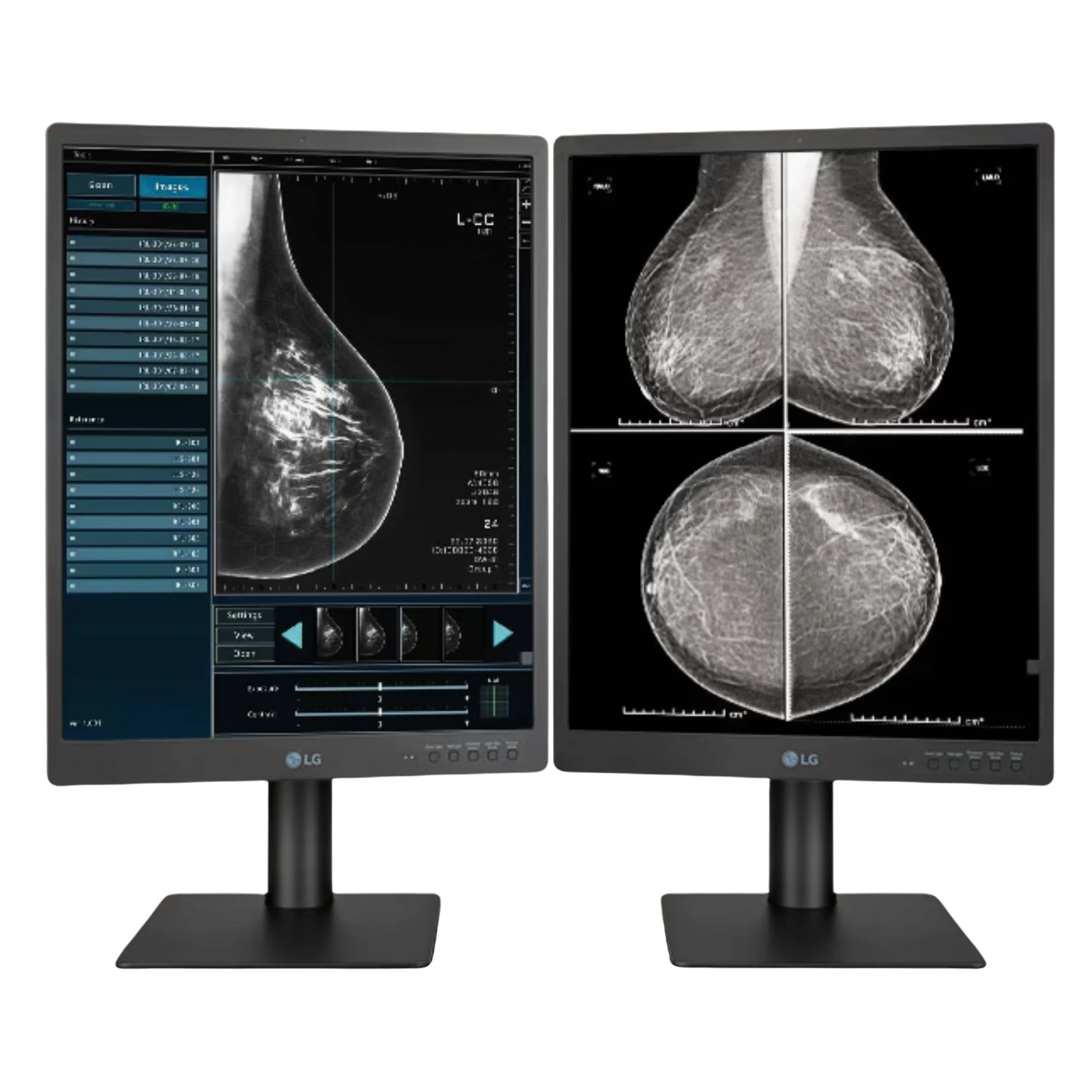
LG 21HQ613D Diagnostic Monitor
21.3" 5MP IPS · DICOM Part 14 · front sensor · displays FFDM, DBT, and breast MRI · higher resolution
View Product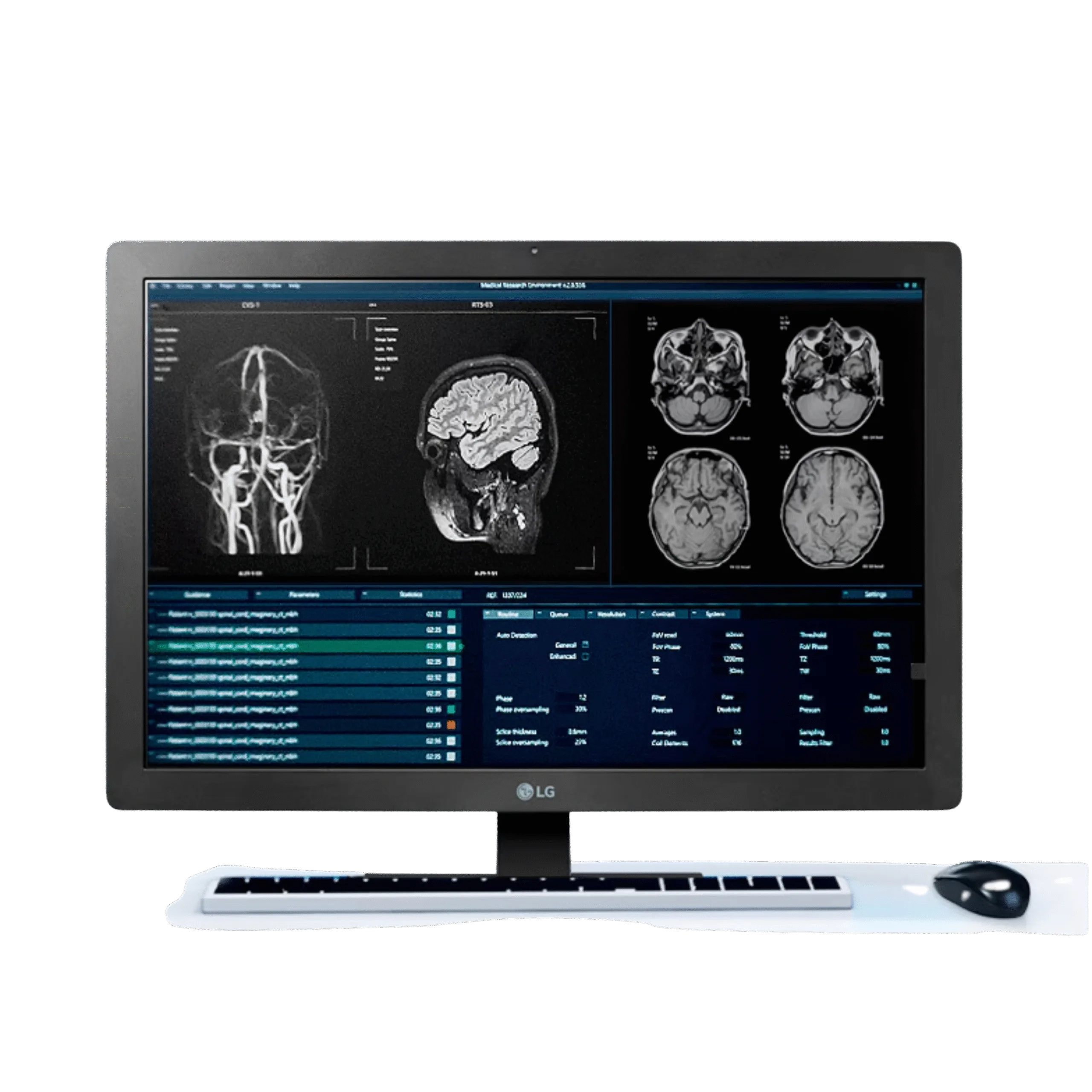
LG 24HR513C Clinical Review Monitor
24" 2MP IPS · DICOM Part 14 · front sensor · daisy chain · clinical review companion
View Product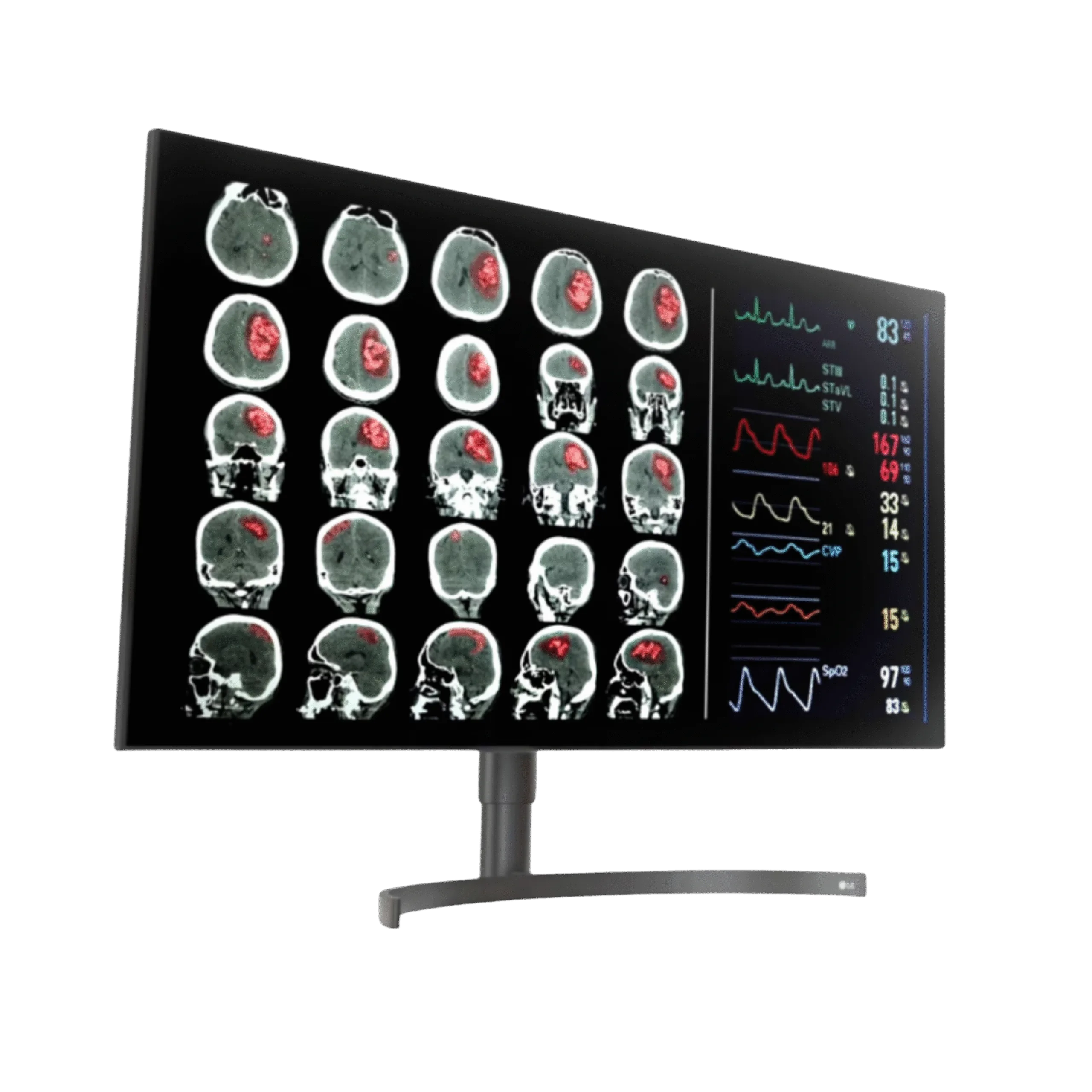
LG 32HL512D Diagnostic Monitor
31.5" 8MP Nano IPS · 450 cd/m² · DCI-P3 98% · large-format primary diagnostic display
View ProductRequest a Quote Today
Get in touch with Medical Outfitters today to request your personalized quote and outfit your facility with confidence.