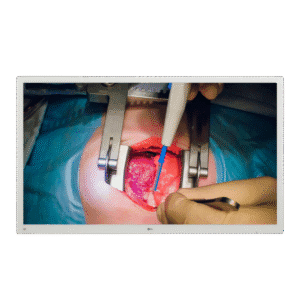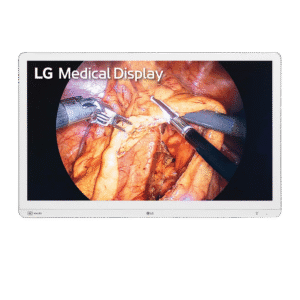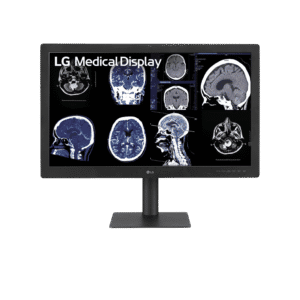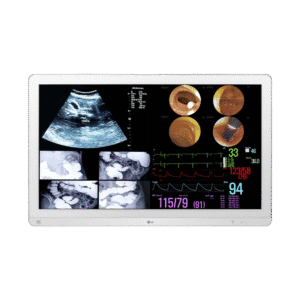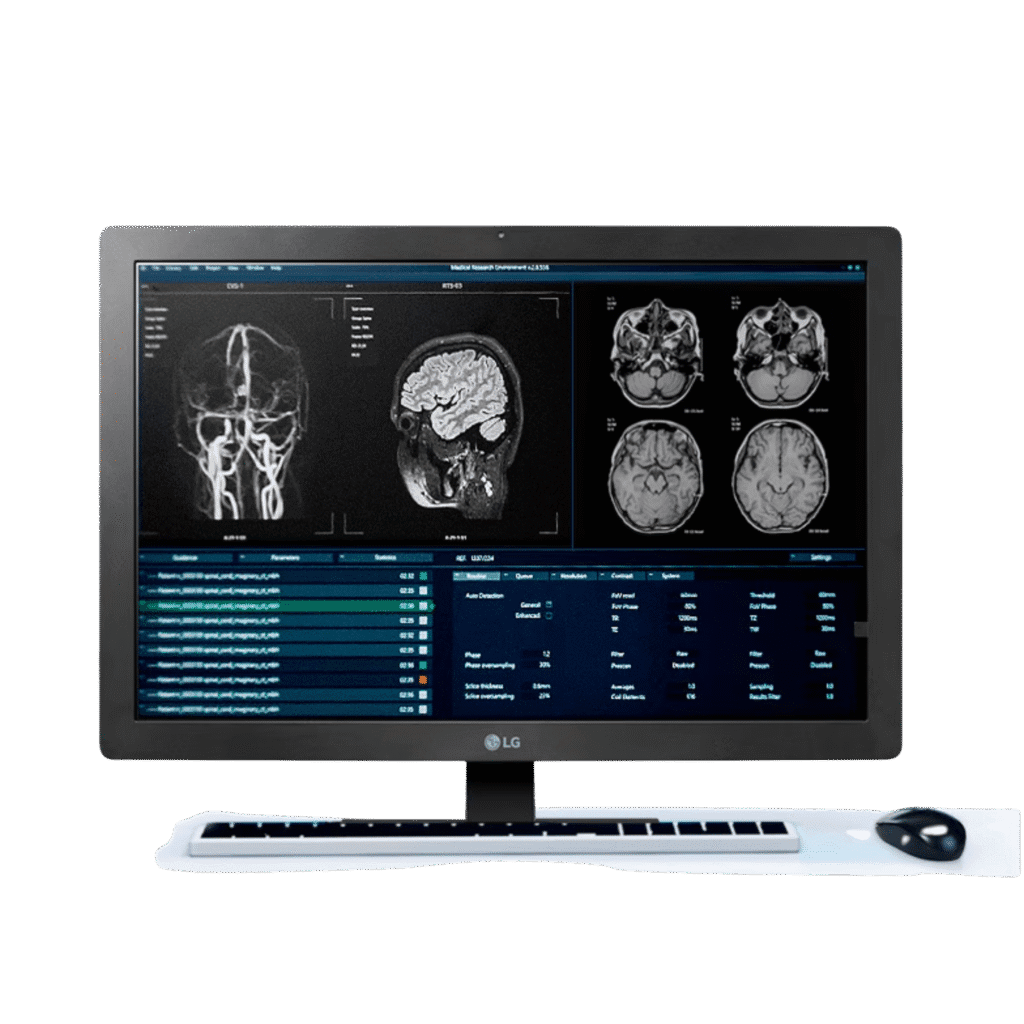
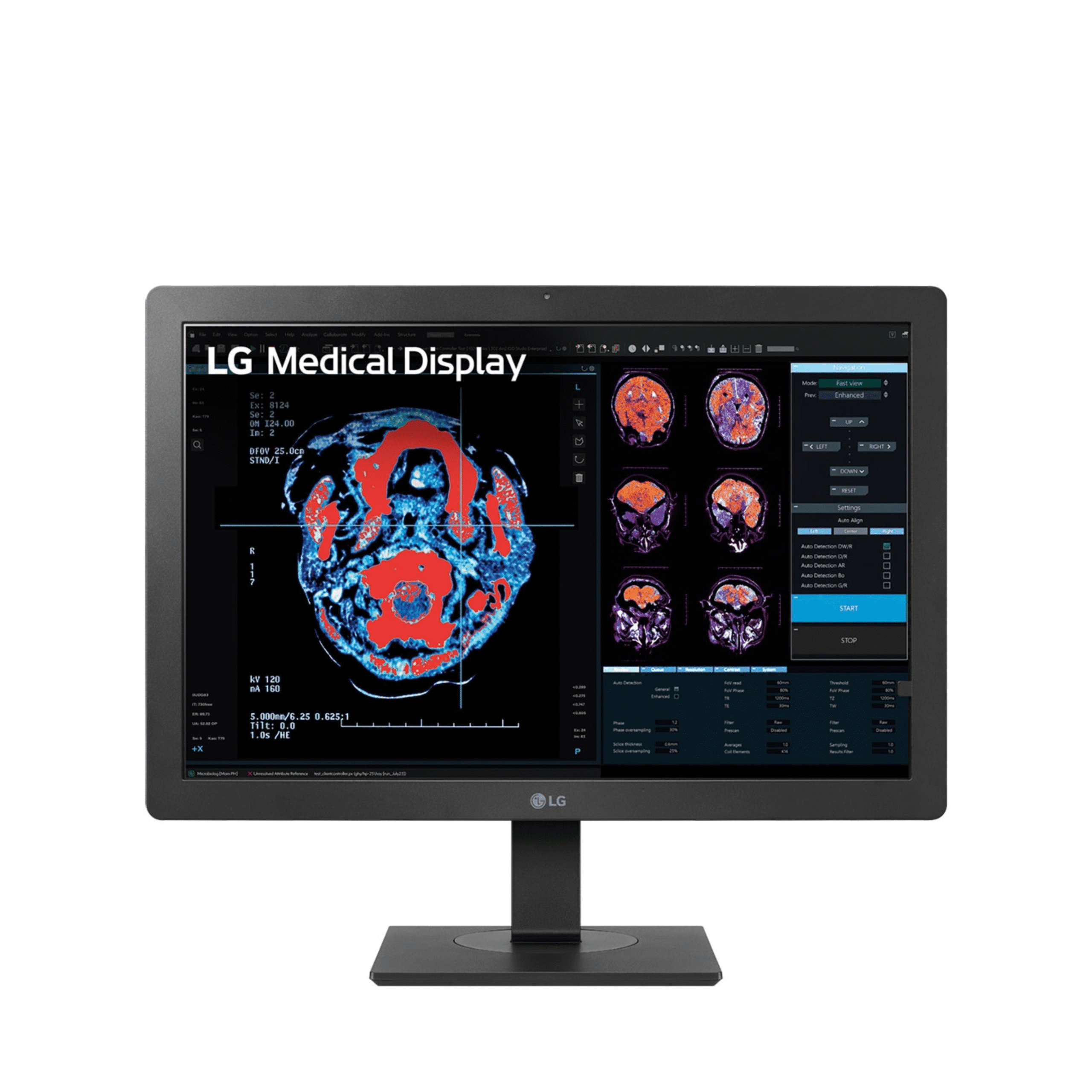
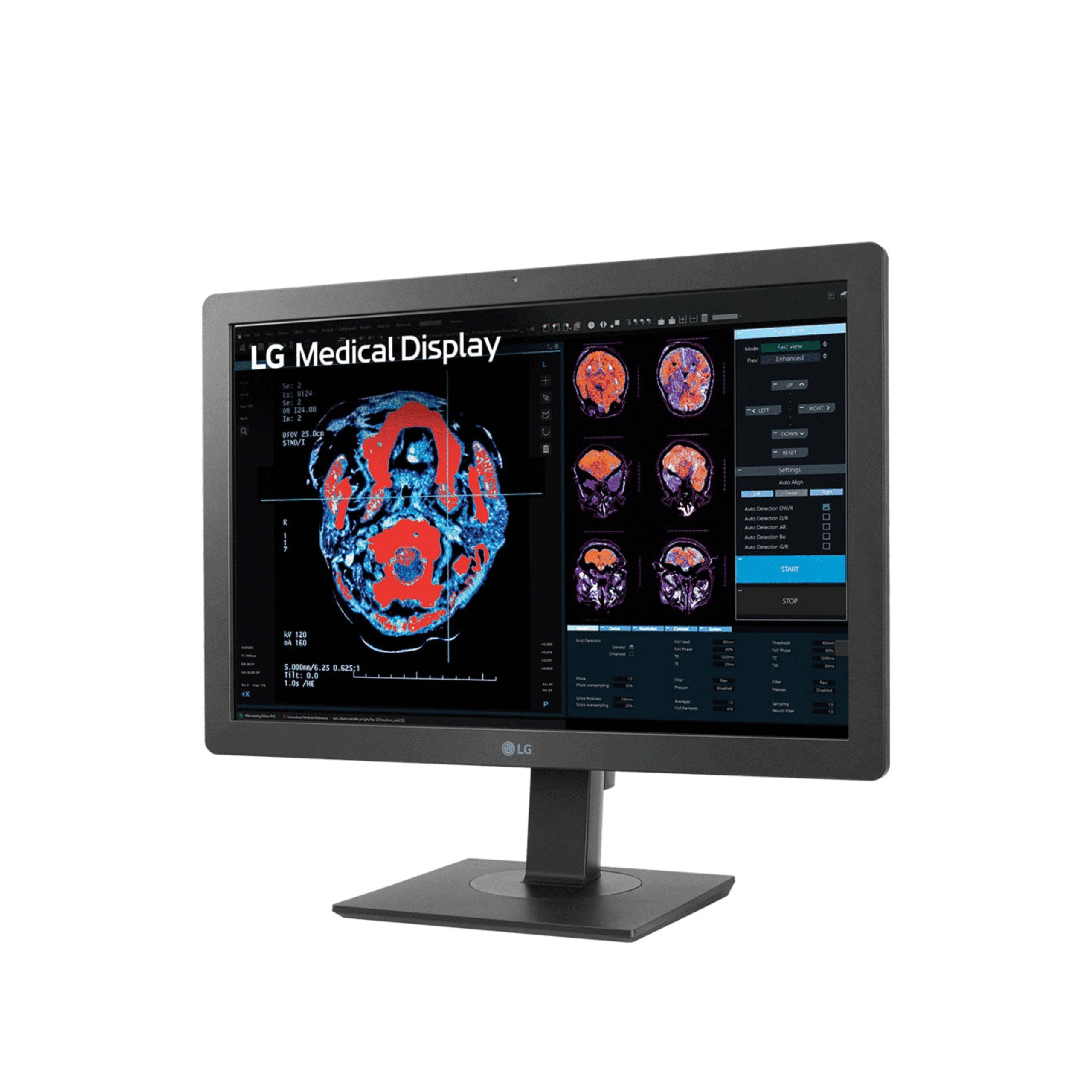
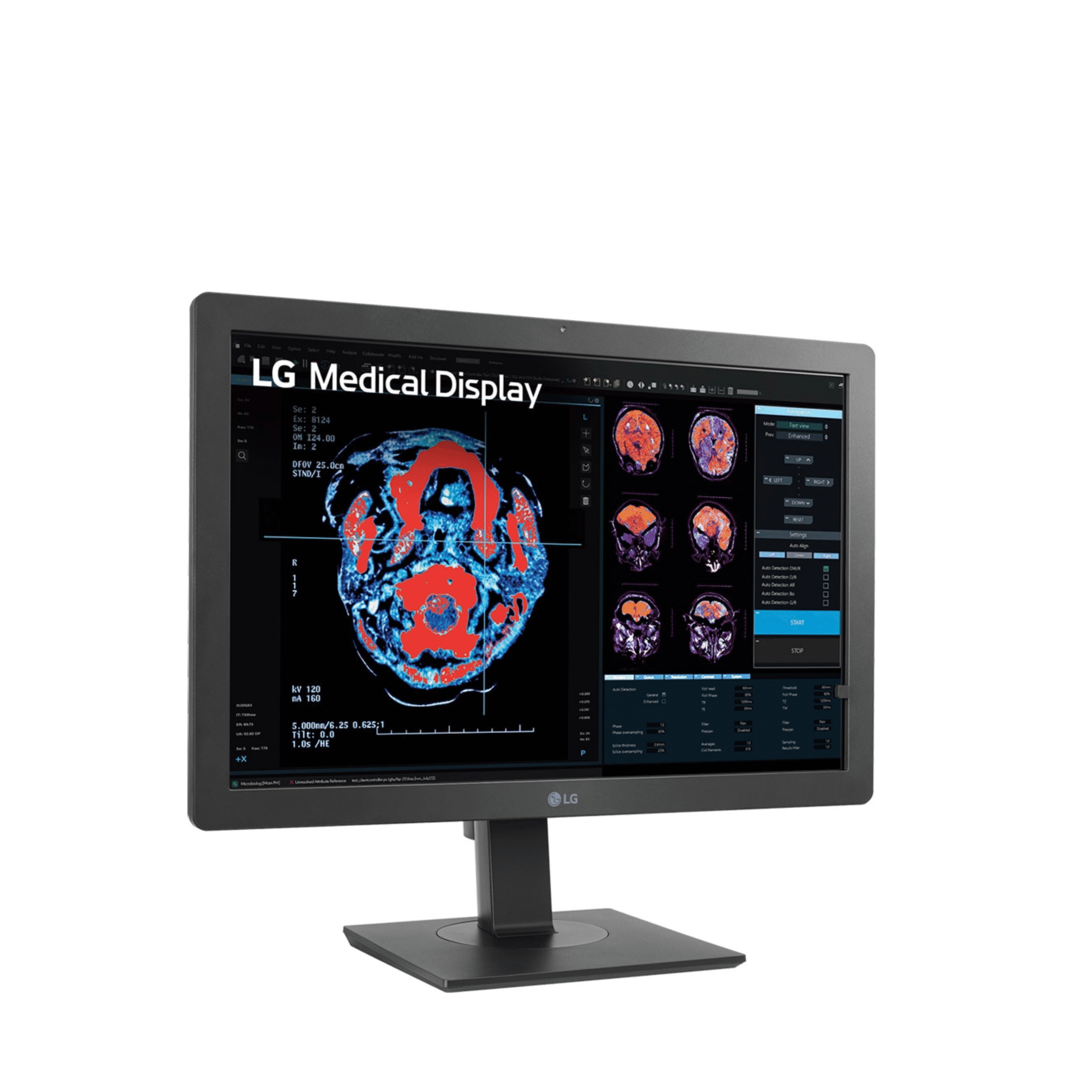
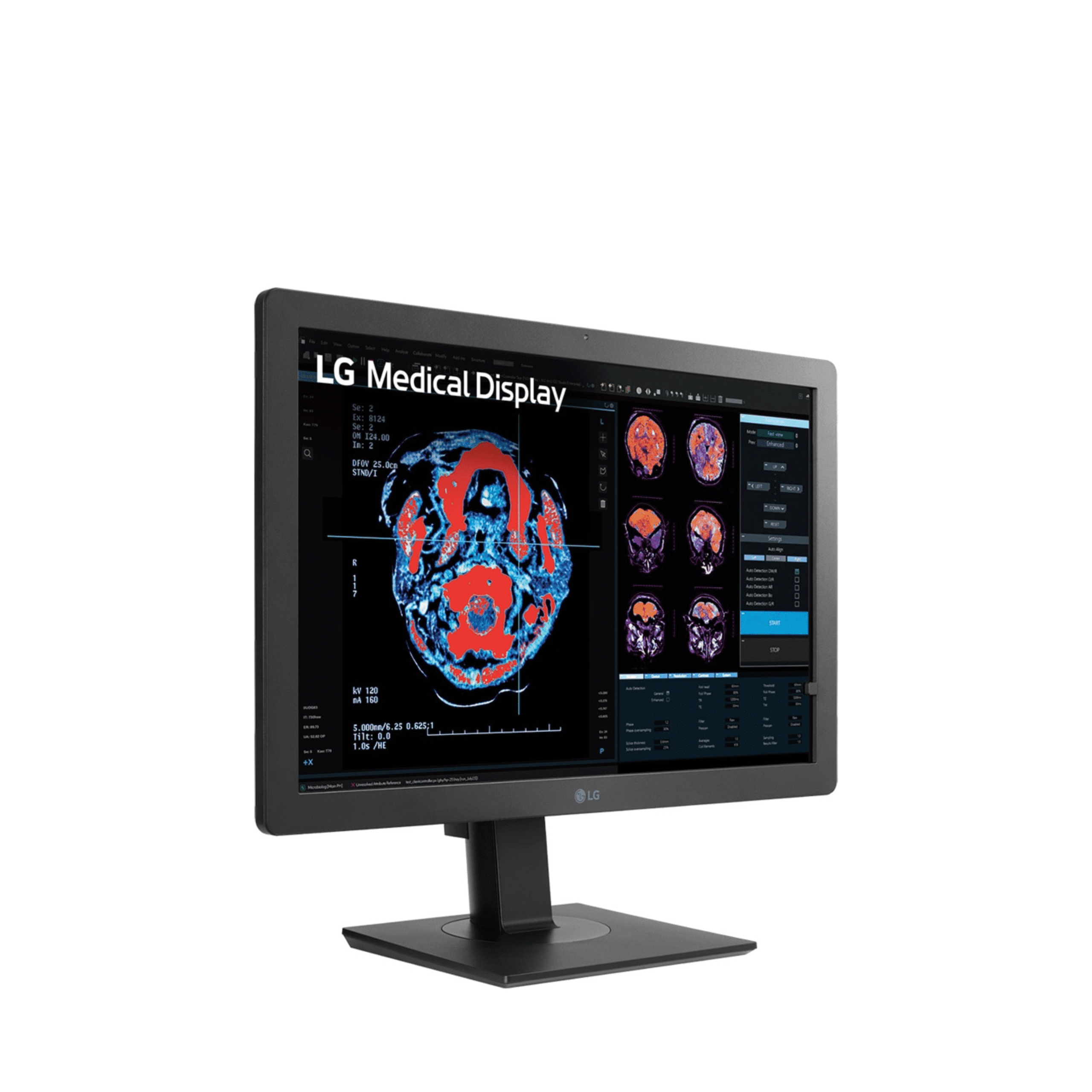
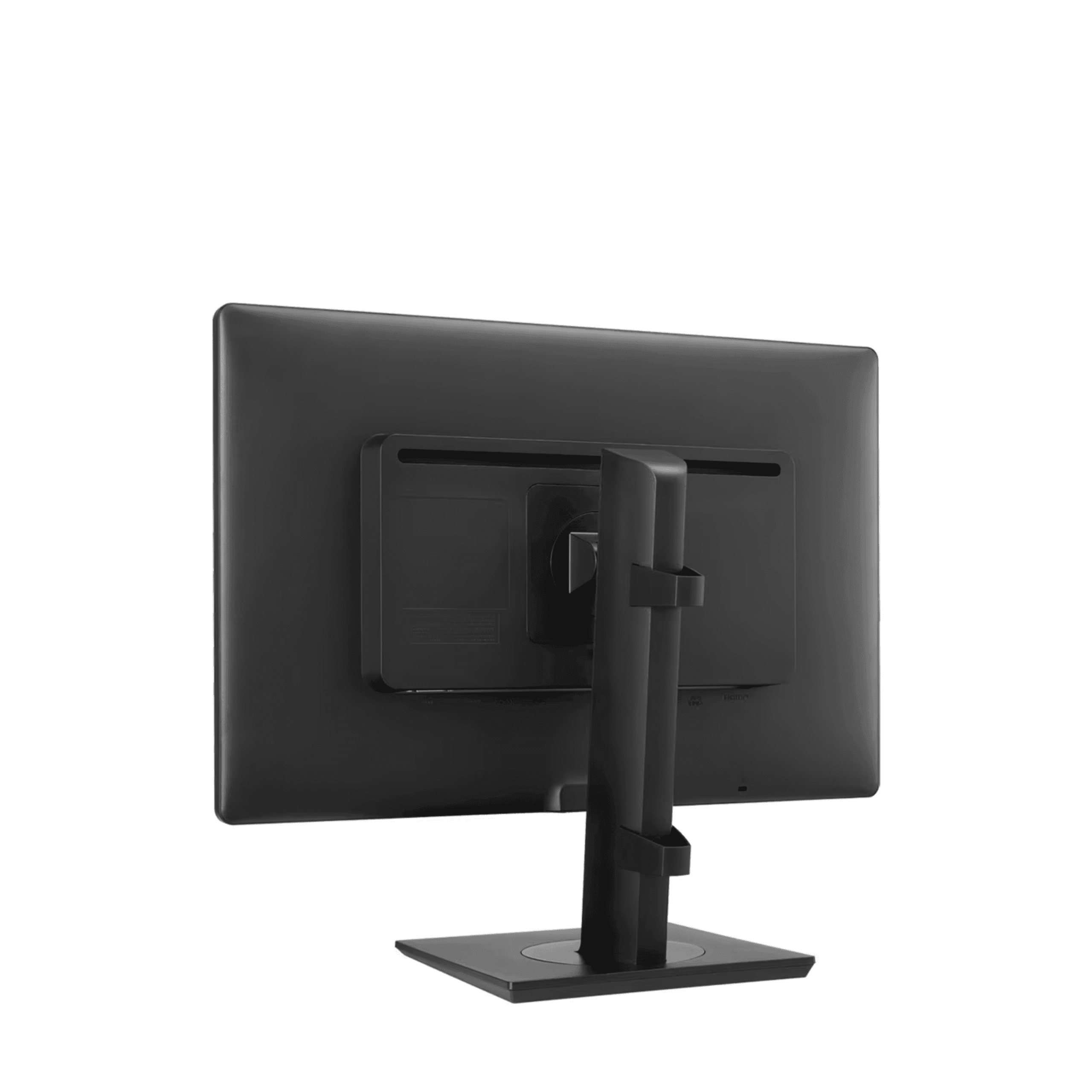
LG 24HR513C: 24" 2MP IPS Clinical Review Monitor with Internal Front Sensor Calibration and Daisy Chain
Authorized LG clinical imaging solutions supplier. The LG 24HR513C is a 24-inch 2MP (1920 by 1200) IPS clinical review monitor built around a built-in front calibration sensor and LG Calibration Studio Medical (LCS Medical), which together enable hardware DICOM calibration and automated QA testing without an external photometer. At 600 cd/m² peak brightness, LG states the 24HR513C is also suitable for use as a diagnostic monitor, and its bundled LCS Medical QA testing uses the AAPM TG18 Secondary category. Focus View Mode and Pathology Mode address specialized clinical review tasks, and DisplayPort daisy chain Out simplifies multi-monitor reading station wiring from a single graphics port. This display is not intended for mammography.
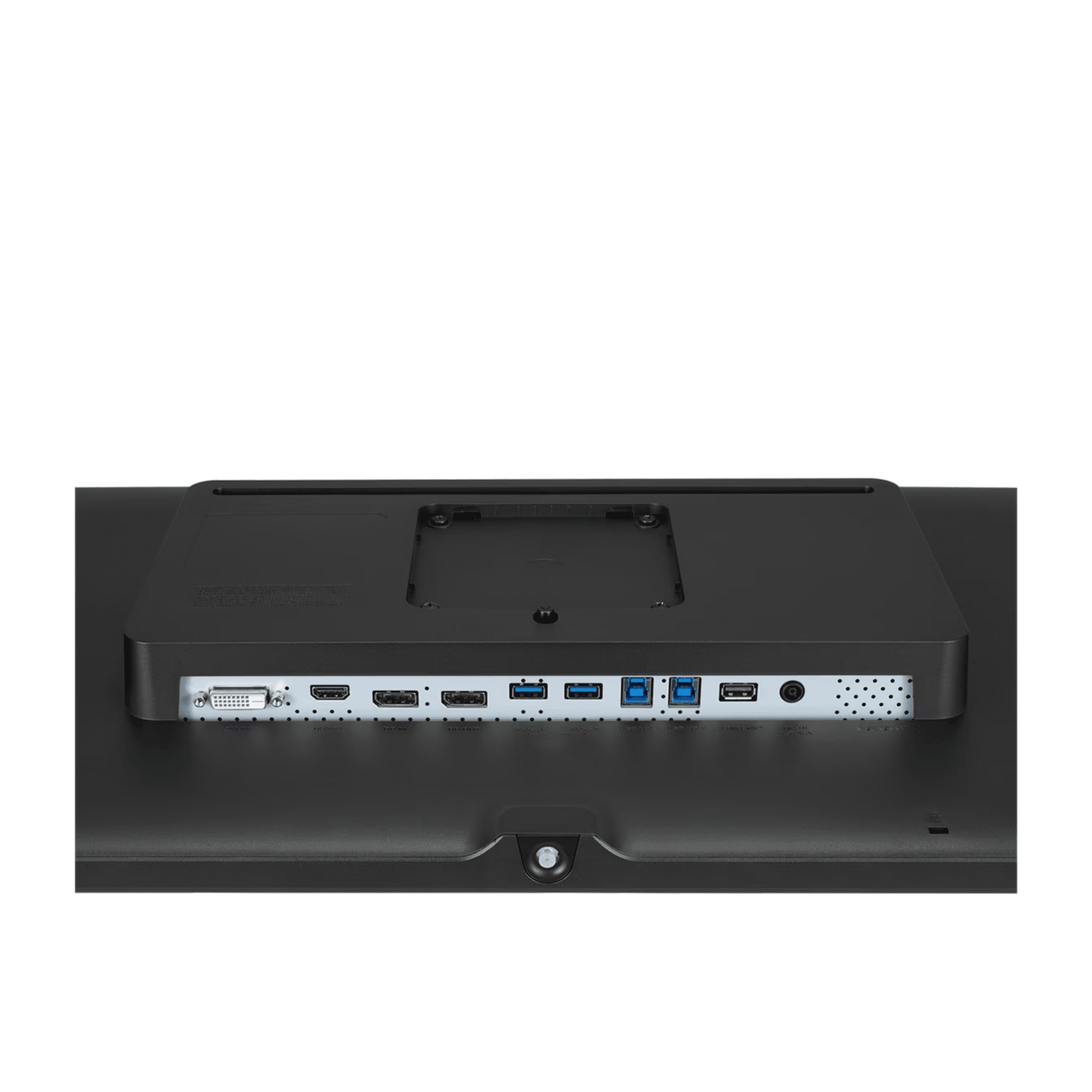
Core specifications: 24-inch IPS panel (1920 by 1200, 16:10) with 600 cd/m² peak brightness and 350 cd/m² stabilized output. DICOM Part 14 compliance with an internal front sensor and LCS Medical QA software. HDMI, DisplayPort In, DVI-D inputs plus a DisplayPort Out daisy chain. Two USB 3.0 Upstream and two USB 3.0 Downstream ports, plus Dual Controller. Focus View, Pathology Mode, Super Resolution+, Reader Mode, Flicker Safe, Auto Luminance Sensor, and bi-directional Auto Pivot. Full ergonomic stand: 150mm height, plus/minus 45 degree swivel, bi-directional pivot.
Watch: LG 24HR513C-2MP: 24" Clinical Review Monitor – Product Video
Need pricing? Get a quote with lead times and volume discounts within one business day.
Internal Front Sensor, LCS Medical QA, and Specialized Viewing Modes
Three capabilities set the 24HR513C apart for clinical review environments. The internal front calibration sensor performs hardware DICOM calibration without an external photometer, which is operationally efficient in multi-monitor reading room fleets. LCS Medical provides automated calibration and quality assurance testing aligned with the major clinical display QC standards. Focus View Mode and Pathology Mode address specialized clinical review tasks, and DisplayPort daisy chain simplifies multi-display reading station wiring. Full technical detail is in the expandable sections below.
Panel: 24 inch IPS, 1920 by 1200 (2MP), 16:10
Brightness: 600 cd/m² typical, 350 cd/m² stabilized
Contrast Ratio: 1,000:1
Response Time: 5 ms gray to gray at faster setting
Viewing Angle: 178° horizontal and 178° vertical
Color Depth: 8-bit
Surface Treatment: Anti-Glare
DICOM Compliance: calibrated to the DICOM Part 14 grayscale display function
Internal Front Sensor: built-in front-facing luminance sensor enables hardware LUT calibration without an external photometer and keeps image quality stable
LCS Medical: LG Calibration Studio Medical for DICOM calibration, simultaneous multi-monitor calibration, and QA testing aligned with AAPM TG18, ACR, DIN 6868-157, IEC 62563-1, NYC PDM, JESRA X-0093, and RANZCR
Super Resolution+: enhances perceived sharpness of lower-resolution source content
Picture Modes: Custom, Mono, Pathology, Text, DICOM, DICOM Custom, Calibration 1, and Calibration 2
Focus View Mode: highlights a selected region of interest while dimming surrounding display content, directing visual attention during clinical review, case presentations, and MDT meetings
Pathology Mode: color profile that provides clarity and color accuracy as if viewing through a microscope, for pathology correlation workflows
Auto Luminance Sensor: adjusts brightness automatically based on ambient room light levels
Reader Mode and Flicker Safe: reduce blue light and backlight flicker for comfortable extended reading sessions
Dual Controller: software KVM, one keyboard and mouse controls two connected computers
DisplayPort Daisy Chain: DP Out passes the signal to a second monitor in series, 2MP at 60 frames per second, from a single workstation DP output, enabling a multi-display reading station without additional graphics ports
Video Inputs: HDMI, DisplayPort In, DVI-D, including legacy workstation compatibility
Bi-Directional Auto Pivot: screen image rotates automatically when the panel is pivoted to portrait orientation in either direction
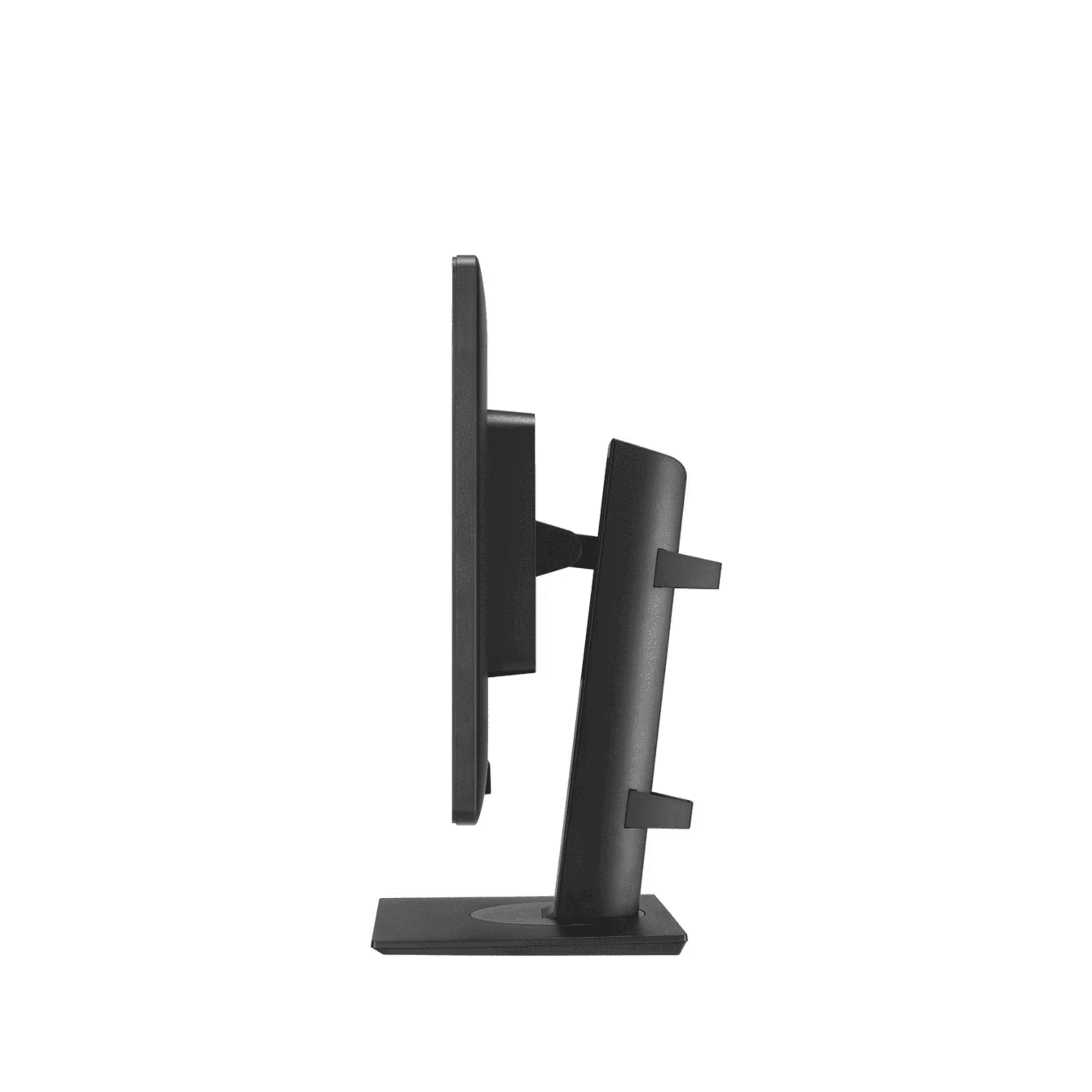
Stand: 150mm height, -5 to +25 degree tilt, plus/minus 45 degree swivel, bi-directional pivot, with VESA 100 by 100 mm
How the 24HR513C compares against a standard office monitor:
The 24HR513C built-in front sensor changes the operational calculus of DICOM compliance for multi-monitor reading rooms. Displays without internal sensors require periodic external photometer visits to each monitor for DICOM calibration, a service cost that multiplies across a large reading room fleet. The 24HR513C internal sensor allows LCS Medical to perform hardware LUT calibration automatically and to calibrate multiple monitors simultaneously, without removing displays from service. For practices running 10 to 50 monitors across multiple reading stations, the calibration operational savings compound over a multi-year display lifecycle.
Full Technical Specifications
Complete reference data for IT procurement, biomed review, and reading room planning. Expand each category for the full specification set required by radiology department heads, IT administrators, and facilities teams evaluating the 24HR513C for PACS workstations and clinical reading room configurations.
| Resolution | 1,920 × 1,200 (2MP) |
| Panel Type | IPS |
| Screen Size | 24" (16:10) |
| Brightness, typical | 600 cd/m² peak, 350 cd/m² stabilized |
| Contrast Ratio | 1,000:1 |
| Response Time | 5 ms gray to gray at faster |
| Viewing Angle | 178° horizontal and 178° vertical |
| Color Depth | 8-bit |
| Surface Treatment | Anti-Glare |
| DICOM Compliance | Part 14 with internal front sensor |
| Calibration Software | LG Calibration Studio Medical (LCS Medical) |
| Picture Modes | Custom, Mono, Pathology, Text, DICOM, DICOM Custom, Calibration 1-2 |
| Weight, with stand | 7.1 kg |
| Weight, without stand | 4.35 kg |
| Dimensions with Stand, W by H by D | 574.2 × 559.4 × 248.2 mm |
| Dimensions without Stand, W by H by D | 574.2 × 382.4 × 59.3 mm |
| VESA Mount | 100 × 100 mm |
| Height Adjustment | 150 mm |
| Tilt | -5 to +25 degrees |
| Swivel | plus/minus 45 degrees |
| Pivot | Bi-directional, with Auto Pivot |
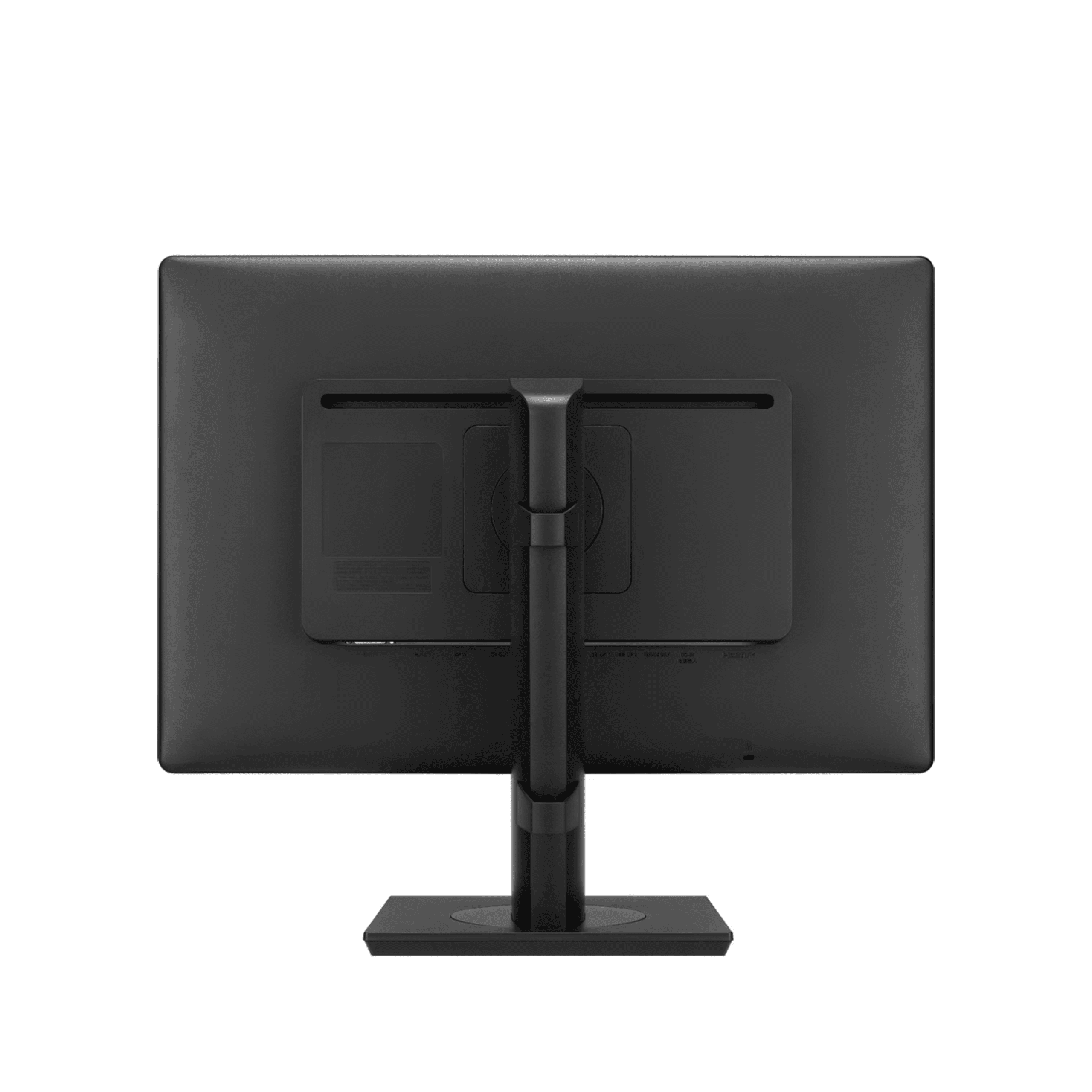
| Video Inputs | HDMI, DisplayPort In, DVI-D |
| DisplayPort Out | Yes, daisy chain to a second monitor, 2MP at 60 frames per second |
| USB Upstream | USB 3.0 × 2 |
| USB Downstream | USB 3.0 × 2 |
| Power Input | 100 to 240 Vac, 50/60 Hz |
| Power Consumption, maximum | 65 W |
| Power Consumption, DC off | Less than 0.3 W |
| Calibration | Internal front sensor, LCS Medical, hardware DICOM QA |
| Viewing Modes | Focus View Mode, Pathology Mode |
| Multi-Source | Dual Controller, software KVM |
| Auto Features | Bi-directional Auto Pivot, Auto Luminance Sensor |
| Eye Comfort | Reader Mode, Flicker Safe |
| Image Enhancement | Super Resolution+ |
| QA Standards | AAPM TG18, ACR, DIN 6868-157, IEC 62563-1, NYC PDM, JESRA X-0093, RANZCR |
| Intended Use | Clinical review, not intended for mammography |
Clinical Applications
Deployed across radiology reading rooms, clinical review workstations, PACS review stations, and multi-display environments where high brightness, self-calibration capability, daisy chain connectivity, and specialized viewing modes provide operational and clinical value.
600 cd/m² peak brightness, which exceeds the ACR 350 cd/m² luminance guideline, and DICOM Part 14 calibration make the 24HR513C suited to clinical review of general radiology, CT, MRI, and ultrasound studies. LG states the brightness also makes it suitable for use as a diagnostic monitor, and the bundled LCS Medical QA uses the AAPM TG18 Secondary category.
The internal front sensor and LCS Medical automated, simultaneous multi-monitor calibration eliminate external photometer service visits for each display. For reading rooms with 10 to 50 displays, the accumulated calibration time and service cost savings over a multi-year fleet lifecycle are a significant operational advantage over monitors that need external calibration equipment.
Pathology Mode provides clarity and color accuracy as if viewing through a microscope, enabling digital pathology review alongside clinical imaging studies on the same display without a separate dedicated pathology monitor. Focus View Mode isolates specific regions for detailed inspection.
DisplayPort Out passes the video signal to additional displays in series from a single workstation output. LG’s reference setup shows patient charts on a 24HR513C with medical images on two 3MP diagnostic monitors such as the 21HQ513D, configured without extra graphics ports or video distribution hardware.
Bi-directional Auto Pivot automatically rotates the screen image when the panel is pivoted to portrait orientation, convenient for radiology report reading, EMR document review, and long-format image inspection. The 150mm height and full swivel range accommodate different desk configurations and reader posture preferences.
Calibration, Connectivity, and Viewing Mode Details
Internal front sensor calibration, specialized clinical viewing modes, DisplayPort daisy chain, bi-directional Auto Pivot, and high-brightness DICOM compliance combine to support clinical reading rooms, PACS workstations, and general review environments. Expand each section for detail required by radiologists, IT administrators, and biomed teams evaluating the 24HR513C.
Built-In Front Calibration Sensor: The 24HR513C incorporates an internal front-facing luminance sensor that enables hardware DICOM calibration without an external photometer. The sensor measures display output directly and corrects the hardware LUT to maintain DICOM Part 14 grayscale accuracy and keep image quality stable, reducing service visit frequency in multi-monitor reading rooms.
LG Calibration Studio Medical (LCS Medical): LCS Medical provides DICOM calibration, fast and simultaneous calibration of multiple monitors, and quality assurance testing aligned with AAPM TG18, ACR, DIN 6868-157, IEC 62563-1, NYC PDM, JESRA X-0093, and RANZCR. It generates QC reports for documentation in formal departmental QA programs.
Brightness Stabilization: Stabilized output at 350 cd/m2 maintains consistent luminance between calibration cycles over the display life.
Focus View Mode: Highlights a user-selected region of interest while dimming the surrounding content, using just the mouse and keyboard to select and focus on areas of concern. This isolates the area under review for detailed inspection without distraction, which is useful during clinical review sessions and case presentations where attention direction matters.
Pathology Mode: Applies a color profile that provides image clarity and color accuracy as if you were looking through a microscope, supporting pathology correlation workflows where digital slide content is reviewed alongside clinical images on the same display, without a separate dedicated pathology display.
Auto Luminance Sensor: Adjusts display brightness automatically based on ambient room light levels, reducing eye strain in reading rooms where lighting conditions vary through the day.
Video Inputs: HDMI, DisplayPort In, and DVI-D provide broad compatibility with PACS workstations, modality output systems, and legacy clinical equipment. DVI-D accommodates older radiology workstations that do not support HDMI or DisplayPort.
DisplayPort Daisy Chain: The DP Out port connects a second monitor in series, 2MP at 60 frames per second, from a single graphics port, enabling a multi-display reading station from a workstation with one DisplayPort output. LG’s reference example pairs a 24HR513C with two 3MP diagnostic monitors such as the 21HQ513D, with patient charts on the 24HR513C and medical images on the 3MP displays.
USB 3.0 Hub: Two USB 3.0 Upstream ports and two USB 3.0 Downstream ports provide multi-system peripheral connectivity, and Dual Controller lets one keyboard and mouse control two connected computers.
Bi-Directional Auto Pivot: When the panel is physically rotated to portrait orientation in either direction, the display signal automatically rotates to match, eliminating manual display rotation settings for radiology report reading and long-format image review in portrait mode.
Full Ergonomic Range: 150mm height adjustment, -5 to +25 degree tilt, plus/minus 45 degree swivel, and bi-directional pivot cover the full range of reading station adjustments for extended reading sessions and variable desk configurations.
Reader Mode and Flicker Safe: Reduce blue light and backlight flicker for comfortable extended reading.
One-Click Stand: Tool-less assembly for quick installation. VESA 100 by 100 mm for monitor arm mounting as an alternative to the desk stand.
600 cd/m2 Peak Brightness: The 24HR513C peak brightness exceeds the ACR-AAPM-SIIM minimum luminance guideline of 350 cd/m2, providing headroom for reading in environments with variable ambient light. LG states this brightness also makes the display suitable for use as a diagnostic monitor.
DICOM Part 14 Compliance: Calibrated to the DICOM Part 14 grayscale display function for consistent luminance reproduction across modalities at clinical review workstations.
Intended Use: The 24HR513C is an LG clinical review monitor, and its bundled LCS Medical QA testing uses the AAPM TG18 Secondary category. It is not intended for mammography. For mammography use dedicated 5MP MQSA-compliant displays, and for high-resolution primary diagnostic reading see dedicated 3MP, 5MP, or 8MP diagnostic displays.
Regulatory Compliance and Quality Standards
The LG 24HR513C is a clinical review monitor calibrated to DICOM Part 14, with LG Calibration Studio Medical quality assurance testing aligned with AAPM TG18, ACR, DIN 6868-157, IEC 62563-1, NYC PDM, JESRA X-0093, and RANZCR standards. LG states the 600 cd/m² brightness also makes it suitable for use as a diagnostic monitor, the bundled QA testing uses the AAPM TG18 Secondary category, and the display is not intended for mammography. Medical Outfitters Inc. is independently ISO 13485:2016 certified.
DICOM Part 14: Calibrated to the DICOM Part 14 grayscale display function for clinical review applications.
Internal Front Sensor: Built-in sensor enables hardware LUT calibration without an external photometer, supporting automated QA workflows.
LCS Medical: LG Calibration Studio Medical supports DICOM calibration, simultaneous multi-monitor calibration, and QC testing aligned with AAPM TG18, ACR, DIN 6868-157, IEC 62563-1, NYC PDM, JESRA X-0093, and RANZCR for formal departmental QA programs.
Brightness Stabilization: Stabilized output at 350 cd/m2 maintains luminance consistency between calibration cycles.
Clinical Review Monitor: LG classifies the 24HR513C as a clinical review monitor. Its bundled LCS Medical QA testing uses the AAPM TG18 Secondary category.
High Brightness: At 600 cd/m2, LG states the 24HR513C is also suitable for use as a diagnostic monitor, with luminance above the ACR-AAPM-SIIM 350 cd/m2 guideline.
Not Intended for Mammography: This display is not intended for mammography interpretation. For mammography use dedicated 5MP MQSA-compliant displays, and confirm the appropriate display class for your reading task with your physicist.
ISO 13485: LG manufactures its medical displays under an ISO 13485 quality management system, and Medical Outfitters is independently ISO 13485:2016 certified as a clinical imaging solutions supplier.
Power: 100 to 240 Vac, 50/60 Hz. Maximum power consumption 65 W. DC Off mode less than 0.3 W.
Note: Features, standards, and specifications may vary by region and are subject to change without notice. Confirm current regional certifications with Medical Outfitters before procurement.
PACS & Calibration Compatibility Review
Share your PACS system, daisy chain display layout, and LCS Medical QA schedule requirements. Our imaging specialists confirm the 24HR513C signal routing, internal sensor calibration setup, and AAPM TG18 and IEC 62563-1 QA configuration before your order ships.
Hospital Procurement & RFP Support
Volume pricing, technical documentation, and logistics coordination for radiology practices, imaging centers, and GPO procurement teams. Full biomed documentation package available for clinical display procurement review.
Frequently Asked Questions
Common questions from radiologists, imaging center administrators, IT managers, and procurement teams evaluating the LG 24HR513C for clinical review stations, multi-monitor reading rooms, PACS workstations, and pathology correlation workflows.
The 24HR513C is an LG clinical review monitor, and LG states that its high 600 cd/m2 brightness also makes it suitable for use as a diagnostic monitor for general radiology, CT, MRI, and ultrasound review. It is calibrated to DICOM Part 14 and exceeds the ACR-AAPM-SIIM 350 cd/m2 luminance guideline, and the bundled LCS Medical QA testing uses the AAPM TG18 Secondary category. It is not intended for mammography; for mammography use dedicated 5MP displays that meet MQSA requirements, and for high-resolution primary diagnostic reading see dedicated 3MP, 5MP, or 8MP diagnostic displays.
The integrated front-facing luminance sensor enables hardware DICOM calibration directly from LCS Medical without an external photometer. The sensor measures the actual light output at the display surface and corrects the internal hardware lookup table to match the DICOM Part 14 target. In multi-monitor reading room environments this eliminates the need to schedule external photometer service visits for each display, reducing the time and cost of maintaining DICOM compliance across the monitor fleet.
LCS Medical is LG’s medical display calibration and QA software. It supports DICOM Part 14 calibration using the built-in front sensor, fast and simultaneous calibration of multiple monitors, and quality assurance testing aligned with AAPM TG18, ACR, DIN 6868-157, IEC 62563-1, NYC PDM, JESRA X-0093, and RANZCR standards. LCS Medical generates QC reports for documentation in departmental QA programs.
Focus View highlights a selected region of interest on the display while dimming the surrounding content, letting you select and focus on areas of concern with the mouse and keyboard. It directs visual attention to a specific finding during clinical review and case presentations, and is useful during MDT meetings and case discussions where drawing the team’s attention to a region of the image matters.
Pathology Mode applies a color profile that provides image clarity and color accuracy as if you were looking through a microscope. It is intended for pathology correlation workflows where digital pathology content is reviewed alongside clinical imaging studies on the same display, maintaining consistent color rendering without a separate dedicated pathology display at the workstation.
The 24HR513C includes a DisplayPort In and a DisplayPort Out. The DP Out passes the video signal through to a second monitor in series (2MP at 60Hz), creating a multi-display reading station from a single workstation DisplayPort output without a second graphics card port or video distribution hardware. LG’s reference example connects a 24HR513C showing patient charts with two 3MP diagnostic monitors (such as the 21HQ513D) showing medical images.
Auto Pivot is bi-directional and uses the monitor’s orientation sensing to automatically rotate the screen image when the panel is physically pivoted to portrait orientation, in either direction. It works with Windows and most major operating systems that support display rotation through standard graphics drivers, without additional software, which is convenient for radiology report reading and long-format document review in portrait mode.
Through Medical Outfitters Inc., ISO 13485:2016 certified, Miami, FL. New, refurbished, and used units with configuration support and nationwide delivery. Specialists in clinical review and diagnostic monitors, radiology display solutions, and PACS workstation configurations. Call (305) 885-4045 or request a quote online. Volume pricing and GPO-compatible quoting available for hospital systems and multi-site imaging networks.
Compatible Equipment
The 24HR513C pairs well with higher-resolution LG displays in daisy chain reading stations. For 8MP clinical review and primary diagnostic reading, Medical Outfitters offers these related LG monitors.
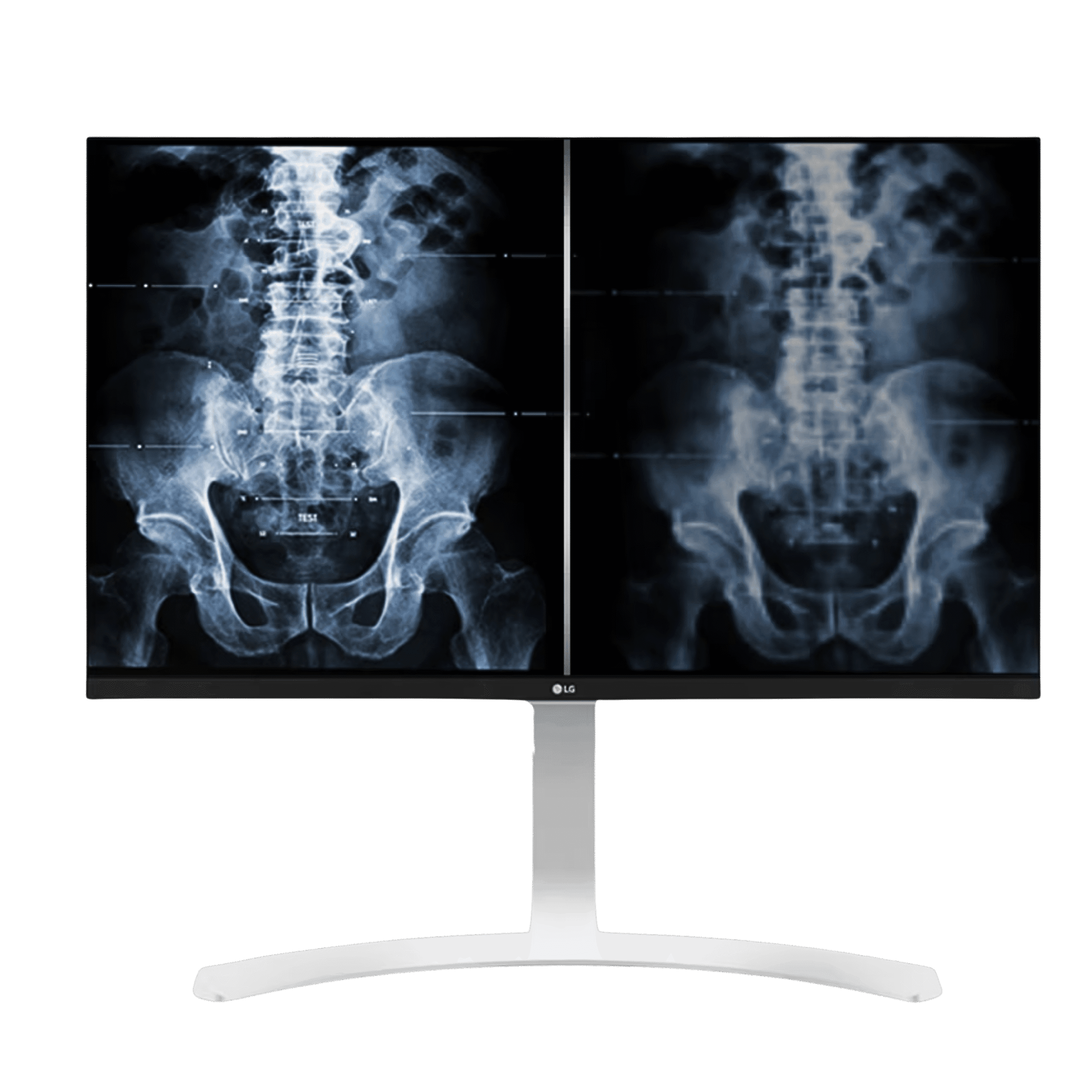
LG 27HJ712C-W Clinical Review Monitor
27" 8MP IPS · DICOM Part 14 · True Color Pro · compact stand · higher resolution review
View Product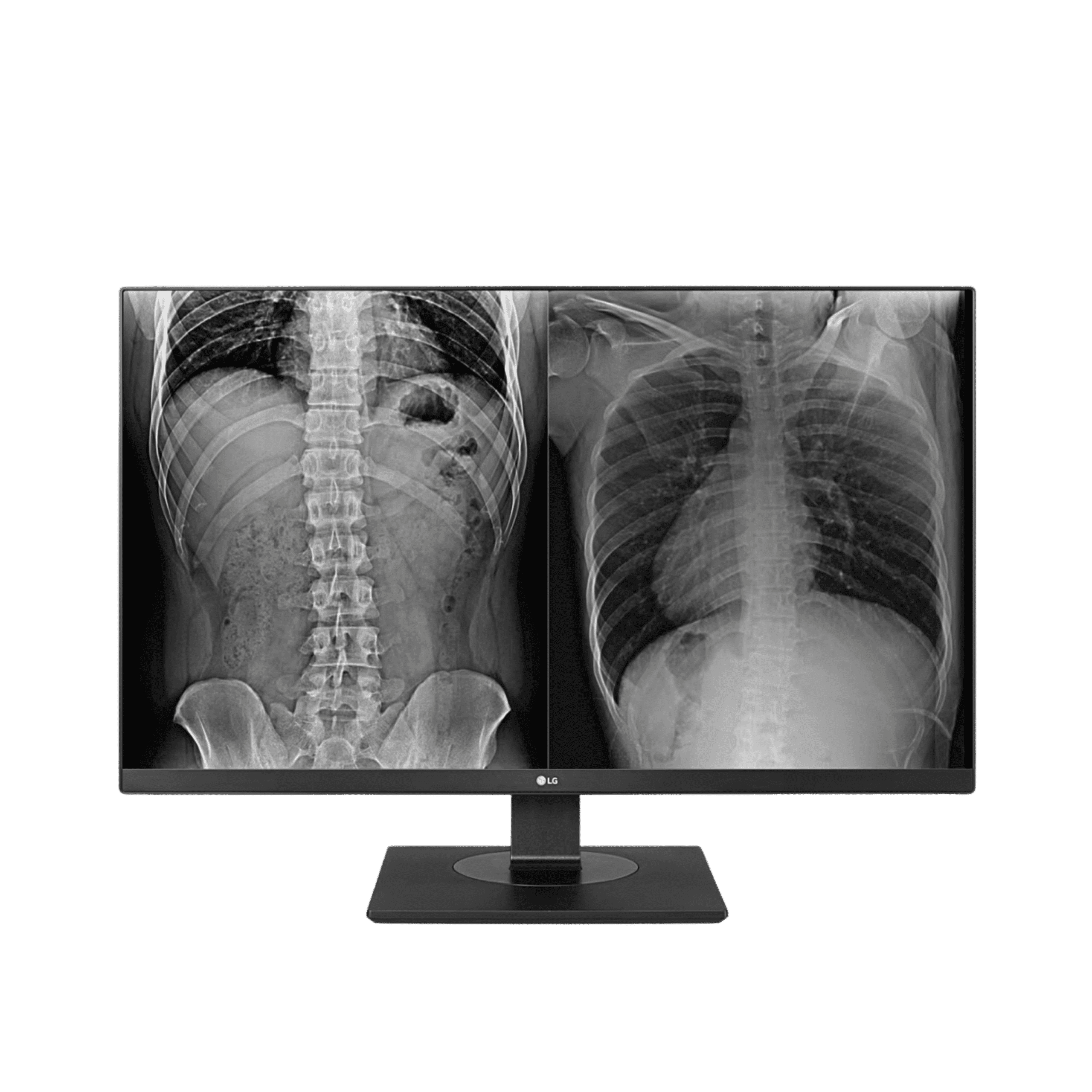
LG 27HJ713C Clinical Review Monitor
27" 8MP IPS · DICOM Part 14 · two-way pivot · 150mm height · enhanced ergonomic stand
View Product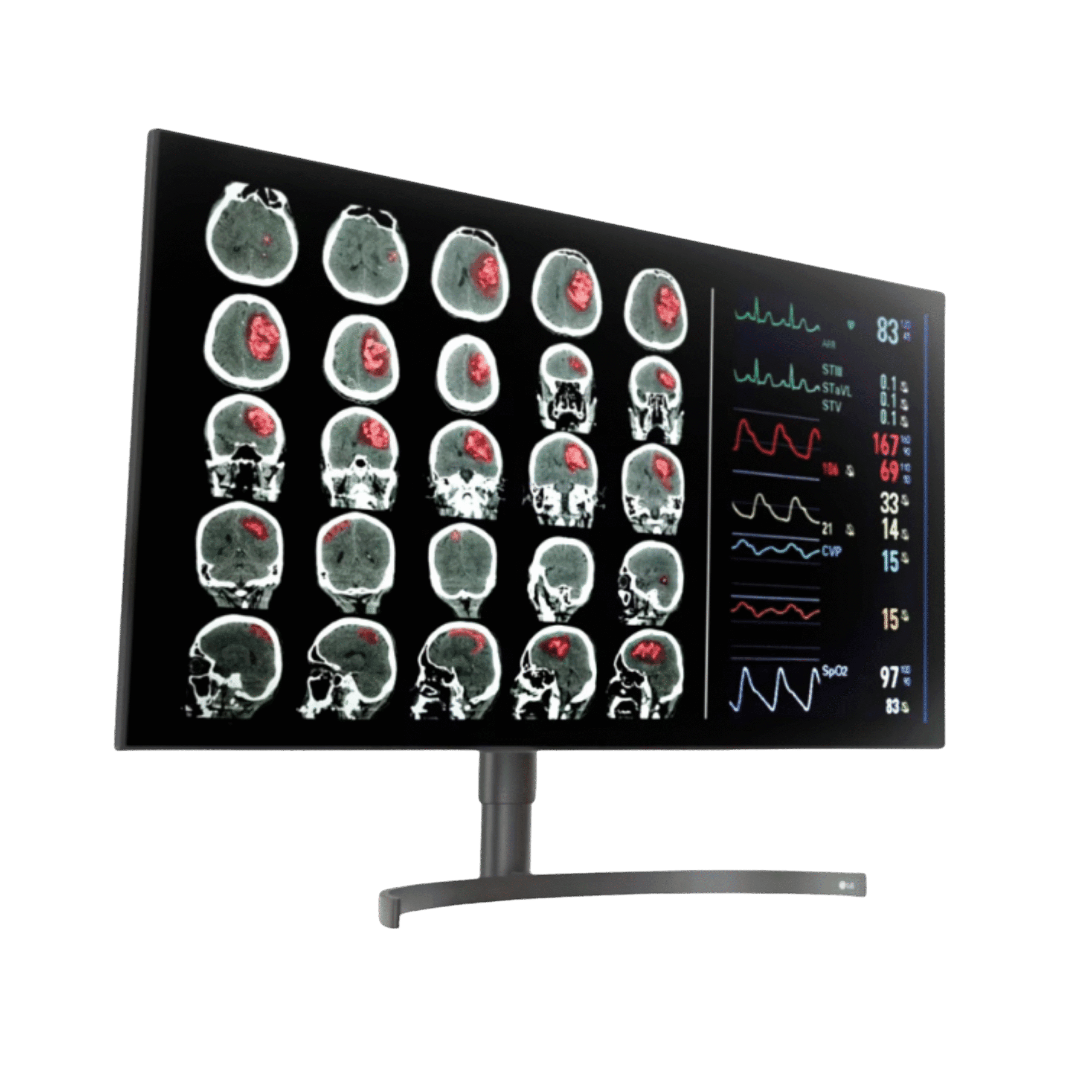
LG 32HL512D Diagnostic Monitor
31.5" 8MP Nano IPS · 450 cd/m² · DCI-P3 98% · primary diagnostic display
View ProductRequest a Quote Today
Get in touch with Medical Outfitters today to request your personalized quote and outfit your facility with confidence.